Best Automation Tools for SMEs
The best automation tools for SMEs: criteria, use cases and integrations to reduce manual tasks, errors and operating time every day in your business.
A request for a quote arrives by email, a salesperson copies it into the CRM, the administration team checks the customer record in another software program, and the customer waits. It is in these repeated steps that the best automation tools for SMEs create value: not because they add technology, but because they eliminate delays, errors and invisible handoffs that slow down business.
For an SME, automation does not mean buying dozens of platforms or replacing every task with artificial intelligence. It means identifying processes that consume time without increasing the value perceived by the customer, then connecting people, data and applications in a controllable workflow. The result must be measurable: fewer operational hours, faster responses, reliable information and a greater ability to handle volume without immediately expanding the team.
The best automation tools for SMEs start with the process
The right question is not which software to buy, but which inefficiency costs the most. An excellent platform inserted into a confusing process only digitizes the confusion. Before selecting tools, it is useful to map the actual workflow: where a request comes in, who takes ownership of it, which data is copied, where delays occur and where information is lost.
A good candidate for automation has three characteristics: it is recurring, follows fairly clear rules and currently requires several manual steps. Lead capture, document follow-ups, ticket assignment, order status updates and the preparation of periodic reports often fall into this category.
The decisive criterion is impact. If a task takes a few minutes but is performed fifty times a day, it deserves attention before a more complex but infrequent process. Similarly, a workflow that causes errors in invoices, deliveries or customer data can cost more than the hours spent on it alone.
Platforms to consider by operational area
There is no ranking that applies to every business. There are families of tools, each suited to a different part of operations. The choice depends on the software already in place, the quality of available data, the number of users and the level of customization required.
CRM and sales automation
For many SMEs, the CRM is the first investment because it centralizes contacts, opportunities, sales activities and interaction history. Solutions such as HubSpot, Pipedrive and Zoho CRM can automate lead assignment, reminder creation, follow-up emails and deal progression based on predefined conditions.
The difference is not just the number of features. HubSpot is often a good fit for those who want a broad ecosystem for marketing, sales and support, but costs can increase with users and features. Pipedrive is more focused on the sales pipeline and may be quick to adopt. Zoho is attractive to those seeking an extensive, modular environment, but it requires careful configuration to avoid opaque processes.
The CRM delivers results when it becomes the single source of sales information. If quotes, notes and activities remain scattered across spreadsheets, emails and chats, automation remains partial.
Integrations between applications and workflows
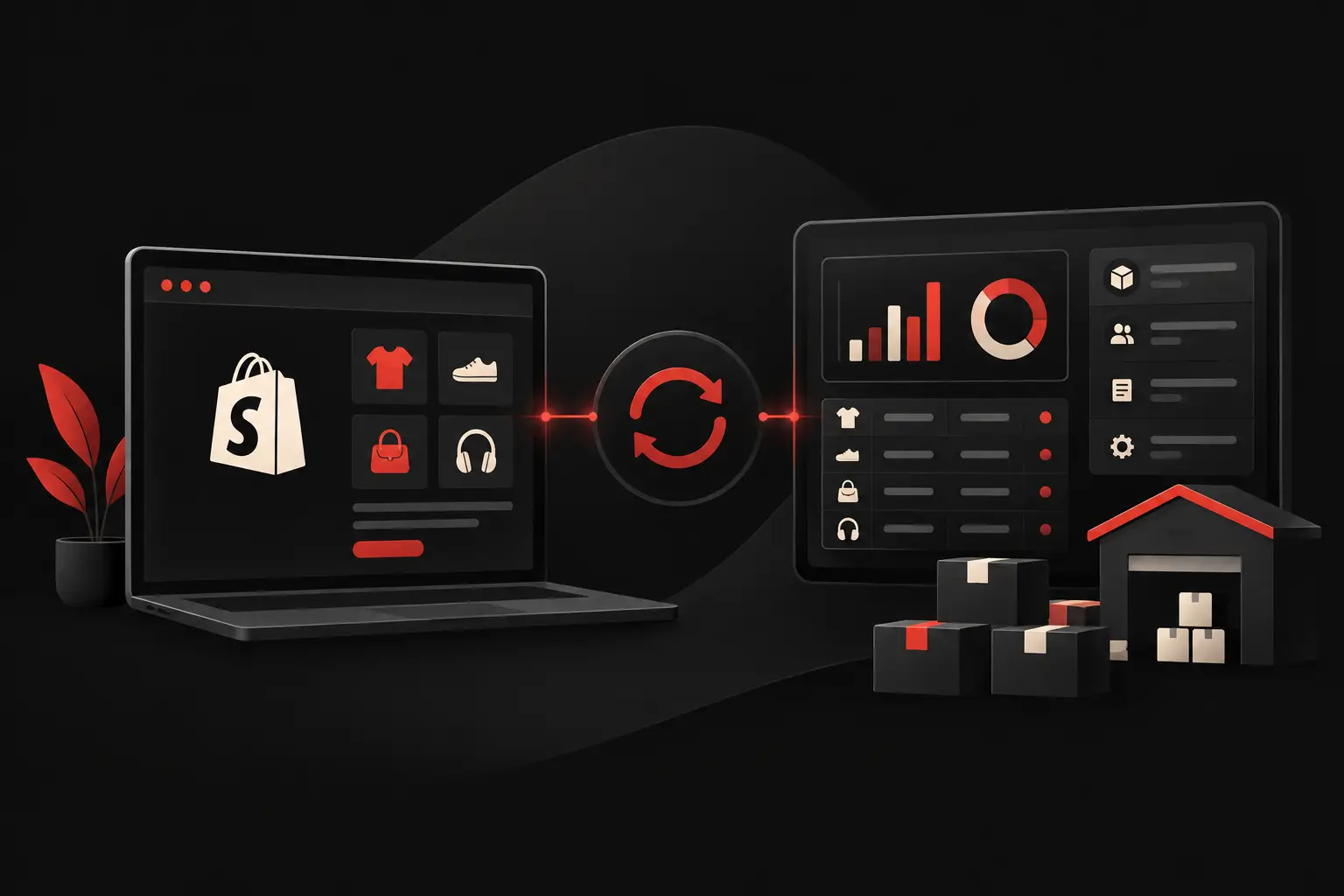
Make, Zapier and n8n are tools designed to make different software applications work together. A form submitted on the website can create a contact in the CRM, send a notification to the right department, generate a task and store the data in a management system. An e-commerce order can update inventory availability, trigger post-sale communications and send information to logistics.
Zapier is known for its ease of use and broad range of available integrations. Make offers greater visual control over workflows and data transformations. n8n is an interesting choice when technical flexibility, more complex logic or more direct infrastructure management is needed. However, none of the three replaces careful design: a workflow without error checks can duplicate incorrect data much faster than a person.
For critical workflows, it is worth planning for validation, error notifications, execution logs and clear ownership of who steps in when something goes wrong. Reliable automation is not automation that runs by itself, but automation that remains manageable over time.
Business management systems, orders and administration
When the bottleneck involves orders, inventory, production or invoicing, the management system is often at the heart of the project. The goal here is not only to speed up data entry, but to keep customer and supplier records, price lists, availability, work statuses and documents consistent.
Standard platforms can be effective for common processes. However, an SME with complex price lists, product configurations, internal approvals or particular customer-supplier relationships may need custom modules. In these cases, forcing the business process into rigid software creates parallel Excel spreadsheets and manual procedures that cancel out the initial advantage.
A customer or supplier portal integrated with the management system can reduce emails and phone calls by providing access to orders, documents, progress updates and support requests. The benefit is twofold: the team receives fewer repetitive requests, and customers can access information independently.
Customer service and request management
A ticketing system turns scattered requests into a trackable queue. Tools such as Zendesk, Freshdesk or HubSpot Service Hub make it possible to classify messages, assign priorities, set response-time agreements and trigger automatic communications about the status of a case.
The most useful automation is not automatically answering everything. It is recognizing simple requests, routing them to the right department and giving the team the context needed to resolve them at first contact. An AI assistant can support searches in internal procedures or suggest draft responses, but it must work from verified documentation and follow clear rules for sensitive cases.
Dashboards and performance monitoring
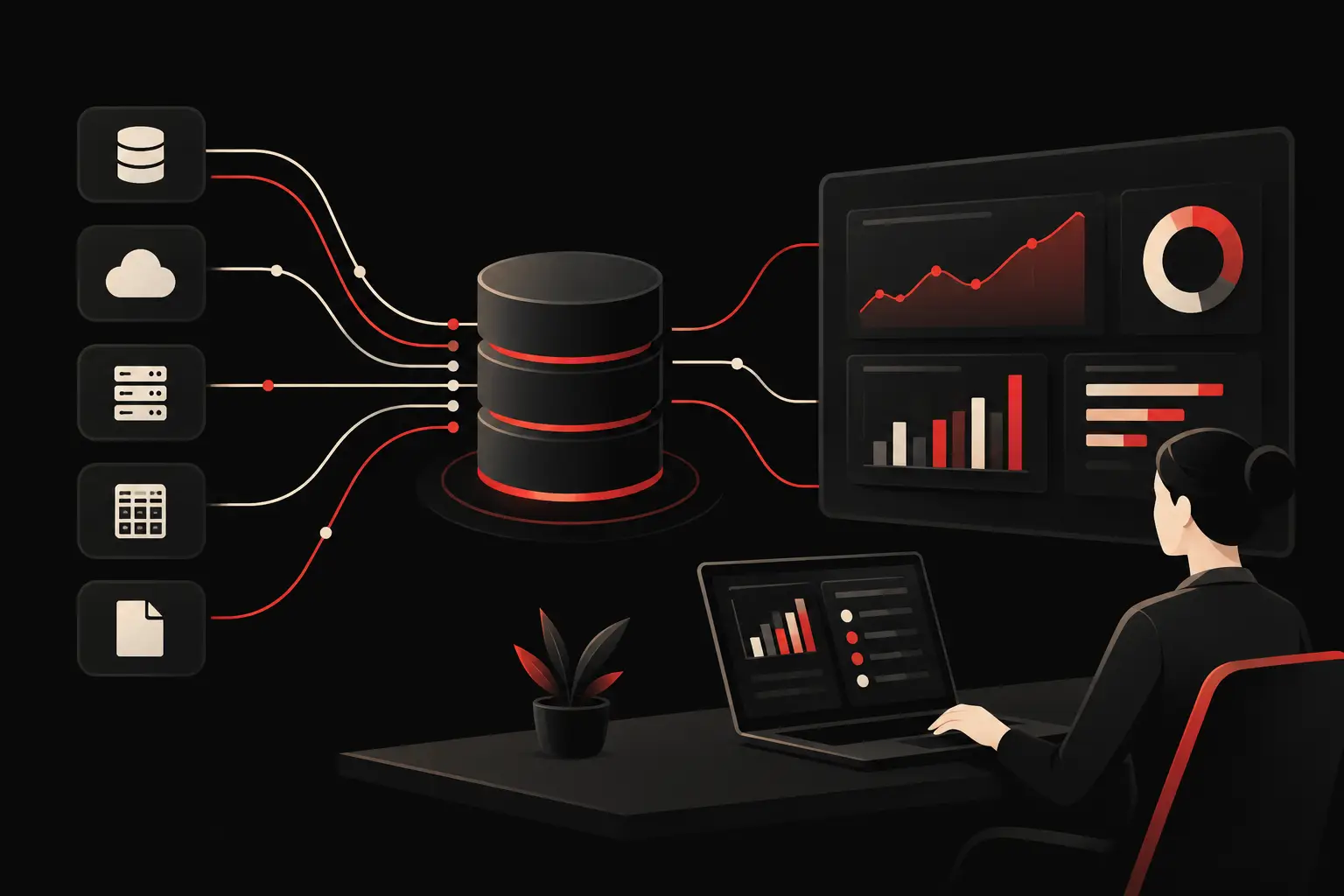
A company cannot optimize what it does not measure. Power BI, Looker Studio, Metabase and custom dashboards aggregate data from CRM, e-commerce, management systems, marketing campaigns and customer support to show up-to-date indicators.
The risk is producing attractive but useless dashboards. An effective dashboard supports operational decisions: which sales opportunities have stalled, which channel generates margin, how many orders are late, which customers need the most support and where manual work is concentrated. A few reliable KPIs are worth more than fifty charts with no resulting action.
How to choose automation tools for SMEs
Selection should begin with a limited pilot project, not a total transformation. Choosing a high-impact, low-risk workflow makes it possible to check adoption, data quality and actual savings before extending the model.
Evaluate five factors: integration with existing systems, total cost over time, ease of use for the team, data security and the ability to evolve the workflow. The monthly subscription is only part of the cost. Configuration, maintenance, training, additional licenses and reliance on undocumented procedures matter as much as the platform itself.
It is useful to define a success metric from the outset. For example: reduce quote processing time from two days to four hours, cut repetitive tickets by 30% or eliminate manual re-entry of orders. Without a baseline, it will be difficult to distinguish a concrete improvement from a mere perception of modernity.
Standard, custom or hybrid solution?
A standard tool is advantageous when the process is common and the company can adopt established procedures without losing differentiation. A custom solution makes more sense when the process represents a competitive advantage, involves several incompatible systems or requires specific rules that standard software can handle only with compromises.
In practice, the best choice is often hybrid: a reliable CRM or management system as a foundation, connected to integrations and custom modules for distinctive steps. This avoids both unnecessary development and forcing operations to adapt to a generic product.
Graffico approaches these projects by starting with workflows, not a software catalog. Technology should make a company faster, more accurate and more measurable, without creating another layer of complexity to manage.
The goal is not to have more automation, but to build an organization where every data point follows the right path, every person steps in where they are genuinely needed, and every process leaves a useful trace for deciding on the next investment.
Ready to bring your ideas to life?
Request a free, no-obligation consultation. Let's talk about your project.
Request a consultation