How to Connect Different Business Tools
How to connect different business tools, reduce manual work, and get reliable data with integrations designed around real internal processes.
An order entered in the management system but not in the CRM. A sales rep updating an Excel spreadsheet while the administration team works with different data. A customer receiving a message late because the e-commerce platform and email system do not communicate. Understanding how to connect different business tools means addressing these points of friction, where time, margin, and service quality are lost every day.
The problem is not having a lot of software. An SME may have very good reasons to use an ERP, a CRM, an e-commerce platform, ticketing software, and business intelligence tools. The problem arises when each tool maintains its own version of the facts and people become the manual link between one system and another.
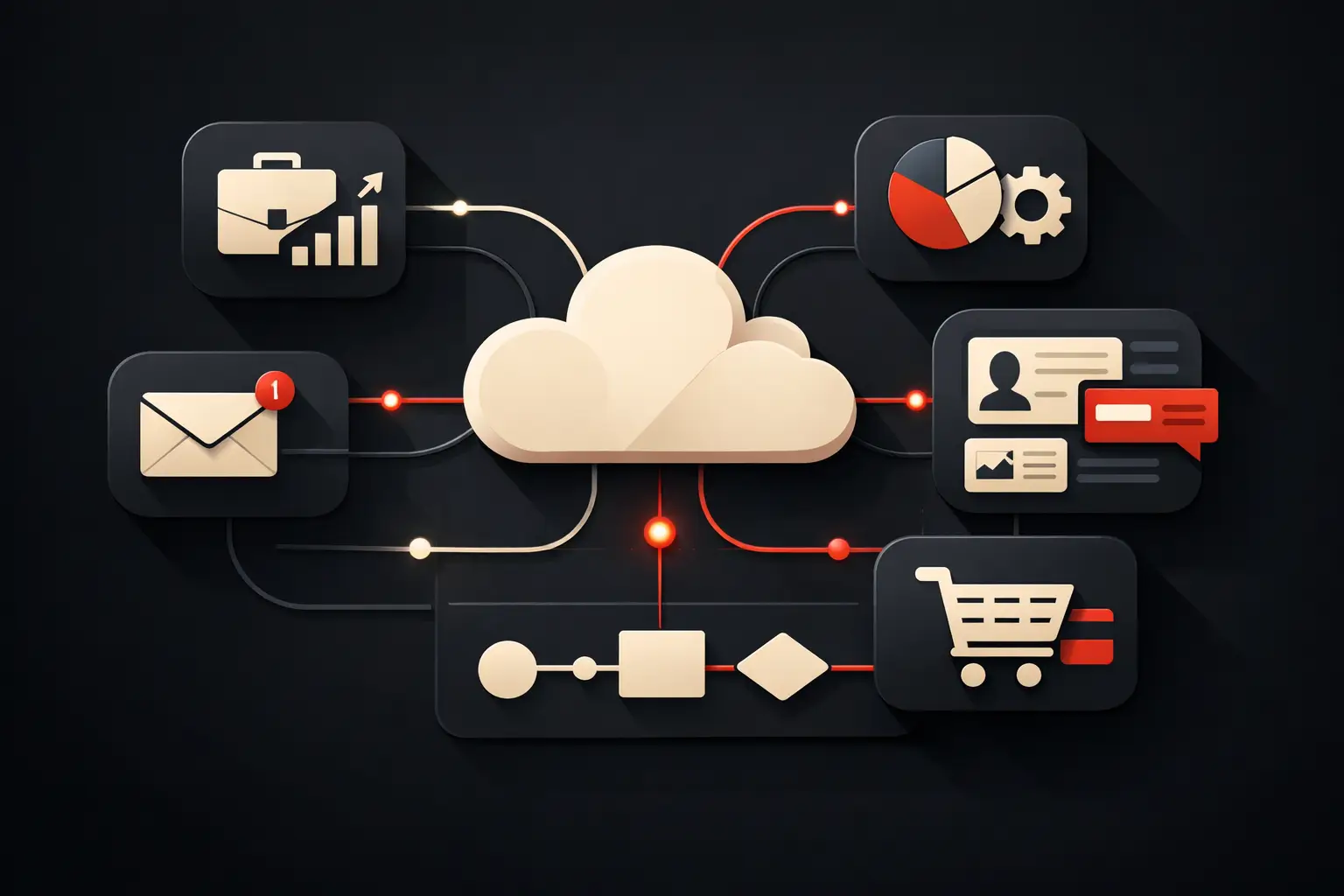
The goal is not to connect everything to everything else. It is to design an ecosystem in which essential data moves at the right time, to the people who need it, according to clear rules and with verifiable results.
How to connect different business tools by starting with processes
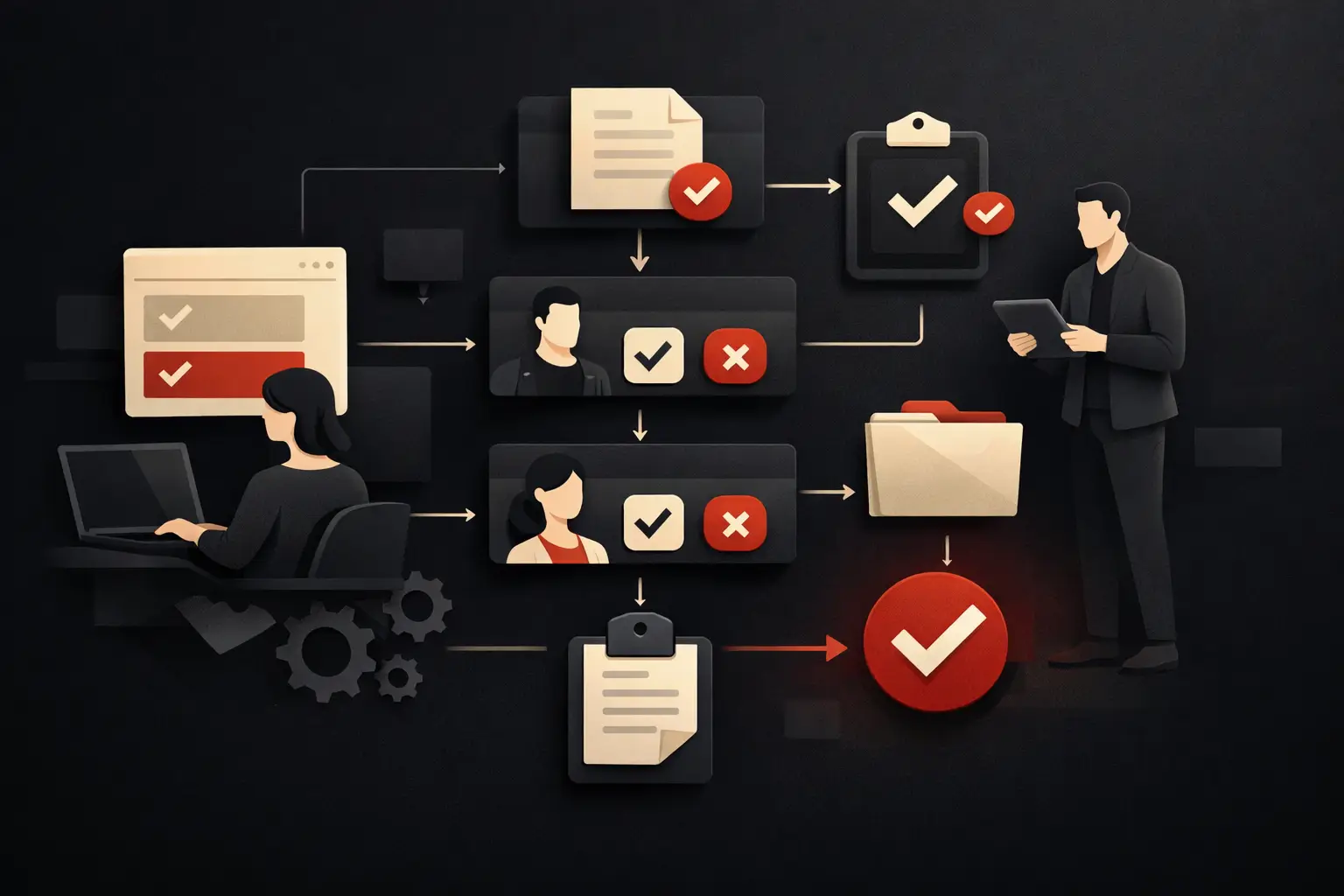
Technology comes after the process. Before choosing APIs, connectors, or automations, you need to understand how work flows through the company: from lead acquisition to the sale, from order to delivery, from support to invoicing.
A useful analysis does not start with the question “which software do we use?” but with more operational questions: where is a piece of data entered for the first time? Who modifies it? Which departments depend on that information? How many times is it copied over? What happens if it is incomplete or out of date?
Consider a B2B company that collects enquiries through its website, manages them in a CRM, prepares quotes using a management system, and coordinates production with internal software. If the lead is entered manually in three environments, the cost is not just the operator’s time. There are duplicates, inconsistent sales data, delays in handling enquiries, and a reduced ability to measure the actual conversion rate.
Mapping the flow makes it possible to distinguish integrations that generate value from those that are merely desirable. Priorities usually emerge in four areas:
- lead acquisition and qualification;
- management of orders, availability, and work status;
- synchronization between sales, administration, and customer care;
- management reporting based on up-to-date, comparable data.
Not every step should be automated. A sales approval above a certain threshold, for example, may require human review. Automation should eliminate repetitive, low-value activities rather than introduce opacity at points that require judgment.
Establish the system of record for each piece of data
An integration often fails for a reason that is less technical than it seems: no one has decided which system owns the data. If a customer’s phone number can be changed indiscriminately in the CRM, e-commerce platform, and management system, different versions will eventually emerge.
Every critical piece of information needs an official source. The CRM can be the reference for customer records, deals, and sales history; the ERP for price lists, invoices, and availability; the production management system for job progress and processing times. Other tools receive or use this data according to defined rules.
This choice prevents synchronization conflicts and makes it easier to understand where to intervene when something is wrong. It is also a crucial step for dashboards and KPIs: revenue taken from the management system, a margin calculated from outdated data, and a number of opportunities pulled from the CRM do not provide a reliable management view if the definitions are not shared.
Data quality must be treated as an operational responsibility. Required fields, consistent formats, contact deduplication, and rules for handling exceptions are integral parts of the project, not details to resolve after launch.
Choose the right integration model
There is no single solution for connecting business software. The choice depends on the complexity of the flows, the volume of data, the sensitivity of the information, and the level of customization required.
API integrations for reliable, up-to-date data
APIs allow two systems to exchange information in a structured way. They are often the best choice when frequent updates, control over the fields transferred, and the ability to handle specific logic are needed.
An e-commerce platform can automatically send orders to the management system, while the management system returns availability, contract pricing, and fulfilment status. The benefit is not just reducing manual entry: it is providing customers and internal teams with consistent, up-to-date, usable information.
However, APIs require careful planning. Rate limits, errors, permissions, incompatible fields, and edge cases all need to be handled. Connecting two systems without providing for checks and event logs creates a process that is difficult to maintain.
Automations for repetitive workflows
Automation platforms are effective when the flow is linear and the goal is to speed up repetitive operations. A new form submitted on the website can create a contact in the CRM, assign it to the right sales rep, and start a confirmation message. Closing a ticket can update the customer’s status and trigger a request for feedback.
These tools are quick to implement, but should not be used to mask fragile processes. If sales rules are complex, data passes between many systems, or exceptions are frequent, a standard automation can become difficult to govern. In such cases, middleware or custom software offers greater control.
Central hub and bespoke software
When a company uses legacy applications, specialist tools, or distinctive processes, it may be useful to build a central integration layer. This hub receives, validates, transforms, and distributes data between platforms, avoiding point-to-point connections that are difficult to manage over time.
It is a more substantial investment, but often necessary for companies that need to grow without immediately replacing all their existing tools. A supplier portal, an operational dashboard, or a customized CRM can become the everyday workspace, while the underlying systems remain specialized in the functions they already perform well.
Design for exceptions, not just the ideal flow
The perfect order, complete contact, and correctly recorded payment are simple cases. An integration’s resilience is measured when an unrecognized product code, a duplicate customer, a price change, a temporarily unavailable system, or a cancelled order comes through.
Every flow must therefore define what happens when a step fails. You need a reviewable error queue, a notification directed to the right role, and a procedure for correcting the data without creating further inconsistencies. This does not mean overloading the project: it means preventing an invisible error from becoming an administrative or sales problem weeks later.
Security also deserves attention. Integrations must use protected credentials, access limited to what is necessary, and traceable operations. If personal data is processed, you need to define who can view, modify, and export it. Efficiency and control must grow together.
Measure the return on integration
Connecting different business tools is not a technology goal. It is a decision that must produce a clear operational and economic impact. Before the project, it is useful to set a baseline: how many hours does it take to enter an order today? How many errors are identified each month? How much time passes between a customer’s request and its being handled? How reliable is the reporting?
After launch, results can be measured using concrete indicators: fewer manual tasks, fewer duplicate records, shorter response times, more orders processed without intervention, and fewer internal requests to verify data. For some companies, the most significant benefit is speed; for others, it is control over margins, the sales pipeline, or service levels.
An effective project proceeds in stages. Start with the flow that creates the greatest hidden cost or blocks growth, validate adoption with users, and then extend the model. Trying to centralize the entire company in a single release increases risk and delays the return on investment.
Graffico approaches these integrations as process projects: not a collection of connectors, but digital tools designed around roles, data, and measurable objectives. Interface design matters as much as technical architecture, because a useful system needs to be used well every day.
The question to ask is not which software to replace first. It is which step, if automated and made reliable, would immediately free up the most time, accuracy, and decision-making capacity. That is the starting point for building an infrastructure that supports growth instead of chasing it.
Ready to bring your ideas to life?
Request a free, no-obligation consultation. Let's talk about your project.
Request a consultation