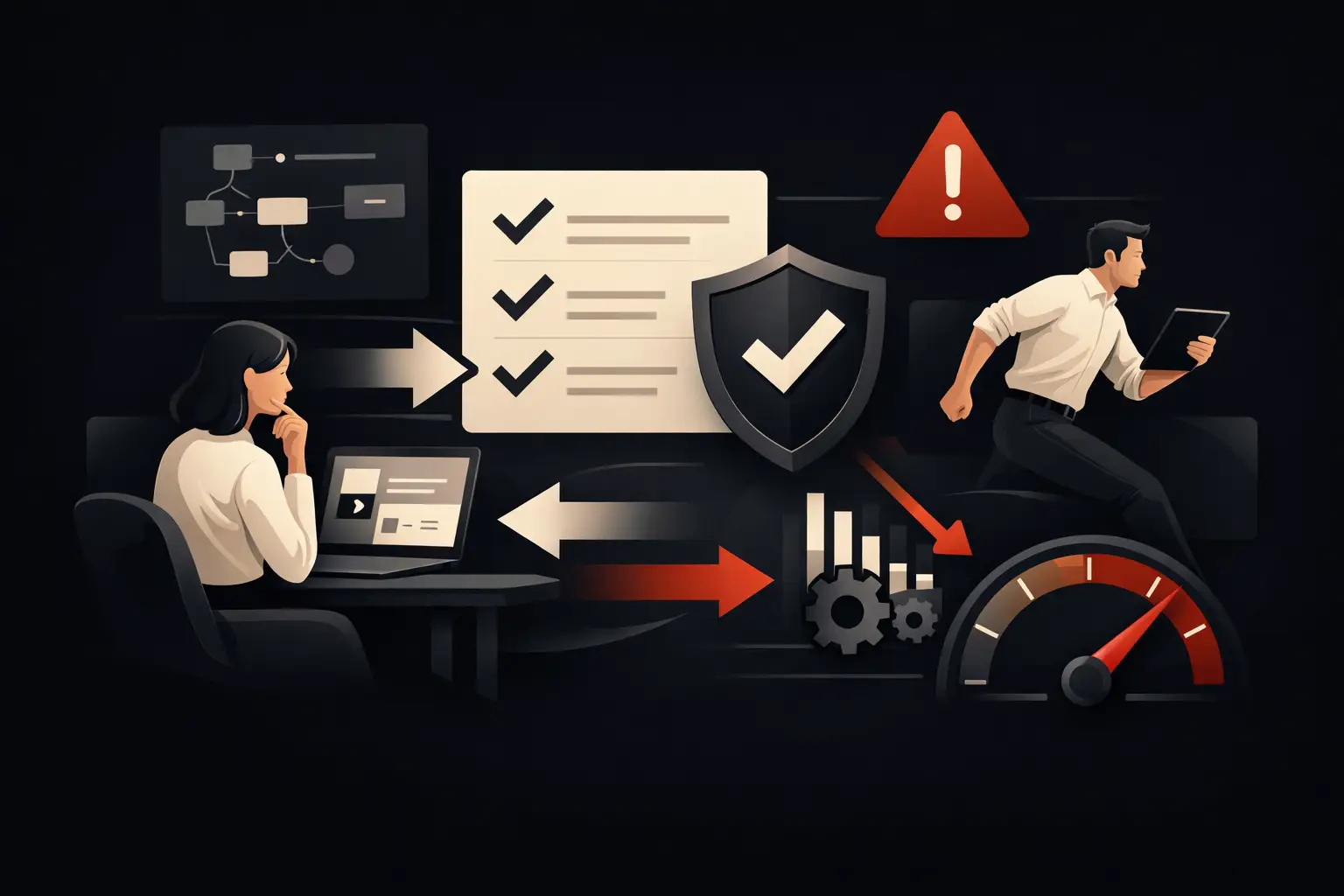
How to reduce operational errors without slowing down
How to reduce operational errors: clear processes, integrated data and tailored automation to increase control, speed, margins and service quality.
An order entered twice, a quote calculated using the wrong version of the price list, a customer request left in the email inbox of someone who is away: an operational error is often not an isolated incident. It is a sign of a process that depends too heavily on memory, parallel Excel spreadsheets and untracked manual steps. Understanding how to reduce operational errors means addressing these causes, not asking people to pay even closer attention.
For an SME, errors cost more than the immediate correction. They slow deliveries, squeeze margins, generate complaints and take time away from sales, development and support. When they become frequent, they also make the business less predictable: management cannot fully trust the data, and customers perceive the service as less reliable.
Operational errors almost always originate upstream
Blaming human error is convenient, but rarely solves the problem. People make mistakes above all when they work in a system that requires them to copy information between different tools, interpret unstated rules or retrieve data from scattered sources.
Take the management of a B2B order. If the salesperson receives the request by email, updates a shared file, alerts production in chat and passes the data to administration later, each handoff creates a risk point. A product code may change, a note may go unread, a modification may not reach the right department. The problem is not any single step: it is the absence of a single workflow governing the entire process.
The same dynamic appears in lead management, customer care, bookings, service scheduling and supplier relations. When the process exists in the heads of the most experienced employees, the company is vulnerable whenever the workload increases, a new employee joins or someone is absent.
Before automating, measure the true cost of errors
Not all errors have the same priority. Missing information in an internal note can be recovered in a few minutes. A pricing error, a duplicate shipment or failure to follow up with a strategic customer, however, can cause direct and reputational losses.
To decide where to intervene, examine the operational workflows and ask a specific question: where are checks, corrections and requests for clarification repeated? The most critical areas can often be identified by concrete signs: files with multiple versions, emails forwarded in chains, manually copied data, informal approvals and reports prepared every week by aggregating figures from different systems.
Measurement must combine frequency and impact. An error that occurs every day and takes ten minutes to correct can cost more than an unusual but obvious anomaly. It is worth estimating the time spent identifying the problem, correcting it, informing the departments involved and managing its consequences for the customer. Only then does automation stop being a vague innovation item and become an investment with a clear economic priority.
How to reduce operational errors by starting with workflows
A reliable process does not have to be complicated. It should make clear who does what, with which data, at what point, and what event moves a case to the next step. Before choosing software, it is useful to map the actual workflow, not the theoretical one described in internal procedures.
This means following a case from beginning to end. Where does the request come from? Who qualifies it? Where is the data stored? Which information is mandatory? Who approves terms, discounts or changes? How is the next department notified? And, above all, how do you verify that the work has been completed?
This analysis often reveals steps that create no value: re-entering addresses, asking for confirmations that are already available elsewhere, sending manual reminders, searching for the latest version of a document. Removing them reduces errors and frees up operational capacity. But do not force absolute standardization where the business requires exceptions. A company handling complex projects, for example, needs flexible workflows with configurable rules, roles and approvals—not a rigid path that pushes the team to work outside the system.
A single source of data changes the quality of decisions
Fragmentation is one of the main multipliers of error. A CRM holds customer data, the business management system records orders, an Excel spreadsheet tracks activities and a chat contains urgent requests. If these tools do not communicate, each department builds its own version of reality.
Centralizing does not necessarily mean replacing everything with a single platform. In many cases, it is more effective to integrate the tools already in use, defining which system is the official source for each piece of information. The CRM can become the reference for customer records and opportunities, the business management system for availability and billing, and a dashboard for KPIs and operational anomalies.
The rule is simple: data should be entered once and updated wherever needed. When a salesperson changes a contact, the information should reach the person managing the order without being re-entered. When production updates a project’s status, customer care should be able to see it right away. This reduces discrepancies and shortens response times.
Automation that prevents, not just corrects
The most useful automation does not step in after an error. It prevents the error from occurring or catches it while it is still easy to resolve. A digital form can block submission if essential fields are missing; a workflow can require approval for a discount outside the permitted threshold; a system can flag a delivery date that is incompatible with available capacity.
Automatic notifications are also valuable when designed thoughtfully. An alert about a case that has been idle too long prevents invisible delays. A reminder to the customer before an appointment reduces no-shows. An automatic request for additional documents saves the team from chasing incomplete information. The point is not to send more messages, but to get the right notification to the right person at the right time.
Artificial intelligence can further increase control in high-volume processes. It can classify incoming requests, extract data from documents, suggest customer care responses or identify anomalies in the data. But it must be applied with clear boundaries. For operations affecting prices, contracts, payments or sensitive decisions, human oversight remains necessary. AI is effective when it reduces repetitive work and brings cases requiring judgment to the team’s attention.
Designing controls without creating bureaucracy
Reducing errors does not mean adding checks at every click. Too many mandatory fields, redundant approvals and constant notifications push people to look for shortcuts. The result is a system that is complete on paper but ignored in practice.
Controls should focus on high-impact steps. It makes sense to validate the billing address before issuing a document, check availability before confirming a delivery and require authorization for a change in margin. It is less useful to ask for five confirmations for a reversible, low-risk activity.
Good design also uses simple interfaces: pre-filled fields, dropdown menus, contextual data and different paths depending on the type of case. If employees have to work out which information is needed every time, errors will return. If the software guides users naturally, the process becomes both faster and more reliable.
Operational KPIs: what goes unseen tends to happen again
Without indicators, errors remain perceptions. A manager may feel that the department is under pressure but not know whether the problem comes from incomplete requests, approval times, an overloaded channel or a mismatch between systems.
An operational dashboard should show a small number of up-to-date, actionable metrics: cases open beyond the threshold, average handling times, rework rate, errors by type, blocked activities and SLA compliance. The value lies not in the number of charts, but in being able to see where to intervene before the problem turns into a delay or cost.
It is useful to compare KPIs before and after each intervention. If a new workflow reduces incomplete cases by 30% but makes entry times too long, it needs to be optimized. Effective digitalization does not add control at the expense of speed: it seeks the point at which both improve.
Tailored technology, not processes forcibly adapted to it
off-the-shelf software can work well for straightforward needs. But when a company has complex price lists, multiple sales channels, specific commercial rules or intricate approval workflows, adapting the process to the tool’s limitations can create new inefficiencies.
A custom solution makes sense when it translates a real operational advantage into digital rules: a CRM that follows the actual sales cycle, a supplier portal that eliminates manual exchanges, an order management system integrated with logistics and administration, or an AI agent that routes requests and flags priorities. This is how Graffico turns fragmented processes into measurable tools designed around the teams’ actual work.
The goal is not to eliminate every possibility of error or leave everything to technology. It is to build an organization where information moves only once, exceptions are handled methodically and people focus their time on decisions that create value. The first process to improve is the one that currently forces the team to check twice what a well-designed system could already know.
Ready to bring your ideas to life?
Request a free, no-obligation consultation. Let's talk about your project.
Request a consultation