CRM and ERP Integration Guide for Growing SMEs
A guide to CRM and ERP integration: how to connect sales, orders and administration to reduce errors, speed up workflows and make decisions based on reliable data now.
A sales representative closes a deal, but the order is copied manually into another system. The administration team discovers an incorrect payment term. The warehouse receives the information too late. This is where a CRM and ERP integration guide becomes an operational lever: not for connecting two pieces of software in a generic way, but for eliminating steps, inconsistencies and delays that slow the company down every day.
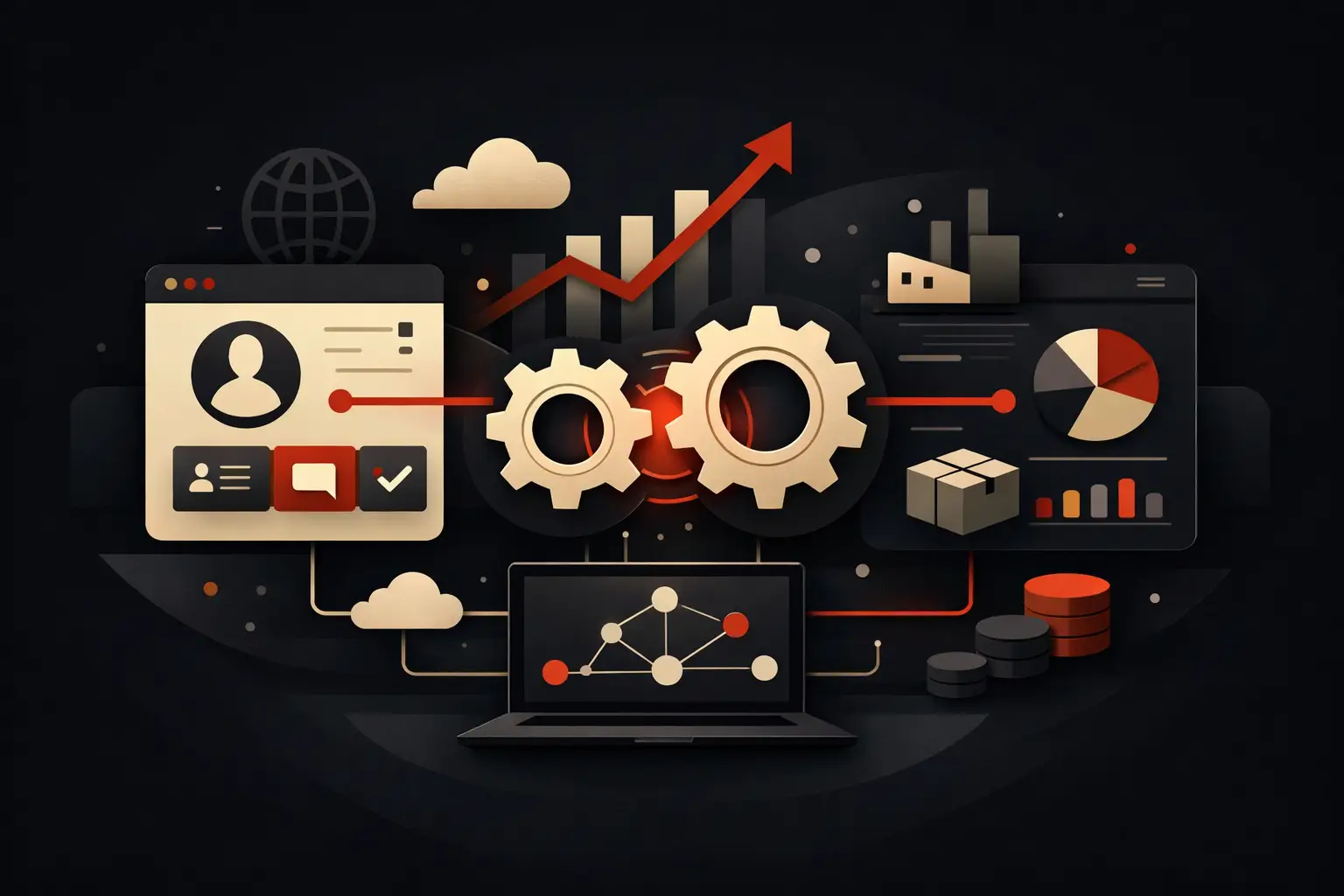
CRM and ERP systems address different needs. The former manages relationships, opportunities, quotes and sales activities. The latter manages administrative records, orders, availability, invoices, production and accounting. When they operate as silos, growth increases the volume of manual work. When they share the right data and rules, sales and operations work from the same real-time picture of the business.
CRM and ERP integration guide: where to start
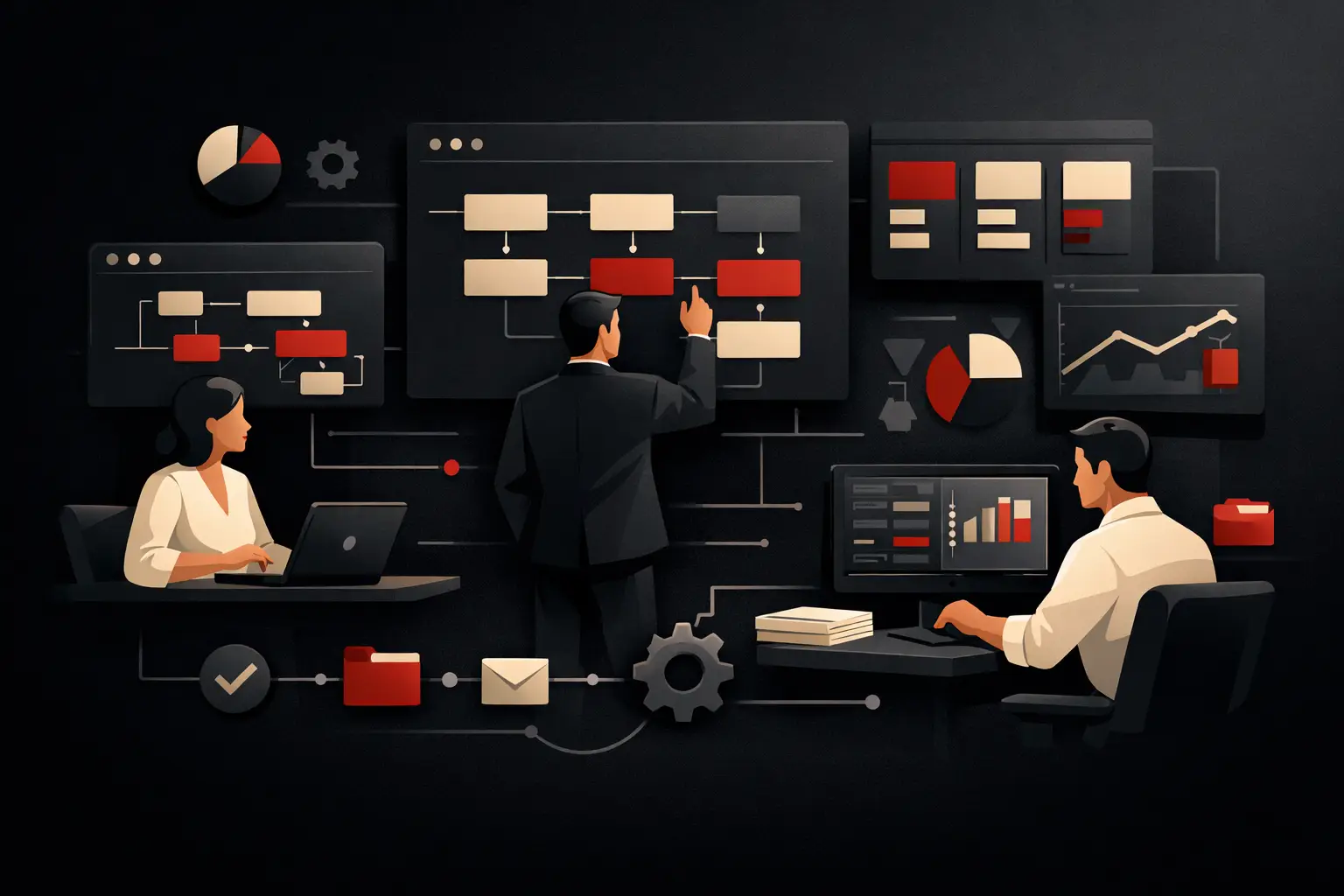
The starting point is not technology. It is the process. Before choosing connectors, APIs or automation platforms, you need to map what happens from the first contact through to payment: who enters the data, who changes it, what checks are performed and where exceptions arise.
Many SMEs ask to synchronize everything. This is almost always a mistake. Effective integration transfers only the information needed, when it is needed, with clear ownership. Duplicating every field in both directions increases the risk of conflicts, makes it hard to determine which data is correct and complicates future maintenance.
The decisive question is: which system owns each data item? The CRM can be the primary source for leads, contacts, pipeline and sales quotes. The ERP can own approved price lists, warehouse availability, administrative terms, orders, tax documents and payment status. This rule, often called the single source of truth, prevents two teams from modifying the same data according to incompatible logic.
The workflows that create the most value
The first workflow involves creating or updating the customer record. When a qualified contact becomes a customer, the CRM can send only validated data to the ERP: legal name, VAT number, address, billing contacts and agreed terms. The ERP then returns a unique customer code, which becomes the shared reference in both environments.
The second workflow covers the transition from quote to order. A quote accepted in the CRM can generate a draft order in the ERP, including products, quantities, discounts and sales notes. Before confirmation, the ERP checks availability, pricing rules, credit and logistical constraints. This is essential: automation does not mean bypassing the checks that protect margin and service.
The third workflow sends information back. Sales staff should not have to request email updates to find out whether an order has been fulfilled, invoiced or put on hold. Bringing order status, shipments, relevant overdue payments or purchase history into the CRM enables more timely follow-ups and more credible sales forecasts.
Finally, companies providing technical support or after-sales service may benefit from bringing data such as serial numbers, active contracts, service visits and warranties into the CRM. This gives anyone speaking with the customer a complete picture without opening multiple business systems or involving other departments to get an answer.
Choosing an integration model
There is no single architecture that suits every company. The choice depends on transaction volume, data criticality, existing systems, update frequency and future development goals.
Direct API integration is suitable when CRM and ERP systems expose reliable, well-documented interfaces. It offers speed and control, but requires careful design of authentication, call limits, error handling and updates to both systems. It is often a good solution for clearly defined, high-priority workflows such as customer and order creation.
A middleware or iPaaS platform is useful when a company needs to orchestrate several applications: CRM, ERP, e-commerce, warehouse software, ticketing systems and marketing tools. It centralizes data-transformation logic and reduces point-to-point connections. The trade-off is that it adds a technology layer to manage, with associated costs, monitoring and skills to consider.
For specific processes, a custom layer may be the most effective choice. This applies to complex price lists, product configurators, approval workflows, make-to-order management or non-standard sales rules. A custom software solution does not necessarily have to replace existing systems: it can coordinate the steps that no standard product handles in a way that fits the real process.
Synchronization does not necessarily have to happen in real time. For stock or order transmission, a few minutes can matter. For invoice history or dashboard updates, hourly or overnight alignment may be sufficient and more sustainable. Set the frequency according to the cost of stale data, not to chase a technical promise.
Designing data, rules and exceptions
Integration projects rarely fail because a connection is missing. More often, they fail because shared rules are missing. Each workflow needs a field mapping, triggering conditions, validation criteria and a defined response to errors.
Take a simple example: the “customer” field. In the CRM, it may refer to a prospect company with partial information; in the ERP, it must represent a tax-compliant entity with complete data and verified administrative terms. It is not enough to map two fields with the same name. You need to define when the record is ready to transfer, which data is mandatory and who steps in if validation fails.
Exceptions deserve as much attention as the main workflow. What happens if a VAT number is duplicated? If a product included in the quote is no longer available for sale? If the ERP does not respond? If two users update the same contact at the same time? Without an error queue, targeted notifications and recovery procedures, automation can create silent problems that surface only at month-end.
It is also worth establishing unique identifiers across systems. Relying solely on a company name, email address or product description leads to duplicates and incorrect matches. Technical IDs should remain invisible to users where possible, but be available to track every exchange and diagnose anomalies quickly.
A rollout plan that keeps operations running
CRM-ERP integration should be treated as a process project, not a simple installation. A phased rollout reduces risk and makes it possible to measure benefits before expanding the scope.
An effective approach starts by analyzing current workflows and friction points. It continues with setting priorities: it usually makes sense to automate first the step that creates the most manual work, the most errors or the greatest delays for customers. Next come functional design, development, testing with realistic data and a pilot phase with a small group of users.
During testing, it is not enough to verify that data reaches its destination. You need to simulate cancellations, out-of-threshold discounts, duplicate customers, partial orders, product unavailability and changes made after confirmation. Ordinary cases show that the connection exists. Exceptions show that the process can withstand day-to-day work.
Training should be just as practical. Sales, administration and operations teams need to know what changes in their work, which fields to fill in, which information not to modify and where to check for anomalies. If people do not trust the data, they will go back to Excel spreadsheets, internal messages and parallel procedures. At that point, the investment loses much of its value.
Measuring the return on integration
The outcome is not “having CRM and ERP connected.” It is reducing time, errors and coordination costs while improving decision quality. To measure it, establish a baseline before rollout.
The most useful metrics depend on the process, but often include the average time between quote acceptance and order entry, the number of orders correct on the first pass, hours spent on manual entry and checks, the rate of duplicate customer records and the time needed to respond to a query about a customer’s status. For management, consistency between the sales pipeline, order book and actual revenue also matters.
A KPI dashboard can make this information visible without requiring manual data exports from multiple systems. But it only adds value if the underlying data is governed well. An elegant dashboard built on inconsistent information produces faster decisions, not better ones.
When a custom project is needed
Standard integrations are suitable when processes are simple and systems already speak the same language. When product configurations, differentiated price lists, sales approvals, agents, make-to-order sales or e-commerce channels come into play, a more tailored design is often needed. The goal is not to add technical complexity: it is to shape the technology around rules that currently exist in people’s heads or in uncontrolled files.
A good project makes the company faster without taking away control. If information keeps being copied, checked or chased between departments, it is not a minor operational detail: it is a clear sign of value waiting to be recovered. That is the place to start.
Ready to bring your ideas to life?
Request a free, no-obligation consultation. Let's talk about your project.
Request a consultation