How to Digitize Internal Approval Workflows
Learn how to digitize internal approval workflows: reduce delays and errors, track decisions, and bring data, roles, and controls together in a single process.
An order stalled while waiting for a signature, a purchase request lost in an email inbox, an expense report approved without checks: the cost of a manual process is not just the time it takes. It is the knock-on delay to sales, margins, planning, and customer service. Understanding how to digitize internal approval workflows means turning informal, hard-to-control steps into traceable, fast procedures that align with company rules.
For an SME, the point is not to replace a paper signature with a click. It is to design a system that routes every request to the right person, with the information they need, at the right time, and with a reliable record of the decision. When the workflow is well designed, the company reduces bottlenecks without losing control.
Where approval inefficiencies start
Approval workflows often emerge spontaneously. A request is sent by email, then forwarded in chat, discussed over the phone, and finally recorded—perhaps—in a spreadsheet. This model can work when there are only a few people and a handful of cases. It stops working as volumes, locations, suppliers, projects, or decision-making levels increase.
The problem is not the individual email, but the lack of a single source of truth. The person who submitted the request does not know its status. The person who must approve it does not always have enough information. The administration team has to reconstruct after the fact who authorized what. Meanwhile, urgent requests bypass the rules and create undocumented exceptions.
The signs are easy to recognize: repeated follow-ups, duplicate decisions, over-budget purchases, different versions of the same document, and approvals left to people’s memory. Before choosing a platform, it is worth measuring these signs. How many requests get stuck? For how long? At which step? How many need corrections or additional information?
How to digitize internal approval workflows effectively
Digitalization works when it starts with the real process, not a software feature catalog. The goal is to define clear rules and translate them into straightforward operational logic for the people who submit, approve, and review requests.
1. Map the process, including exceptions
For each workflow, reconstruct the entire path: triggering event, required data, responsible parties, financial thresholds, checks, expected timelines, and final action. It may cover purchase orders, sales quotes, discounts, expense reports, leave, contracts, new records, or production changes.
The most useful part of mapping is identifying exceptions. What happens if the manager is absent? If the amount exceeds a threshold? If the cost center has no budget? If a document is incomplete? A credible digital process does not ignore these cases: it handles them through escalations, temporary delegations, and automatic requests for additional information.
You do not need to digitize everything at once. It is more effective to start with a frequent workflow that has a clear financial or operational impact and reasonably stable rules. Indirect purchasing, expense reports, and approval of non-standard offers are often excellent candidates.
2. Define roles, thresholds, and responsibilities
A workflow should not rigidly replicate the company hierarchy. It should assign responsibilities based on the type, value, and risk of the request. A €300 purchase may require approval from the department manager; a significant investment may involve senior management, administration, and financial control.
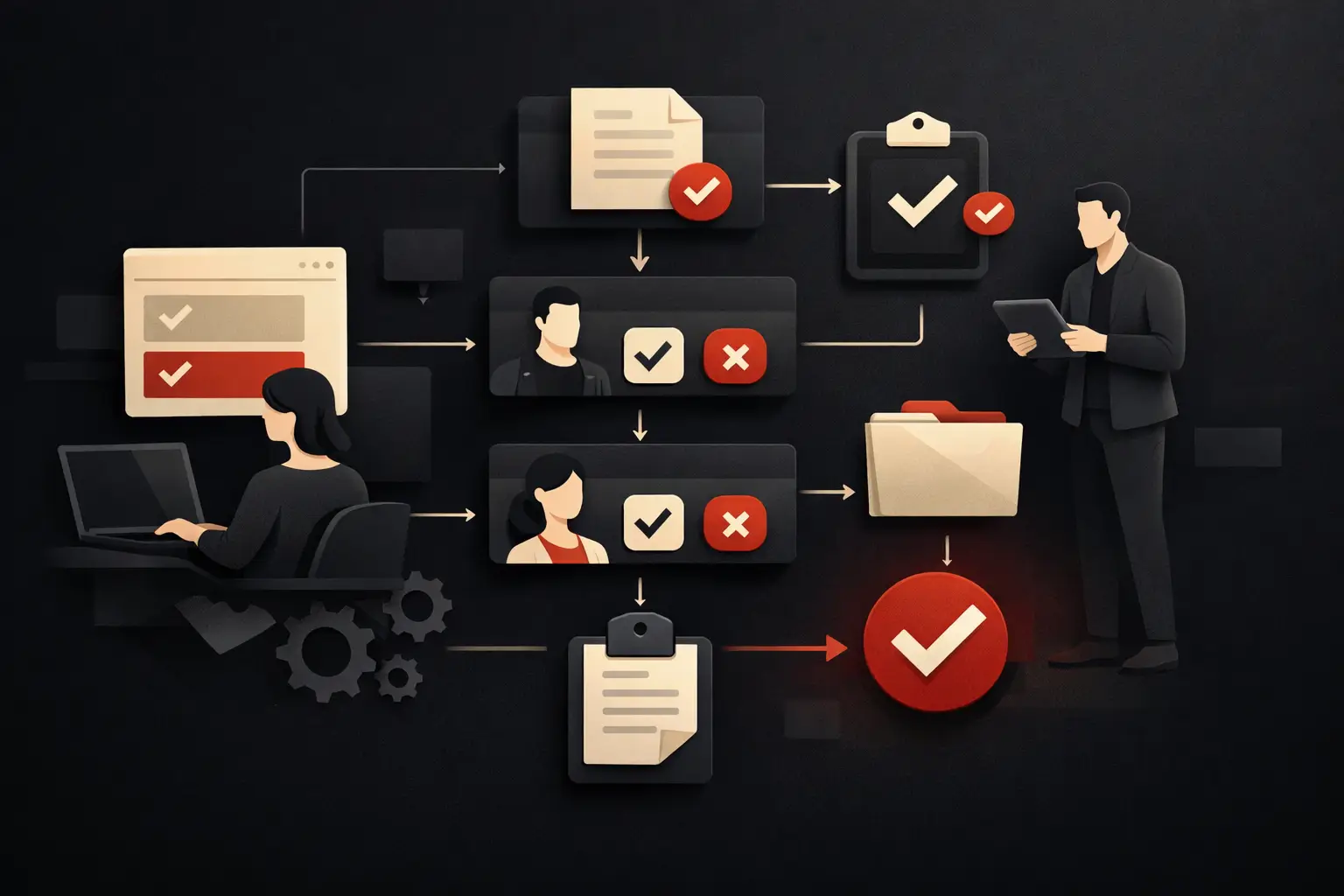
Sequential approvals are useful when each step adds a distinct check. Parallel approvals speed up cases where multiple people need to provide input independently. The choice depends on the process: adding approvers just to be safe creates delays, while removing them indiscriminately weakens the quality of control.
Each role must have an explicit responsibility. The requester enters complete data. The approver evaluates the request according to defined rules. The administrator checks compliance and retains the documentation. This clarity is what makes the system adoptable, even before the technology is introduced.
3. Build forms that collect usable data
The quality of an approval depends on the quality of the available information. A digital form should ask only for what is needed, but it must ask for it in the right way: amount, supplier, category, cost center, project, attachments, rationale, urgency, and expected date.
Structured fields and guided menus are more useful than free-text notes when the data needs to feed reports, budgets, or business management systems. At the same time, leaving space for context and rationale prevents the process from becoming blind to real-world situations. Interface design matters: a slow or ambiguous form pushes people back to chat and email.
4. Automate notifications, rules, and next steps
Real speed comes from automating repetitive tasks. When a request is created, the system can identify the right approver based on department, amount, location, or project. It can send reminders before a deadline, trigger an escalation if no one acts, and notify everyone involved of the outcome.
Approval should not be the endpoint. If a request is authorized, the workflow can create an order in the business management system, update the available budget, generate a task for the purchasing department, or file the document in the correct case. If it is rejected, the workflow can return it to the requester with a coded reason and a review path.
This is where a crucial distinction emerges: automating an inefficient step does not make it effective. Simplify the rule first, then automate it. A workflow with six unnecessary approvals simply becomes faster at creating delays.
Integrations: avoid creating another digital island
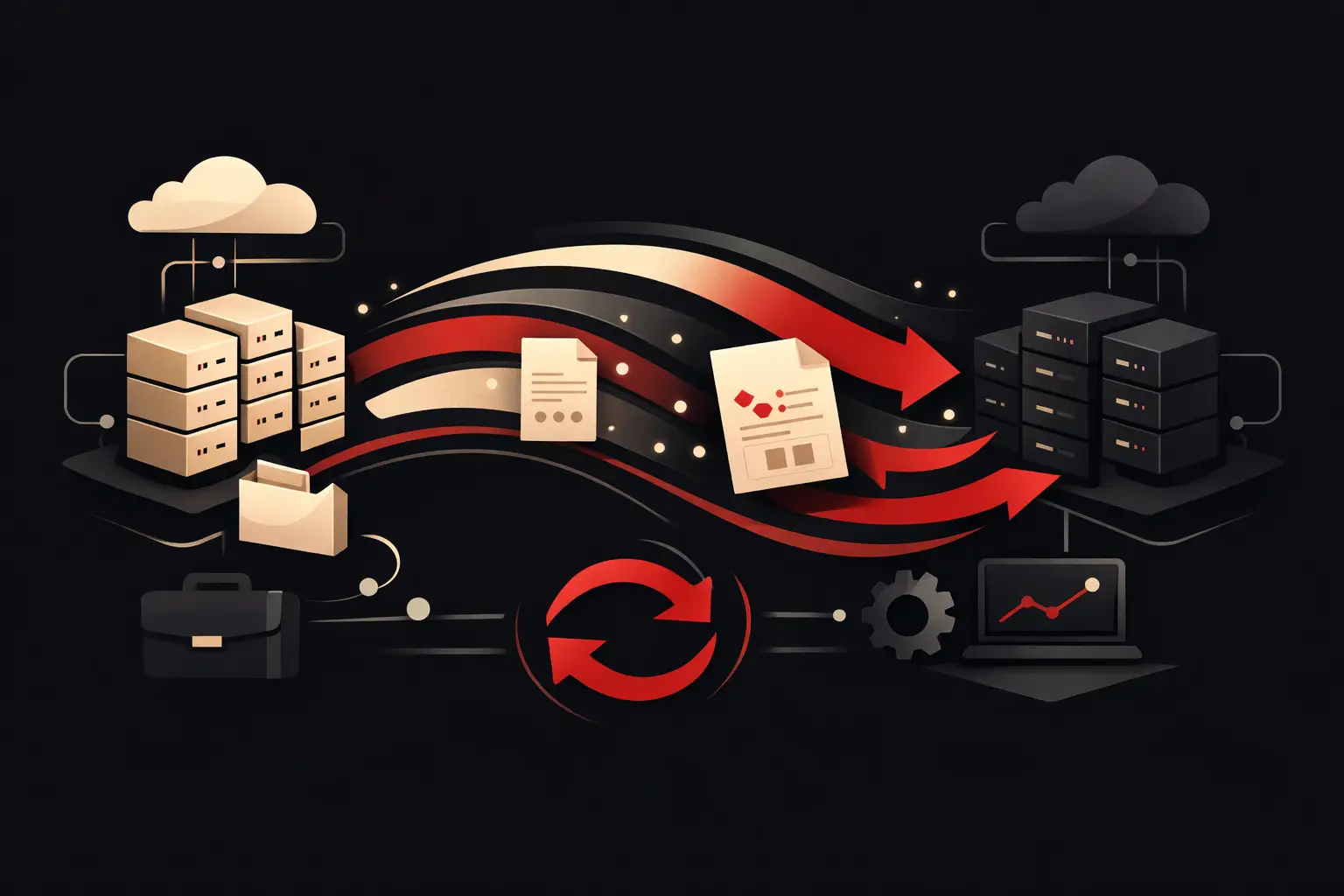
An isolated approval app may solve a local problem, but it often creates a second one: data that has to be copied between tools. To deliver measurable results, the workflow must connect with CRM, ERP, accounting software, document management, HR, and KPI dashboards, depending on the company’s needs.
For a purchasing process, for example, integration can automatically check budgets, supplier records, and contract terms. A sales workflow can retrieve margin, customer history, and discount limits from the CRM. The benefit is not just reducing manual data entry: it is enabling people to make decisions using current, consistent data.
It is not always necessary to replace all existing tools. For many SMEs, the most effective approach is to connect the systems already in use and eliminate the most costly manual steps. When processes are highly specific, data is fragmented, or rules are complex, a business management system or custom portal can offer more control than forcing a standard product to fit.
Security, audit, and operational adoption
Digitalization does not mean making everything accessible to everyone. Permissions must reflect roles, functions, and confidentiality levels. A manager can approve a request without seeing irrelevant data; the administration team can view the full history; senior management can analyze aggregated data.
Every significant action must leave a trace: who created the request, when it was modified, which documents were attached, who approved or rejected it, and for what reason. This history reduces disputes, facilitates audits, and makes it easier to identify anomalies.
Adoption, however, is not something to deal with after the project is complete. If the new workflow takes longer than the old one, people will look for shortcuts. Involving key users during the design phase, testing real cases, and providing contextual instructions improves data quality from the outset. Mobile access can also be crucial for managers who are often away from the office.
Measure the return on your digital workflow
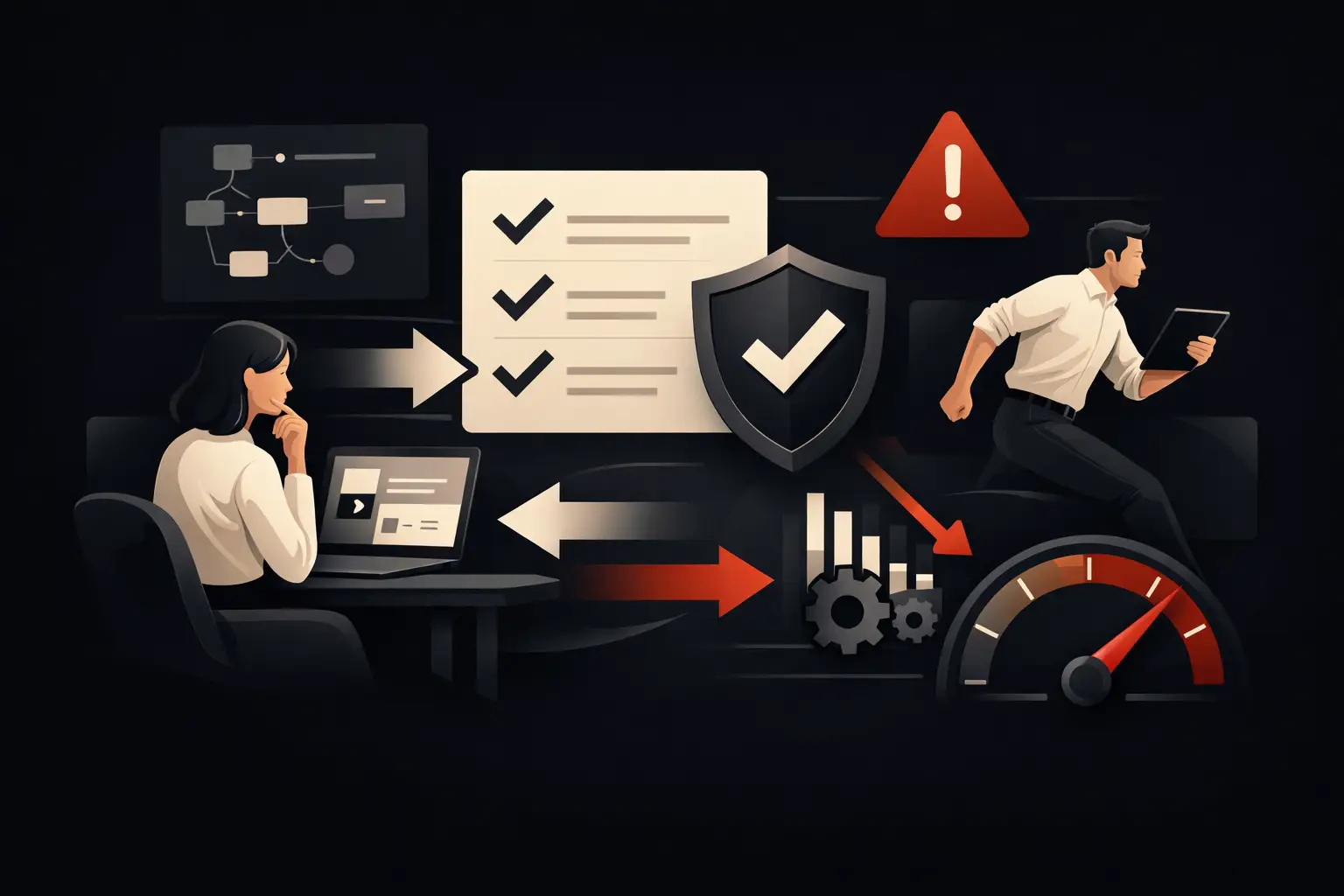
An approval workflow should be managed as a performance process. The most useful metrics are average approval time, the number of requests stuck beyond a threshold, rework rate, exception approvals, and administrative time saved. For purchasing, you can also track budget compliance, supplier compliance, and order issuance times.
The data collected by the system enables precise interventions. If one department accumulates incomplete requests, revise the form. If approvals stall with a specific role, set up a delegation or a more effective reminder. If many requests follow exceptional paths, perhaps the rules no longer reflect day-to-day operations.
Graffico approaches these projects by starting with processes, data, and measurable goals, to build workflows integrated with the tools the company actually uses. It is not about adding another piece of software, but about making the process clearer, more manageable, and faster.
A good approval workflow does not force people to chase decisions. It brings the necessary information to light, puts each case in front of the right person, and turns every approval into data that helps the company make better decisions tomorrow, too.
Ready to bring your ideas to life?
Request a free, no-obligation consultation. Let's talk about your project.
Request a consultation