Business Data Migration Without Disrupting Operations
Business data migration reduces errors and silos. Discover how to plan controls, security, and operational continuity without slowing down internal work.
A replaced CRM, an ERP system that does not communicate with the e-commerce platform, Excel files scattered across departments: business data migration almost always starts with a legitimate need to grow. The problem is not moving records from one system to another. The problem is preserving reliable information, working processes, and operational continuity while the company changes its infrastructure.
When treated as an isolated technical task, migration can create duplicates, orders with no history, inconsistent customer records, and weeks of manual work to repair what was supposed to improve. When it is designed instead as part of process transformation, it becomes an investment in control, speed, and decision-making quality.
Business data migration is a process project
Data is valuable not only for what it contains, but for what it enables you to do. A customer contact, for example, can support sales activities, quotes, customer service, billing, marketing campaigns, and margin analysis. Moving it without defining clear rules also transfers ambiguity and inefficiency.
That is why an effective migration does not start with the destination software, but with a few operational questions: what data is genuinely needed? Who uses it? How often must it be updated? What information must remain available for tax, contractual, or support obligations? And above all, which processes must continue to function without interruption?
The answer varies from company to company. A trading company may prioritize customers, price lists, payment terms, and order history. A services company may need to preserve tickets, contracts, documentation, and deadlines. In a manufacturing environment, bills of materials, item codes, stock levels, and batches require even stricter controls. There is no standard model that can resolve all these variables.
Before moving data, measure what is not working
The most overlooked phase is the initial analysis. This is where you decide whether the new system will make the company more organized or simply become a more modern container for disorganized data.
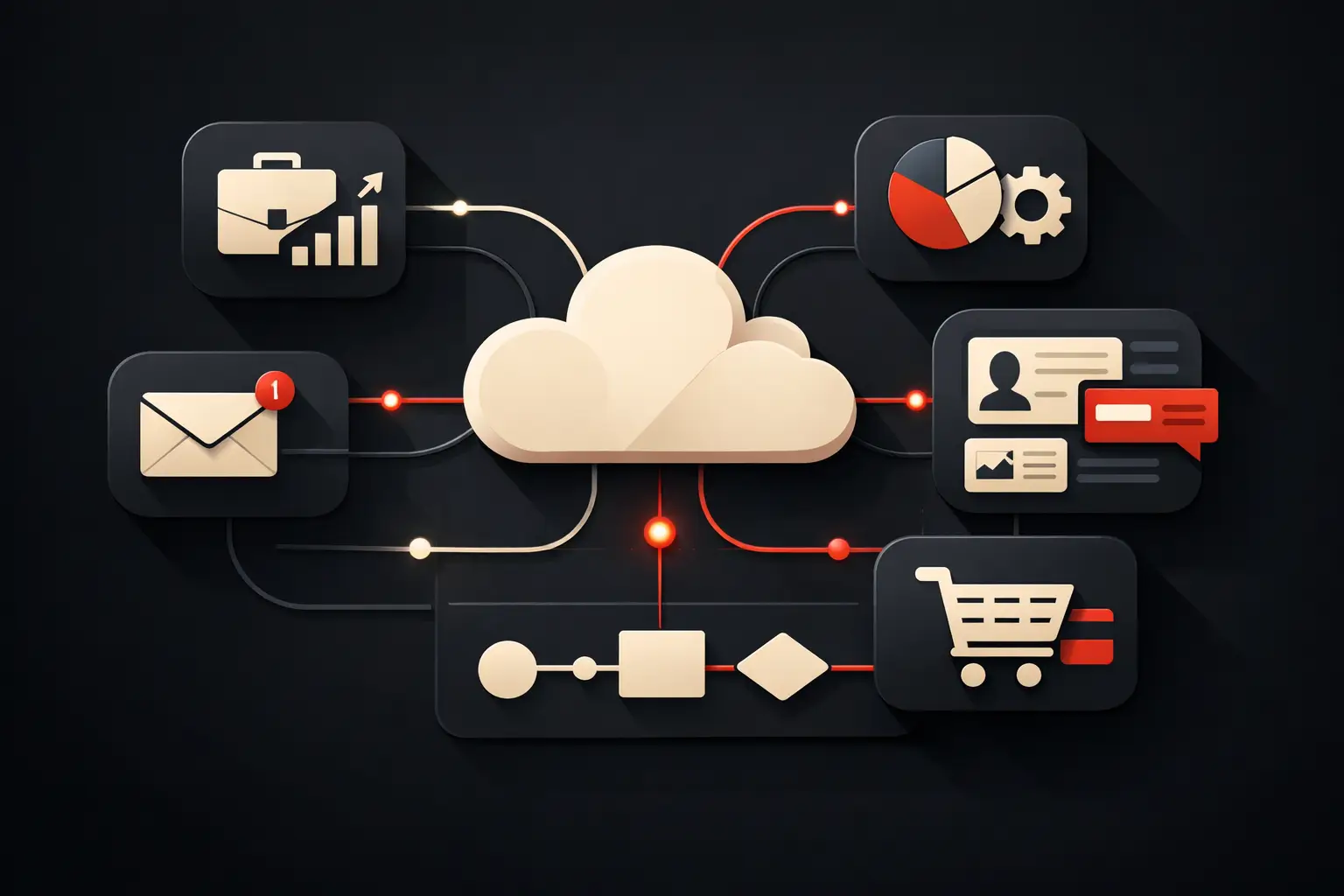
You need to map the sources: ERP systems, CRMs, e-commerce platforms, spreadsheets, local databases, email marketing tools, customer support platforms, and document archives. Often, the same information exists in several places, under different names and with incompatible update frequencies. A customer may appear in the ERP under their company name, in the CRM under an abbreviation, and in e-commerce under a personal email address. Without a reconciliation rule, the new system will inherit three identities for the same person.
The analysis should produce a concrete inventory: data source, internal owner, format, update frequency, quality, and intended destination. It is also useful to classify information by criticality. Customer records, credentials, bank details, contractual documents, and health or other sensitive data require different levels of protection and traceability.
This phase often reveals an uncomfortable but useful truth: not everything should be migrated. Obsolete archives, contacts inactive for years, duplicate files, and fields that have never been used increase costs, risks, and project timelines. Retaining data does not necessarily mean transferring it into the live system. Some data can be stored in an accessible archive, with defined retention policies, without burdening the CRM or ERP.
Cleaning, normalization, and quality rules
Migrating dirty data makes the new system more costly from day one. Data cleaning is not an administrative detail: it is a prerequisite for automating workflows, producing reliable dashboards and reducing team errors.
Normalization addresses formats and conventions. Dates, phone numbers, addresses, tax codes, VAT numbers, order statuses, and product categories must follow consistent rules. Even seemingly simple fields can cause problems. If an opportunity’s status is recorded as “closed,” “won,” “OK,” and “completed,” a sales dashboard cannot provide credible data without precise mapping.
You also need to define an authoritative source for each piece of information. If the CRM is the reference for contacts and sales opportunities, the ERP should not indiscriminately overwrite its values. If the ERP governs availability and prices, e-commerce should receive controlled updates. This approach, often called a single source of truth, prevents conflicts between systems and reduces the time spent checking which data is correct.
Designing migration without halting operations
A direct cutover, with one system shut down and the next switched on at the same time, can work only in the simplest environments. For many SMEs, a gradual approach is safer and easier to measure.
The process usually starts with a test environment and a representative sample of data. It is not enough to verify that records have been imported: you need to simulate real operations. Create a quote, convert an order, issue a document, update availability, open a ticket, or generate a report. If critical workflows work with the migrated data, the likelihood of surprises at go-live falls significantly.
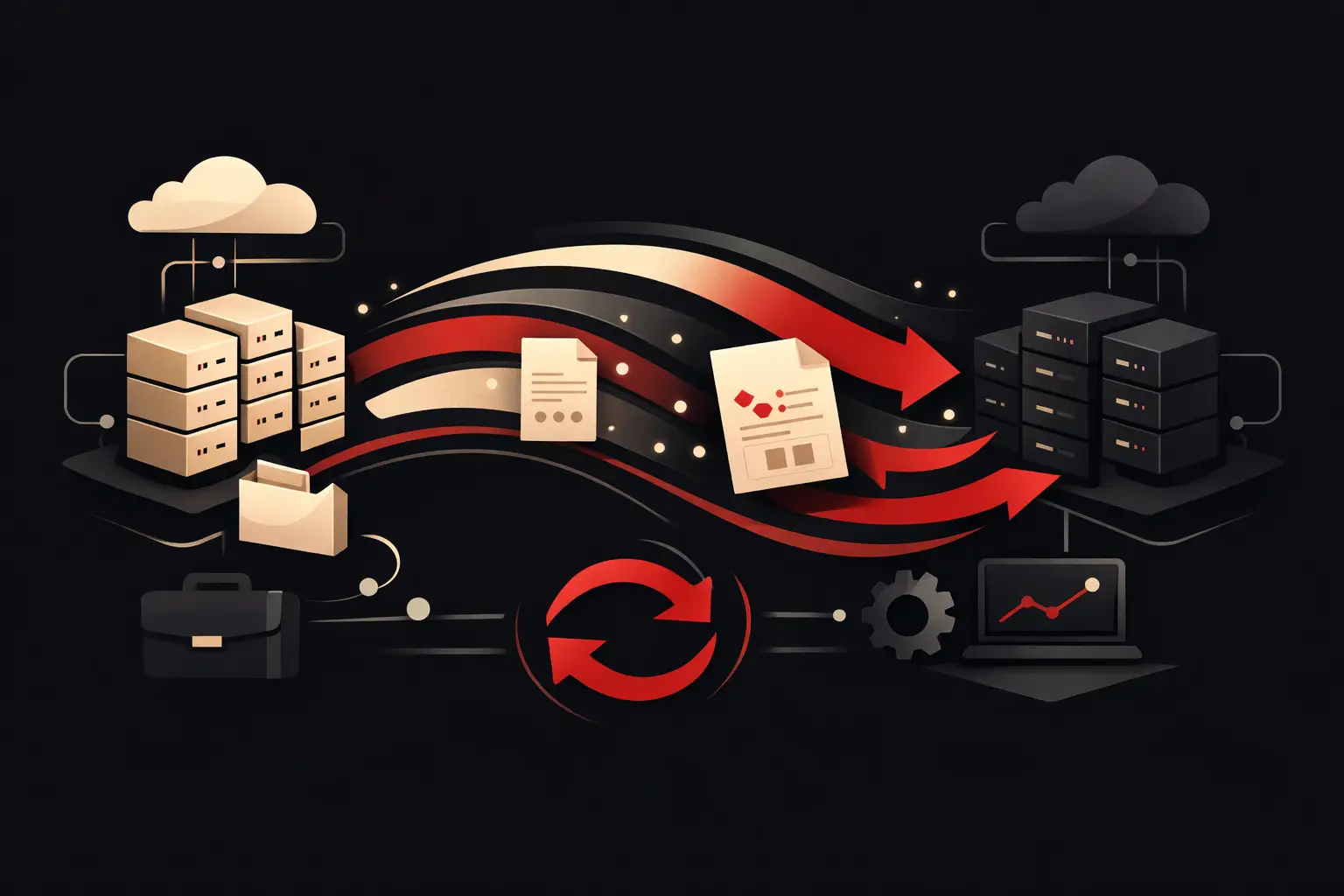
Migration can take place in several waves. First, customer and other master records and historical archives; then active items; finally, the delta of data changed during the project. This approach requires temporary synchronization or well-coordinated procedures, but it reduces the downtime window.
The trade-off is clear: the more systems remain active in parallel, the greater the management complexity. However, for a company that processes orders every day or serves customers with defined SLAs, a few weeks of dual operations may cost far less than an operational shutdown or data loss.
Security, compliance, and access control
During a migration, data passes through exports, temporary files, test environments, APIs, and technical accounts. Every step expands the risk surface. Security must therefore be designed from the start, not added once the transfer is already underway.
Essential measures include encryption of data in transit and at rest, role-based access, strong authentication for administrators, activity logs, and secure credential management. Backups also deserve attention: they must be verified through restore tests, not merely declared available.
From a privacy perspective, the project must follow the principle of data minimization. Only data necessary for the defined purposes should be transferred, and clear responsibilities should be established among the parties involved. If external suppliers process personal data, roles, instructions, and security measures must be properly formalized.
A frequently overlooked issue is permissions in the new system. Moving users and data to a more advanced platform while leaving access too broad is like moving an orderly archive into a room without locks. Migration is the right time to review who can view, edit, export, or delete each class of information.
Test what matters to the business
Acceptance testing is not simply a visual check of the number of rows imported. A database can contain all the expected records and still be unusable because relationships, priorities, permissions, or calculation rules are wrong.
Tests should cover completeness, accuracy, uniqueness, referential integrity, and response times. In practical terms: does the number of active customers match? Is every order linked to the right customer? Do revenue totals add up? Can documents be retrieved? Do automations trigger when they should? Do managers receive the expected notifications?
It is useful to define acceptance criteria before go-live. For example, a maximum threshold for rejected records, mandatory accounting reconciliations, no duplicates in key fields, and completion of tests for the most critical workflows. Without measurable criteria, the final assessment risks becoming subjective, and problems may surface when the team is already at work.
After go-live: adoption and continuous improvement
A new system does not generate ROI if people continue using parallel spreadsheets, personal email inboxes, and undocumented procedures. Training must be tailored to roles and real use cases: sales staff need to know how to manage opportunities and follow-ups, order teams need to understand exceptions and statuses, and managers need to be able to read reliable KPIs.
During the first few days after launch, it is useful to have an operational support team in place to collect issues, correct configurations, and respond quickly to questions. This is not about chasing bugs, but about observing how the system is actually used. This is often when teams identify automations to refine, fields to simplify, or integrations to complete.
A well-executed migration does not end when the data reaches its destination. It begins when that information allows sales, administration, and operations to work from a single, up-to-date, measurable foundation. This is the step that turns a software change into a concrete lever for making decisions faster, reducing manual work, and growing the company without multiplying complexity.
Ready to bring your ideas to life?
Request a free, no-obligation consultation. Let's talk about your project.
Request a consultation