How to Automate Manual Data Entry
Discover how to automate manual data entry, reduce errors and operational time with integrated workflows, checks and reliable custom software.
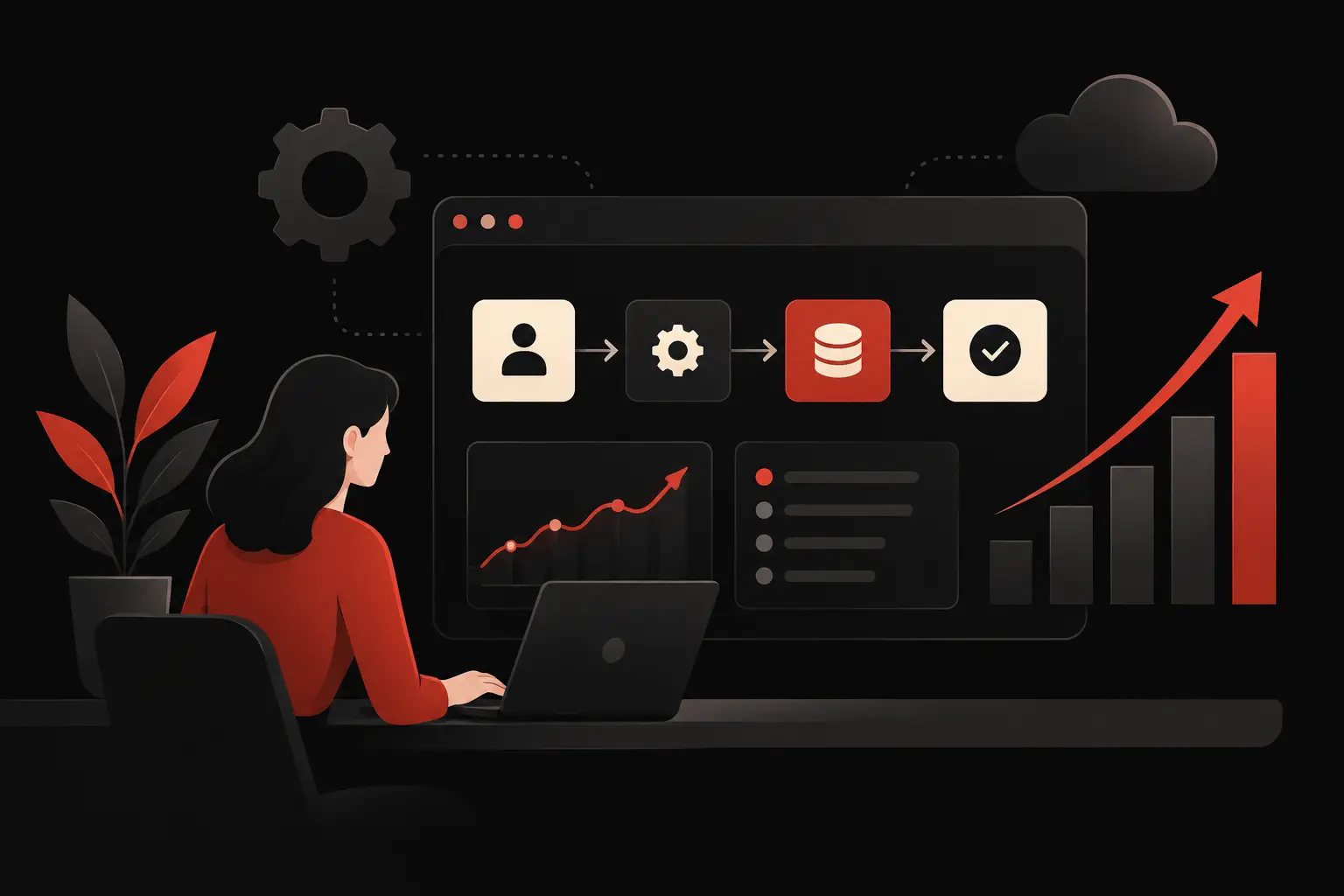
An order received by email, a request submitted on the website, a supplier document in PDF, a contact collected at a trade fair. If every piece of information requires copying and pasting, checks, and transfers between Excel spreadsheets, a CRM and business management software, the cost is not just the time spent. It is delayed decisions, an error that holds up a delivery, and a loss of control over the process. Understanding how to automate manual data entry means addressing one of the most tangible sources of operational inefficiency.
The goal is not to eliminate human involvement indiscriminately. It is to let people focus on exceptions, customer relationships and decisions that require expertise. Repetitive data, on the other hand, should enter the system only once, be validated and reach those who need it automatically.
Why manual data entry slows growth
In SMEs, manual data work rarely appears as an isolated problem. It is spread across small daily tasks: updating records, transcribing orders, copying quotes, importing transactions, assigning leads and recording support requests. Taken individually, these actions seem manageable. Multiplied across people, channels and months, they become a structural cost.
The first effect is inconsistency. Two operators may fill in the same field differently, forget a required piece of information or apply an outdated rule. The second is fragmentation: the same information lives in several tools, and no one knows which version is correct. The third is poor traceability. When a data point turns out to be wrong, tracing it back to its source and finding when the problem occurred takes time the team does not have.
Automation is not just about typing faster. It is about creating a reliable, measurable and scalable flow that maintains quality even as customers, orders and requests increase.
How to automate manual data entry by starting with workflows
The starting point is not choosing software. It is understanding what data enters the business, where it comes from, where it needs to go and who uses it next. Effective automation follows the real process, not an ideal diagram created far removed from day-to-day operations.
For each workflow, map the source, format, recipient, required fields and validation rules. An order, for example, may arrive through e-commerce, email or the sales team; it then needs to update customer records, availability, administration and logistics. If these steps are manual today, you have a priority candidate for automation.
Priority should not be assigned based on volume alone. A process with few cases but a high financial impact, such as entering B2B quote requests, may deserve attention before a more frequent but less significant task. The assessment should take into account hours consumed, error rate, data criticality and the consequences of a delay.
Identifying the right tasks to automate
The best tasks to start with follow a recurring sequence and have reasonably clear rules. Automatically adding leads from web forms to the CRM, extracting data from standardized documents, syncing orders between e-commerce and business management software, or updating the status of a case are typical examples.
By contrast, processes involving highly variable documents, subjective judgments or frequent exceptions do not necessarily need to be automated from end to end. In these cases, it is worth building a hybrid workflow: the system captures and classifies the data and suggests entries; an operator checks only uncertain cases. This is a more realistic approach and reduces the risk of errors being propagated at scale.
Technologies that turn data into workflows
The right solution depends on the ecosystem already in place at the company. If CRM, ERP, e-commerce and customer support tools have APIs, integrations can transfer data in real time, applying consistent rules without manual exports and imports. When tools don't talk to each other, middleware or custom software can act as the workflow's orchestrator.
For information in PDFs, scans, shipping documents and invoices, OCR reads the text and converts the image into structured data. AI models can then recognize fields such as company name, product code, quantity, address or order reference, even when their positions are not exactly the same. The result must still be subject to confidence thresholds: above a certain accuracy level, the data is recorded; below it, the data is sent for review.
Digital forms also play a decisive role. Often, the most cost-effective automation is not about reading a received document more accurately, but avoiding the need to create that document in the first place. A customer or supplier portal with guided fields, selectable menus and real-time validation reduces errors at the source and feeds information directly into the central system.
Validation, exceptions and accountability
A reliable workflow does more than move information. It checks formats, duplicates, tax codes, VAT numbers, addresses, availability and consistency across fields. If an order contains an invalid product or a quantity outside the permitted range, the system should not record it silently: it should generate an exception, assign it to the right person and keep a record of it.
This logic is essential. Automating incorrect input without checks means making the error happen faster. That is why the design must establish clear rules, permission levels and an audit trail showing what was imported, corrected or approved.
A practical example: from an email request to the CRM
Imagine a company that receives sales inquiries every day through email, online forms and messages from the sales team. A sales rep opens the messages, copies contacts and requirements into a spreadsheet, then another colleague updates the CRM. Meanwhile, some requests do not receive a response within the expected time.
A properly designed workflow can capture the message, extract the name, company, contact details and type of requirement, check whether the lead already exists, and create or update the CRM record. Based on the industry, stated budget or geographic area, it assigns the contact to the appropriate sales rep and creates a task with a deadline. If essential information is missing, it sends a request for additional details or opens a review queue.
The value is not just in saving minutes. Management can measure incoming leads, response times, the quality of sources and missed opportunities. The sales team works with complete information. The customer receives a faster, more consistent response.
Measuring returns before and after launch
An automation project should be assessed as an operational investment, not simply a technical implementation. Before launch, it is useful to establish a baseline: number of cases handled, average minutes per case, errors detected, response times, correction costs and backlog.
After launch, the most useful KPIs depend on the process, but they should make the change visible. For an order cycle, useful measures may include the time from receipt to entry, orders on hold and manual changes. For the CRM, assignment speed and the percentage of complete leads. For administration, the share of documents processed without human intervention and anomalies caught before accounting.
Not every benefit can be immediately translated into hours saved. Better data quality enables more reliable forecasts, faster reports and commercial decisions based less on intuition. This advantage grows over time, especially when the company builds dashboards and processes around a shared data source.
When you need a custom solution
Standard platforms and preconfigured connectors are a good starting point when the process is straightforward. They can become a limitation, however, when custom price lists, specific sales rules, multilevel approvals, historical archives or multiple systems that are not fully compatible come into play.
In these contexts, a custom solution makes it possible to model the workflow around the processes that create value, rather than forcing the team to work around software constraints. Graffico approaches these projects by starting with operational analysis, turning integrations, dashboards, CRM and AI automation into tools that are measurable and usable every day.
The most effective choice is often gradual: automate a high-impact workflow, observe the results and exceptions, then extend the approach to other departments. The first process to improve is not the most technological one. It is the one that, by freeing up time and reducing errors, immediately makes the company faster at serving customers and making decisions.
Ready to bring your ideas to life?
Request a free, no-obligation consultation. Let's talk about your project.
Request a consultation