How to design a business app that works
Learn how to design a business app: goals, workflows, UX, integrations and KPIs to turn an idea into a tool that delivers real efficiency.
A business app doesn’t fail because it lacks a feature. It fails when it adds another tool to update, another login to manage and another place where data gets scattered. So understanding how to design a business app means starting with the actual work: orders, quotes, support, approvals, inventory, field technicians, and communications with customers and suppliers.
The goal isn’t to digitize every activity indiscriminately. It’s to eliminate manual steps, recurring errors and delays that slow down sales, operations and customer care. A well-designed app makes a process faster, easier to control and more measurable. To do that, it must bring together business vision, user experience and software architecture.
Before the app: define the costliest problem
The initial request is often generic: we need a business management system, a customer portal, a CRM or a sales force app. These are useful labels, but they’re not enough to design an effective solution. The question to ask is more precise: which inefficiency are we trying to eliminate, and how much is it affecting the business?
A company that receives orders by email, phone and spreadsheet doesn’t necessarily need “an order app.” It may need a workflow that centralizes requests, checks availability and price lists, assigns tasks to the right department and updates the customer on the status of their request. Software is the means, not the starting point.
The initial phase calls for aprocess analysis. This means examining who performs each activity, which data they use, where it’s entered and which exceptions make the workflow slow or fragile. This phase often reveals the real bottlenecks: duplicate entries, approvals over chat, outdated information and reports manually compiled at the end of the month.
To set priorities, it’s worth assigning a value to each problem: hours that could be saved, errors that could be avoided, response time reduced, sales opportunities recovered. Not everything needs to go into the first version. An effective project starts with the process that offers the best balance between impact and complexity.
How to design a business app around workflows
A business app should reflect how the company works without automatically reproducing its inefficiencies. Mapping a workflow means describing an action from start to finish: who initiates it, what data is needed, which rules apply, who steps in next and what result must be produced.
Take a support request portal. The customer opens a ticket, selects the problem category and attaches any relevant materials. The system assigns the request based on skills, priority or geographic area, notifies the technician and keeps a history. If the ticket requires a replacement part, the workflow can involve the warehouse; if it exceeds a certain time threshold, it can trigger an internal escalation.
This logic needs to be defined before designing the screens. Otherwise, you risk creating an attractive interface that can’t handle operational exceptions—the very situations that take up the most time for people.
Roles, permissions and responsibilities
Each user should see only the information and actions relevant to their role. A sales rep can create a quote and follow up on deals; a manager can approve discounts or monitor KPIs; a customer can view documents, submit requests and check progress.
Permissions aren’t a technical detail to leave until the end. They affect security, ease of use and data quality. If everyone can edit everything, the system becomes unreliable. If permissions are too restrictive, work grinds to a halt. The design needs to find the right level of control for the process.
Designing the user experience for the people doing the work
In business applications, user experience isn’t just about aesthetics and perceived usability. It’s about seconds saved on tasks repeated hundreds of times, fewer support requests and greater internal adoption.
An employee entering orders should be able to complete the task in a few steps, with data prefilled wherever possible. A manager should be able to spot anomalies and priorities without reading dozens of rows. A technician using the app on a smartphone, perhaps at a customer’s premises, needs to be able to work with large fields, essential information and clear procedures.
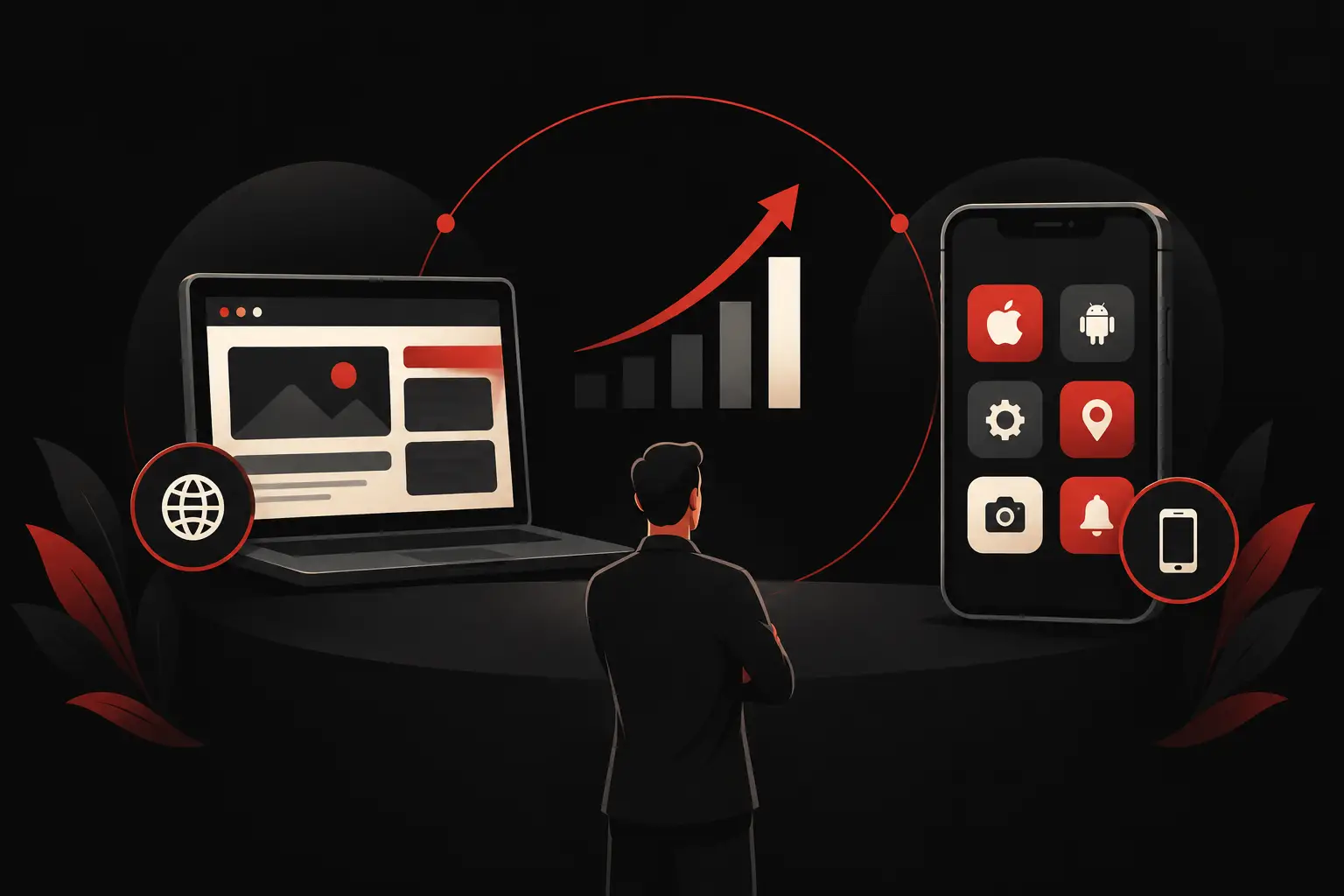
Premium design and operational functionality aren’t separate concerns. A well-organized interface makes data easier to read, reduces errors and conveys reliability to customers, partners and the sales network. The choice between a web app, mobile app or hybrid solution depends on the context of use: office work, mobility, frequent data access, offline use, camera or geolocation may all affect design priorities.
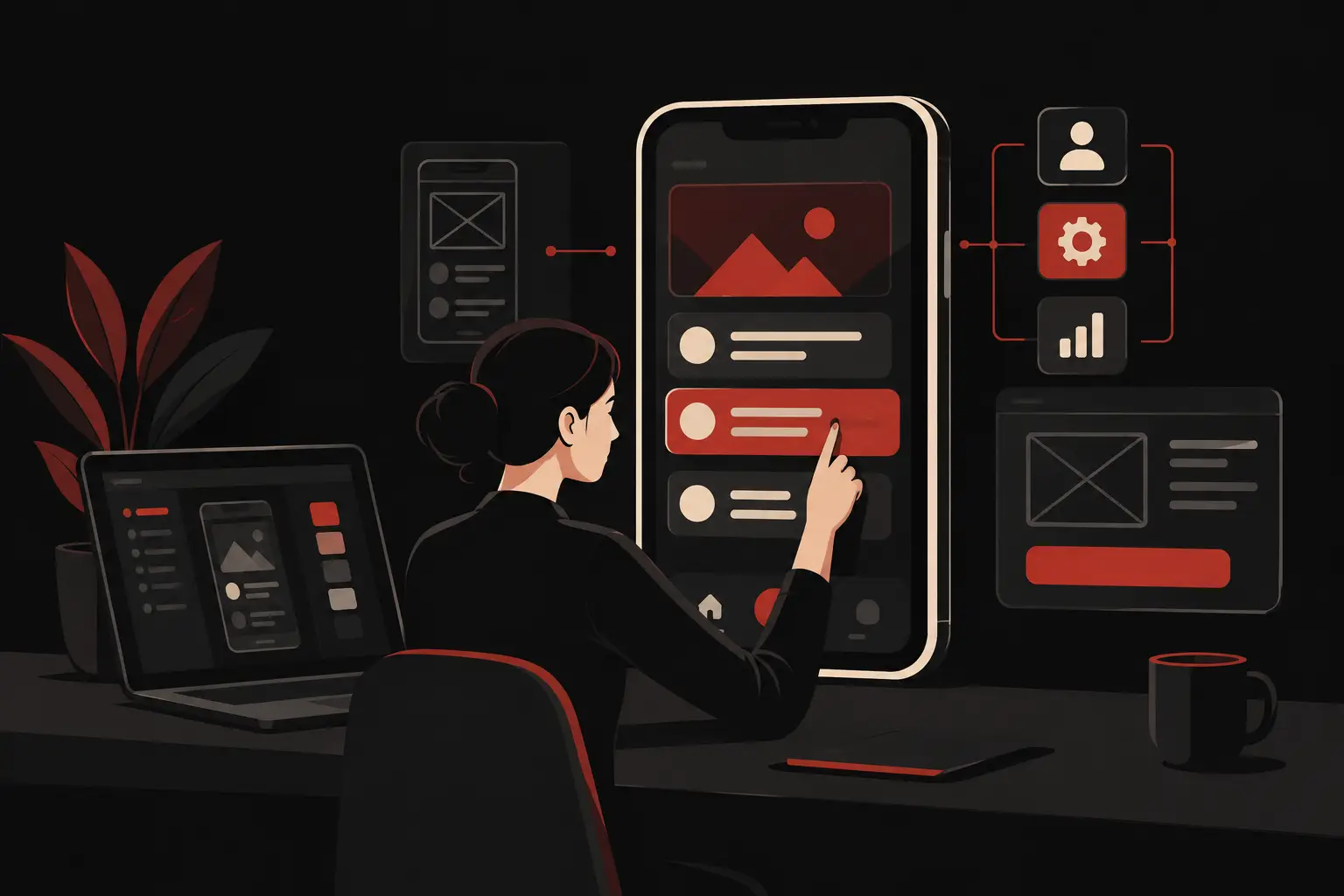
Before development, it’s useful to validate wireframes and prototypes with the users involved. There’s no need to wait for a complete product to discover that a step is unnecessary or that crucial information is hidden in the wrong place. Changing a decision at the prototype stage takes far less time than doing so after the software has been released.
Data, integrations and automations: the invisible structure
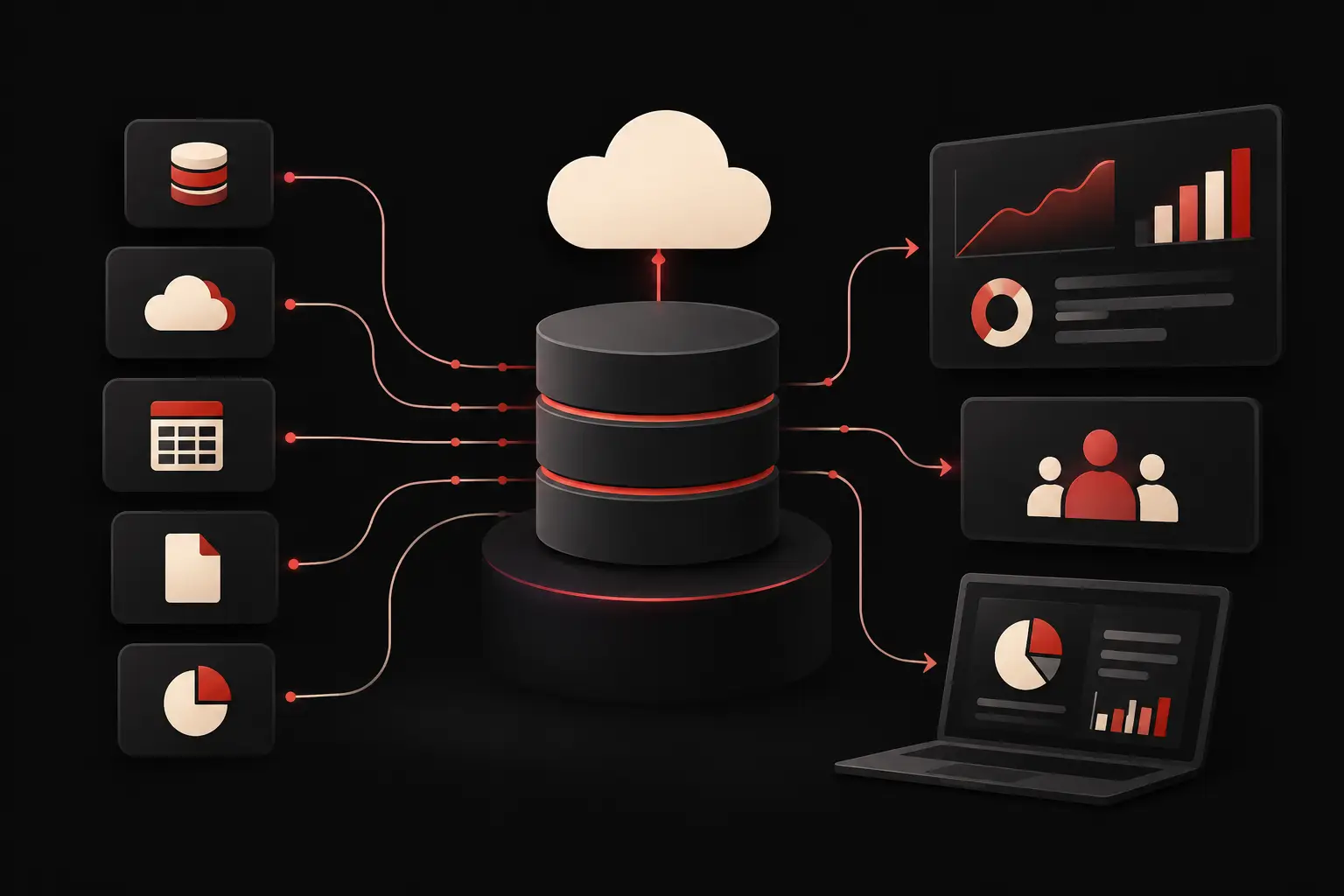
Many business apps need to communicate with existing tools: ERP, accounting, e-commerce, warehouse systems, payment platforms, email, calendars or internal databases. Integration is useful when it eliminates duplication and maintains a reliable source of data.
The point isn’t to connect everything to everything. It’s to establish which system is authoritative for each piece of data. If the price list originates in the management system, the app should read it and update it according to defined rules, not create a disconnected copy. If a new contact comes in through the website, their registration should follow a clear path to the CRM, sales or customer care.
Automations add value to an app when they handle repetitive, predictable actions: sending notifications, creating tasks, reminders, classifying requests, updating statuses and generating documents. AI agents can support customer service and analysis, for example by summarizing tickets, suggesting priorities or spotting signals in data. They should, however, be introduced using verifiable criteria: human oversight for sensitive steps, contextual data and clear metrics to evaluate the quality of responses.
Developing to grow without complicating the present
A custom project doesn’t require building every possible feature right away. It requires building today’s necessary foundations well, while leaving room for consistent future development. That’s a substantial difference.
An initial release can focus on request management, records, assignments and essential dashboards. Once the workflow is adopted and the data collected is reliable, it’s possible to add automations, customer modules, advanced reports or new integrations. This approach reduces the risk of investing in features based on unvalidated assumptions.
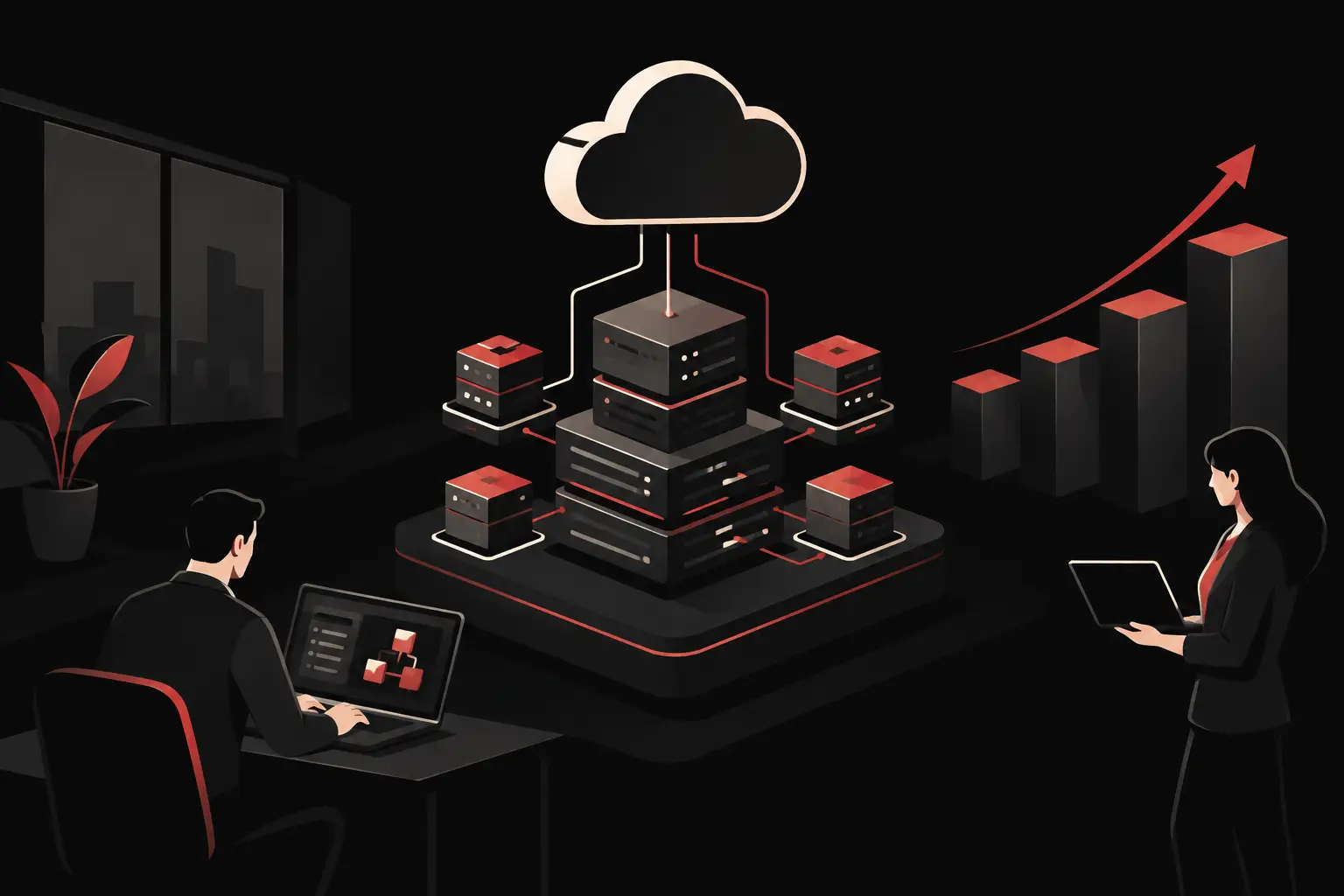
Scalability also means performance, security, traceability and business continuity. An app that handles sales data, documents or personal information must include appropriate authentication, permission management, backups, logging of relevant operations and attention to data protection. These elements don’t make a demo more spectacular, but they determine the reliability of a tool used every day.
Measuring results after launch
Launch isn’t the end of the project. It’s the moment when the app encounters real habits, exceptions and volumes. That’s why KPIs should be defined before going live: average case handling time, number of requests resolved, error rate, customer response time, quote conversion rate and reduction in manual tasks.
If the expected result was to reduce the time needed to fill out an order from twenty minutes to five, measurement must show whether the goal has been achieved. If the app is meant to improve sales oversight, a dashboard should make the pipeline, stalled activities, and performance by region or salesperson visible. Data turn a positive impression into an informed investment decision.
Adoption deserves the same attention as development. Targeted training, a phased rollout, and a channel for gathering feedback help reduce resistance. In some cases, the change also requires revisiting internal responsibilities: providing a new tool is not enough if the process remains ambiguous.
Graffico approaches these projects as operating systems for business, not as simple interfaces. Workflow analysis, design, custom development, and integrations must converge on a tangible result: less scattered work and more control over the activities that generate value.
The final question is not which app to build, but which operational outcome should become the norm after its release. Once that answer is clear, technological, functional, and design choices all have a clear direction.
Ready to bring your ideas to life?
Request a free, no-obligation consultation. Let's talk about your project.
Request a consultation