How to Digitize Internal Business Processes
Discover how to digitize internal business processes, reduce errors and operating times, and create connected, measurable workflows that are ready to scale.
An order approved by email, copied into an Excel spreadsheet, and then entered again into the management system is not a minor operational detail: it is a cost that recurs every day. Understanding how to digitize internal business processes means tackling exactly these issues: manual steps, duplicate information, and delays that slow down sales, production, administration, and customer care.
Effective digitalization is not the same as buying new software. It starts by analyzing how work is actually done, continues with the design of simpler workflows, and is measured by the results: fewer errors, shorter response times, reliable data, and a greater ability to manage growth without proportionally increasing the team's workload.
Identify the processes holding back growth
The first mistake is trying to digitize everything at once. A company may have dozens of internal procedures, but they do not all have the same impact on margins, service quality, or operating speed. Priority should go to frequent, repetitive, cross-functional processes, especially those involving multiple people or departments.
Common examples include managing sales leads, collecting orders, approving quotes, handing work over from sales to production, monitoring projects, handling support requests, and collecting data for management control. If information has to be searched for in chats, emails, local files, and phone calls, the process is not under control.
To decide where to start, look for four concrete signs:
- the team enters the same data in different tools;
- work stops when someone is absent;
- customers and suppliers have to chase updates;
- managers do not have up-to-date data to make decisions.
These signs should be paired with a measurement. How many hours are spent on the process each week? How many errors or delays does it generate? How much does it cost to handle a request manually? Without a baseline, even a well-executed project risks being seen as a generic improvement rather than an investment with a measurable return.
How to digitize internal business processes, step by step
The sequence matters more than the technology you choose. Digitizing a confusing process without rethinking it simply transfers the confusion into the digital environment. First clarify roles, rules, and steps; then define the tools needed to make them work with less friction.
Map the actual workflow, not the theoretical one
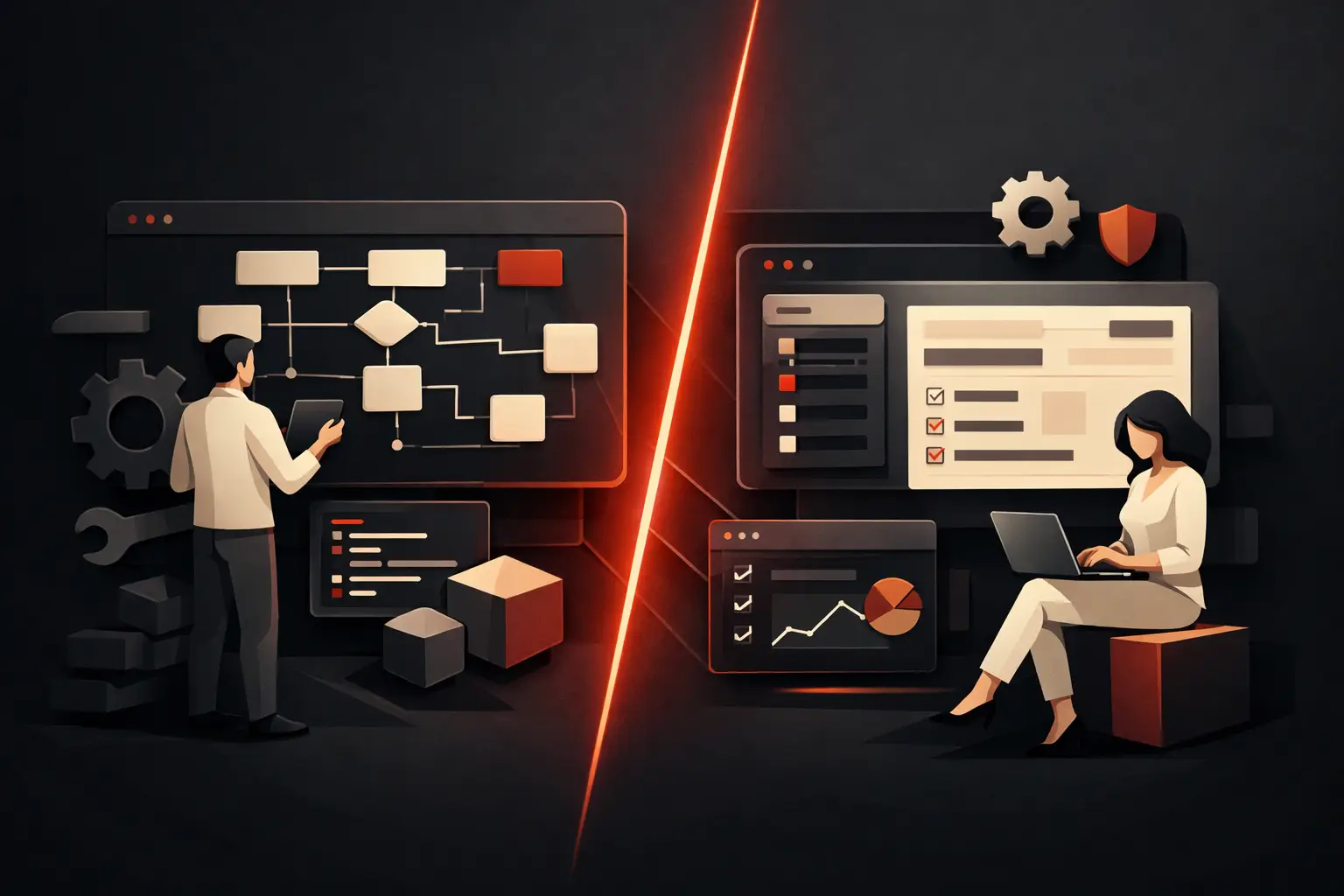
A procedure described in a manual rarely matches the one followed every day. That is why mapping must involve the people who work on the process, not just those who manage it. You need to visualize the triggering event, the required information, the tasks performed, the tools used, the people responsible, the exceptions, and the final outcome.
Take the handling of a sales inquiry. The workflow may start on the website, with a phone call, or at a trade fair; continue with manual qualification, preparing a quote, approving a discount, and handing the request to the operations department. If each stage lives in a separate tool, the risk is not just losing data: it is losing opportunities because no one can clearly see who needs to do what, and by when.
The map helps identify bottlenecks. Often these are not complex tasks, but trivial micro-steps: copying a contact, requesting approval by email, reconstructing the status of a case, or chasing a missing document.
Simplify before automating
Not every step is worth keeping. A good project distinguishes what creates value from what exists only out of habit. If a request requires three approvals but two people check the same data, the problem is the rule, not how quickly it is carried out.
At this stage, define the future process: which data is mandatory, who owns each task, which conditions trigger an automated action, which exceptions require human review, and which notifications are genuinely useful. The goal is not to remove people from the process, but to free them from low-value tasks so they can focus on decisions, relationships, and non-standard cases.
Centralize data and responsibilities
A digital workflow works when there is a reliable source for every critical piece of information. A CRM can become the central hub for leads, customers, and opportunities; a custom management system can govern orders, projects, and progress; a dashboard can make KPIs readable when extracting them manually currently takes hours.
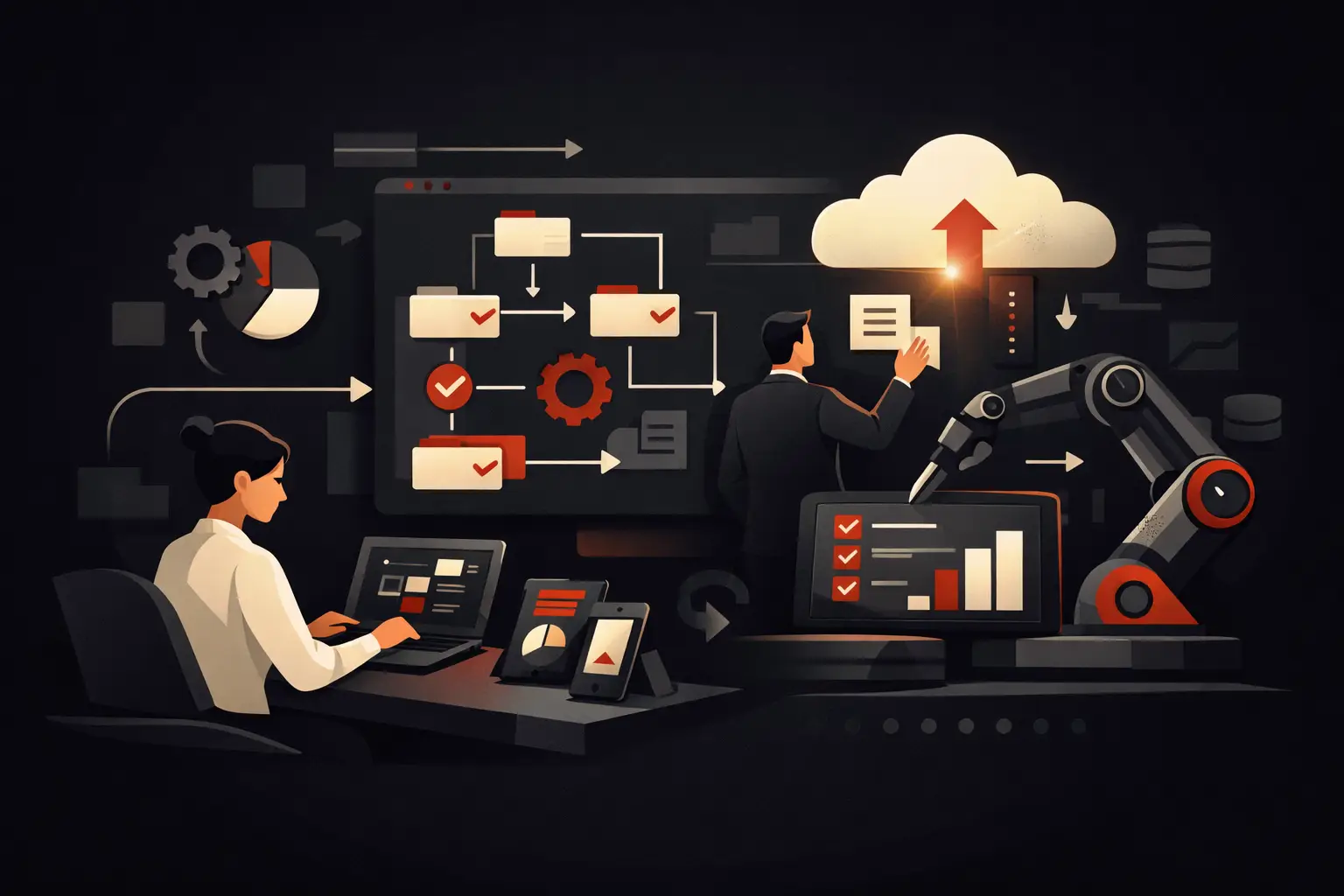
Centralizing does not necessarily mean replacing all the existing software. For many SMEs, the most effective approach is to connect tools that are already useful, eliminating duplicate data entry and manual handoffs. An order confirmed in the CRM can create a project, update availability, generate tasks for the operations department, and send the customer a consistent communication. The data is entered once and used wherever it is needed.
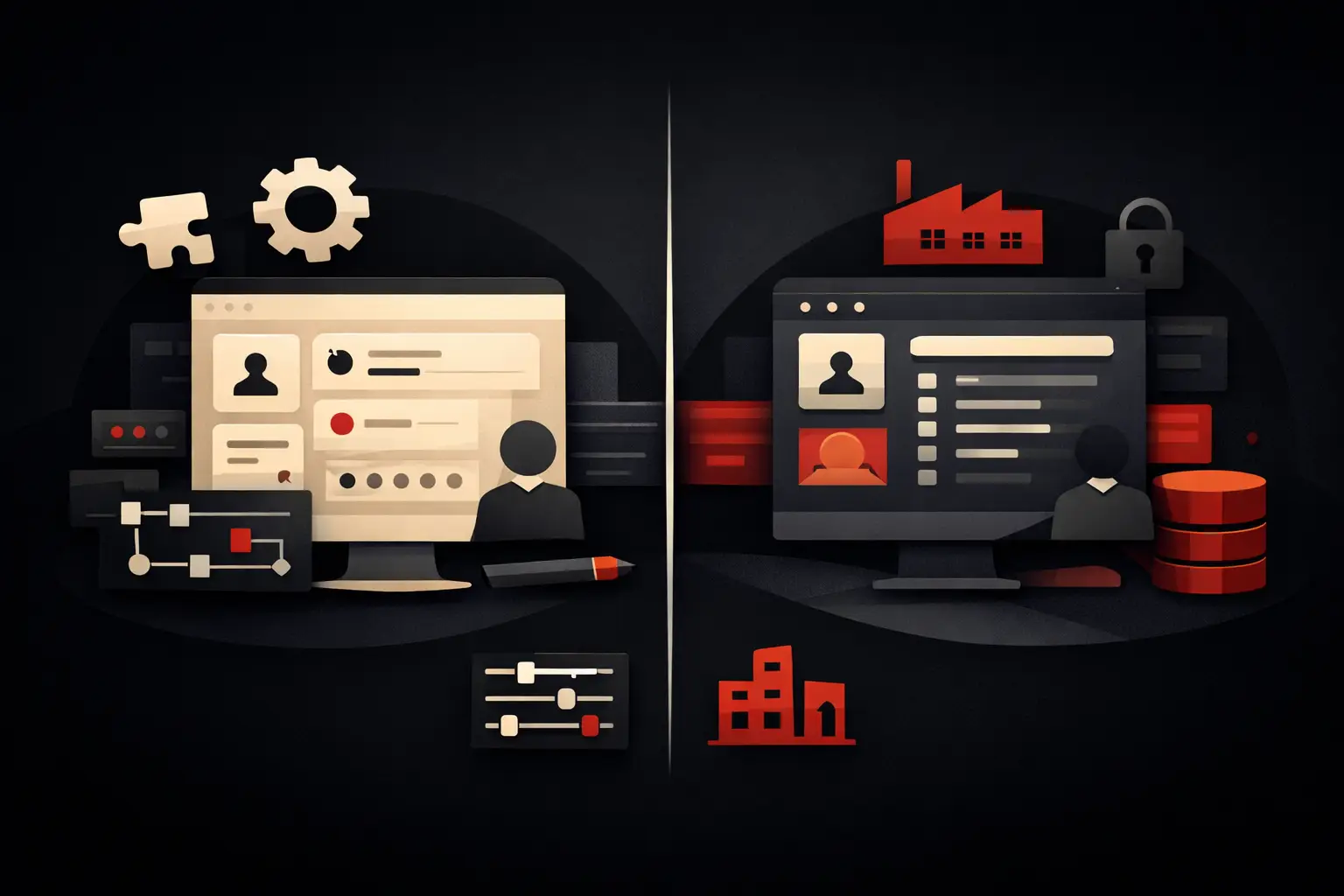
This raises a strategic choice: adopt standard software or design a custom solution. A standard product is suitable when the process is fairly common and the company can adapt to the software's logic. A custom platform is more appropriate when the workflow represents a competitive advantage, incorporates specific rules, involves multiple systems, or requires a precise operational experience for the team.
Integrate instead of adding silos
Adding an app for every need may seem quick, but over time it multiplies logins, misaligned data, and hidden costs. The value of digitalization comes from integrations: web forms that feed the CRM, management software that communicates with accounting and logistics, booking systems connected to availability and notifications, and supplier portals that automatically update request statuses.
Integrations must be designed carefully. You need to define which system owns the data, what happens in the event of an error, how duplicates are handled, and which users can view or edit specific information. Data security and quality are not minor technical concerns: they determine the reliability of the entire process.
Use AI automation where it creates a real advantage
Artificial intelligence can speed up request classification, information extraction from documents, responses to common questions, report summaries, and the prediction of anomalies or priorities. But it is not a shortcut to digitizing disorganized processes.
For example, an AI agent can read incoming emails, identify the type of request, retrieve data from the CRM, and route it to the right department. It can support customer service outside business hours or flag sales opportunities at risk of stalling. However, it must operate within clear rules, with appropriate checks and human oversight for sensitive decisions.
The principle is simple: apply AI where there is sufficient volume, reliable data, and a measurable benefit. If the process changes every week or requires highly negotiated judgments, it may be more useful to structure the data and standardize procedures first.
Roll out by priority and measure the impact
A digital project should not be judged only at the time of delivery. The rollout is the beginning of the phase in which the solution is adopted, adjusted, and improved based on actual use. To reduce risks and resistance, it is a good idea to start with a high-impact but well-defined process, validate it with users, and then extend the approach.
Training is part of the project, not a final add-on. A new tool fails if it is seen as another administrative burden. People need to understand what changes in their work, which tasks they will stop doing, and how the new workflow makes it easier to find information, meet deadlines, and collaborate with other departments.
KPIs should be defined before rollout. Depending on the process, they may include average completion time, number of cases handled per person, error rate, customer response time, percentage of tasks completed by the deadline, lead conversion, or the number of days needed to close a project. You do not need dozens of metrics: you need a few indicators tied to a clear business or operational objective.
Digital becomes an advantage when it follows your business
Digitalizing does not mean making the company dependent on technology. It means building a more transparent operating system, where information reaches the right person, tasks move forward without constant reminders, and management can make decisions based on real data rather than partial reconstructions.
The best solutions are not those with the most features, but those that remove friction from a specific process and continue to adapt as the business grows. This is the approach that guides Graffico: turning concrete operational complexity into tailored, measurable tools capable of generating speed, control, and value over time.
Ready to bring your ideas to life?
Request a free, no-obligation consultation. Let's talk about your project.
Request a consultation