Custom vs. off-the-shelf software: which should you choose?
Custom vs. off-the-shelf software: explore costs, timelines, limitations and ROI to choose the solution that makes business processes more efficient over time.
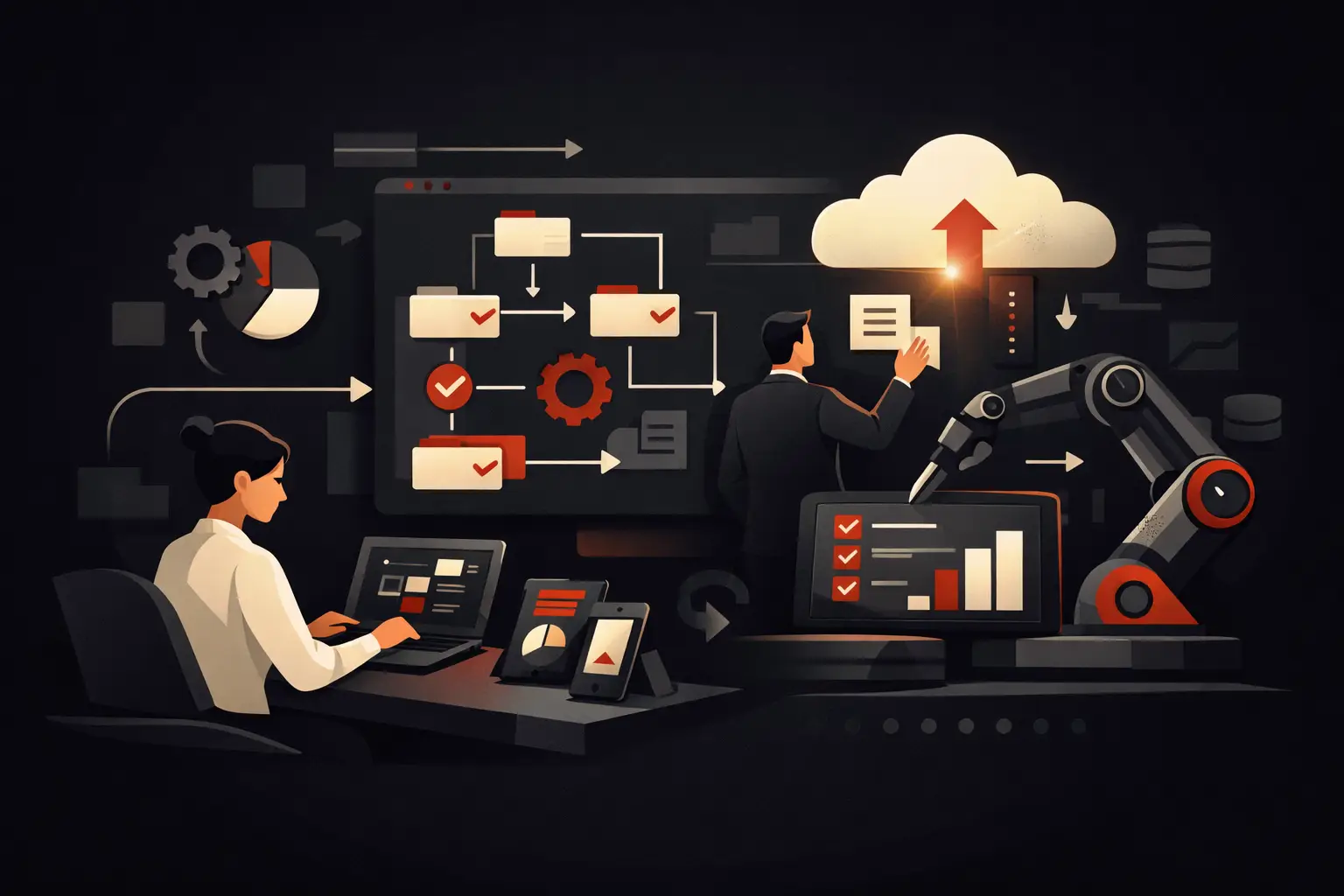
A sales rep updates the CRM, the administration team copies the same data into the management system, the warehouse receives an Excel file, and a customer asks for information that someone has to retrieve manually. It’s in these steps that the choice between custom and off-the-shelf software stops being a technical question and becomes an economic one: every duplicate entry, delay or error creates a measurable operating cost.
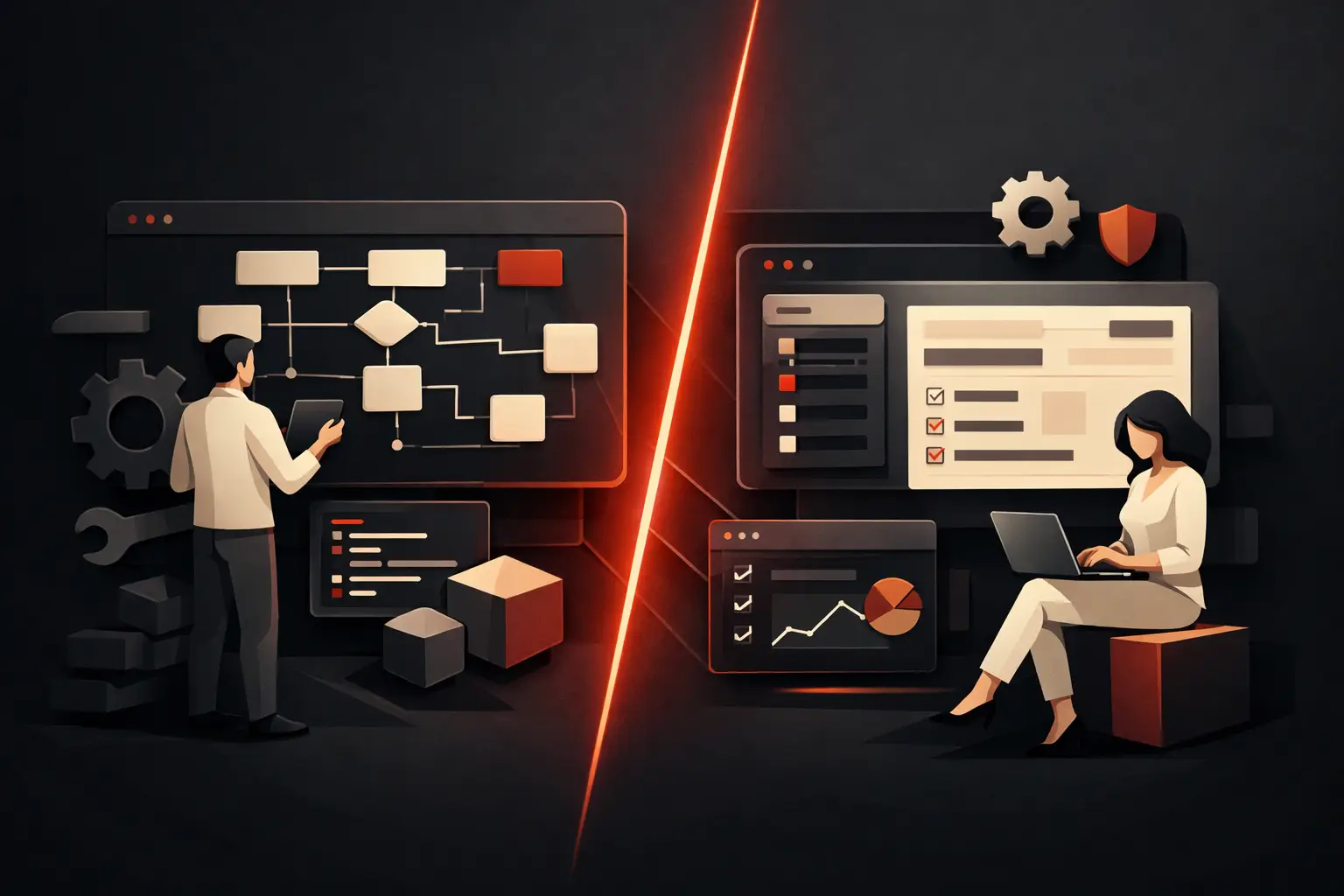
Off-the-shelf software can solve a lot, especially at the outset. But as a company grows, processes become more varied and tools stop talking to each other, adapting to the software can become more expensive than building a tailored solution. The right question isn’t which option is best in absolute terms. It’s which choice actually reduces inefficiencies, protects margins and supports business growth.
Custom vs. off-the-shelf software: the real difference
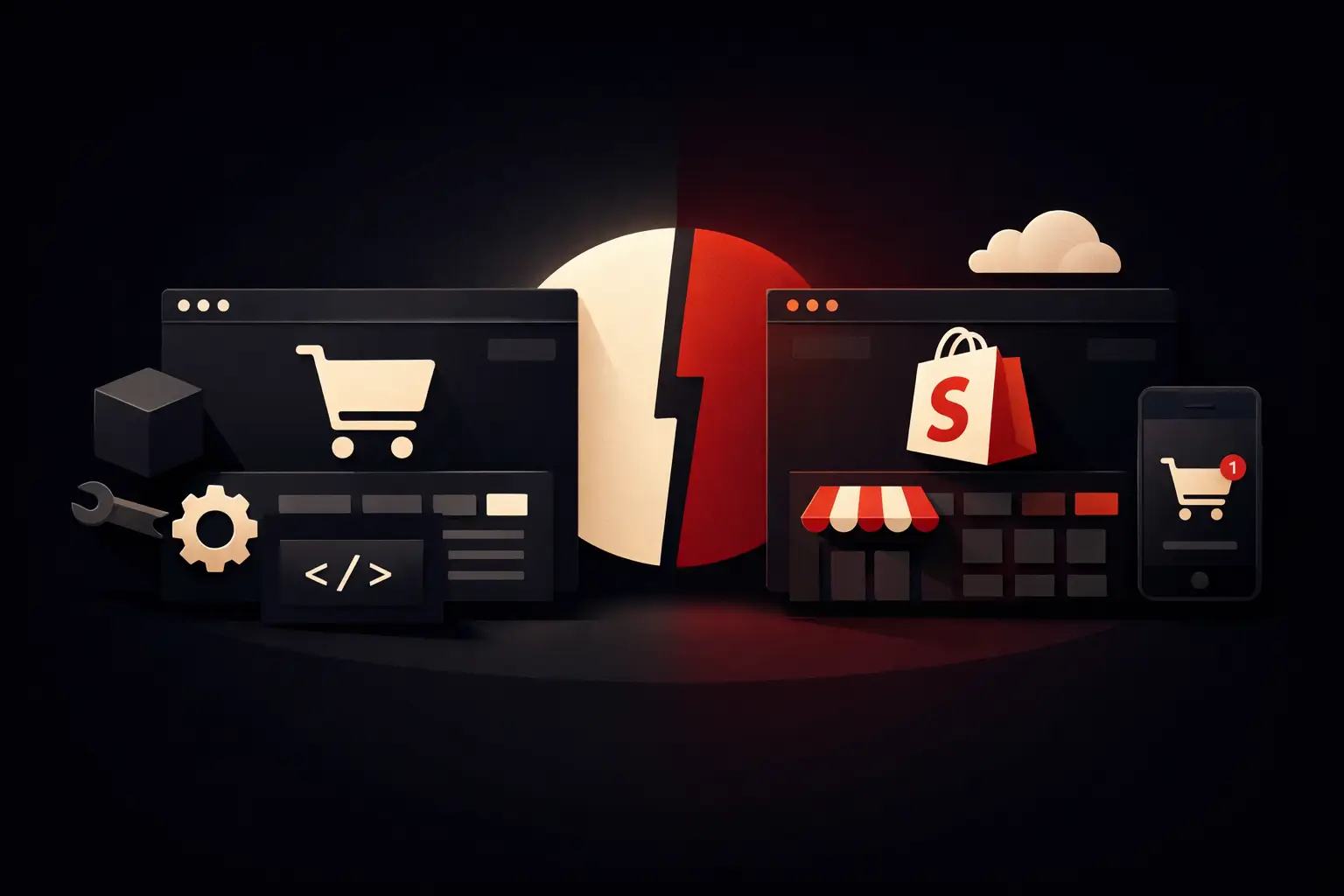
Off-the-shelf software is a ready-made product designed to meet common needs across a broad market. A standard CRM, ERP, ticketing system or e-commerce platform provides predefined features, configurations, add-on modules and integrations. The advantage is clear: faster implementation and, often, a lower upfront cost.
Custom software, by contrast, is built from an analysis of a company’s actual workflows. It doesn’t start with a catalogue of features, but with operational questions: Who enters an order? What checks need to happen before it’s confirmed? Where do delays occur? What data do management, sales and customer care need to make better decisions? The technology is then designed around the answers.
The difference isn’t a matter of complexity. Custom software can be simple and focused—for example, a supplier portal that centralizes documents and progress statuses. Conversely, a standard platform configured with dozens of plugins, parallel spreadsheets and manual procedures can become extremely difficult to manage.
When off-the-shelf software is the most effective choice
Choosing a standard tool often makes sense when a process is well established, not a source of differentiation and in line with common industry practices. Accounting, digital signatures, video conferencing and simple task management are examples where buying an existing solution can avoid unnecessary investment.
It also works well when the goal is to quickly validate a new service or bring order to operations that are still in their early stages. A company that hasn’t defined roles, rules and responsibilities is unlikely to get better results simply by developing a custom application. Organizational clarity has to come first.
The limitations emerge when the software forces repeated compromises. If the team has to export data every day, rebuild reports manually, use fields in unintended ways or work around system constraints, it’s no longer making the most of a ready-made product: it’s building a fragile process around its limitations.
Price also needs to be assessed carefully. The monthly subscription is only part of the cost. You also need to factor in per-user licenses, premium modules, configuration consulting, training, plugins, external integrations and internal hours spent on manual procedures. A low upfront cost can turn into a recurring expense that’s hard to spot in the budget but easy to see in productivity.
When you need custom software
Custom software becomes strategic when the process being digitized represents a competitive advantage, involves many departments or generates a significant amount of manual work. Think of a sales company managing differentiated price lists, approvals, complex orders and specific contract terms. Or a service business that needs to coordinate bookings, field resources, documentation, invoicing and customer support.
In these scenarios, the value isn’t in owning proprietary software. It’s in turning a fragmented workflow into a controllable system: centralized data, automated steps, clear responsibilities and KPIs you can read in real time.
For example, a custom CRM can capture enquiries from the website, assign them by region or expertise, create automated follow-ups, generate quotes using precise sales rules and flag opportunities that have been inactive for too long. A custom order management system can check availability, margins, approval thresholds and delivery progress without outdated files circulating between departments.
Customization is also useful when a company needs to integrate the tools it already uses. The goal isn’t to replace everything. Often, the most effective project connects and coordinates existing systems, eliminating repetitive steps between e-commerce, CRM, ERP, marketing platforms, warehouse and customer support. A well-designed integration reduces transcription errors and provides a more reliable source of data for decision-making.
Costs, timelines and ROI: the right comparison
Comparing off-the-shelf and custom software based only on the initial quote almost always leads to an incomplete decision. The right comparison starts with total cost of ownership and the return it can generate over time.
An off-the-shelf solution usually takes less time to implement. However, if it requires complex configurations, ongoing adjustments and the development of external integrations, its initial advantage shrinks. Custom software requires a more structured design phase, because the analysis, UX, architecture, development and testing need to reflect real use cases. This time isn’t bureaucracy: it prevents you from digitizing an inefficient process exactly as it is.
ROI should be estimated using concrete indicators. How many hours a week are spent entering the same data? How many errors lead to credit notes, delays or customer care requests? How much time passes between receiving a lead and making first contact? How many opportunities are lost because nobody receives an alert? If a solution eliminates repetitive tasks and improves response times, its value can be quantified.
A simple example: if four people each spend five hours a week consolidating data and checking case statuses, the company absorbs more than 80 hours of administrative work a month. Not all that time will be recoverable, but even a 50% reduction frees up capacity for sales, support or quality control. On top of that, there are fewer errors and more reliable data.
Signs that it’s time to reconsider your choice
You don’t need to wait for operations to grind to a halt before taking action. There are recurring signs that your digital stack is no longer aligned with the business:
- the team uses multiple files or platforms to complete a single process;
- reports require manual data extraction and don’t match one another;
- approvals depend on email, chat and people’s memory;
- the software has unused features, while necessary tasks are handled outside the system;
- growth in orders, customers or requests increases the administrative workload proportionally.
These problems don’t always require a fully custom project. In some cases, redesigning the integration between existing tools or developing a targeted module is enough. The most effective choice is often hybrid: keep the standard systems that work well and build a tailored solution for the bottleneck.
How to decide without buying the wrong technology
The first step isn’t choosing a platform. It’s mapping the current process from start to finish, involving the people who use it every day. Management and department heads see the goals; operational staff see the exceptions, redundant steps and cases that bring work to a halt. You need both perspectives.
Next, distinguish what can be standardized from what sets you apart. If a function creates no competitive value and follows rules shared across the market, it’s worth considering a ready-made solution. If it determines service quality, sales speed, margin control or customer experience, it deserves a design that better reflects the company’s business model.
The third check is scalability. It’s not enough to ask whether the system works today. You need to understand what happens with twice as many orders, three new locations, a network of sales agents or new sales channels. An effective platform must support growth without forcing the company to hire people just to compensate for process limitations.
Graffico approaches this decision by starting with workflows, data and expected outcomes—not with the technology to pitch. Because a good digital project doesn’t add another tool to the list: it removes friction and makes work faster, clearer and measurable.
The best choice isn’t the one that promises the most features, or the one that costs the least when you sign. It’s the one that lets people spend less time chasing information and more time growing the company.
Ready to bring your ideas to life?
Request a free, no-obligation consultation. Let's talk about your project.
Request a consultation