A Guide to Scalable Software Architecture for SMEs
A guide to scalable software architecture: principles, choices, and metrics for creating custom systems that grow with processes, users, and measurable results.
A management system that works for ten people can slow down the entire company when the number of users reaches fifty, orders double, and data needs to communicate with new tools. A guide to scalable software architecture helps avoid precisely this scenario: the goal is not to build oversized software, but to design a system from the outset that can grow without multiplying costs, errors, and operating times.
For an SME, scalability is about more than the number of logins. It is about the ability to add a new location, automate order approvals, integrate a courier, open a supplier portal, or give the sales team up-to-date data without resorting to parallel spreadsheets. It is an architectural choice, but first and foremost a business choice.
What scalable software architecture really means
A software architecture is the set of decisions that define how an application is organized: where data resides, how functions communicate, which components can evolve without compromising others, and how the system handles workloads, permissions, and integrations.
Scalable does not simply mean “able to support many users.” A system can handle thousands of logins and still be difficult to modify, slow to manage, or dependent on manual procedures. For a growing company, true scalability has at least four dimensions: technical capacity, functional evolution, operational continuity, and economic sustainability.
Technical capacity ensures that pages, dashboards, and workflows do not lose speed as data or requests increase. Functional evolution makes it possible to introduce new modules without rewriting the application’s core. Operational continuity protects critical processes such as orders, support, and billing. Economic sustainability prevents every change from requiring an extensive project, even when the need is limited in scope.
This distinction is crucial. A custom CRM, customer portal, or booking system does not need to be built with the complexity of a multinational. It does, however, need clear boundaries, reliable data, and a structure that does not make a complete rebuild inevitable at the first process change.
A guide to scalable software architecture starts with processes
The most costly mistake is choosing an architecture before understanding what needs to happen in day-to-day work. Technology should be defined after mapping workflows precisely: who enters a data point, who verifies it, which event starts an automation, which systems need updating, and where manual work is currently concentrated.
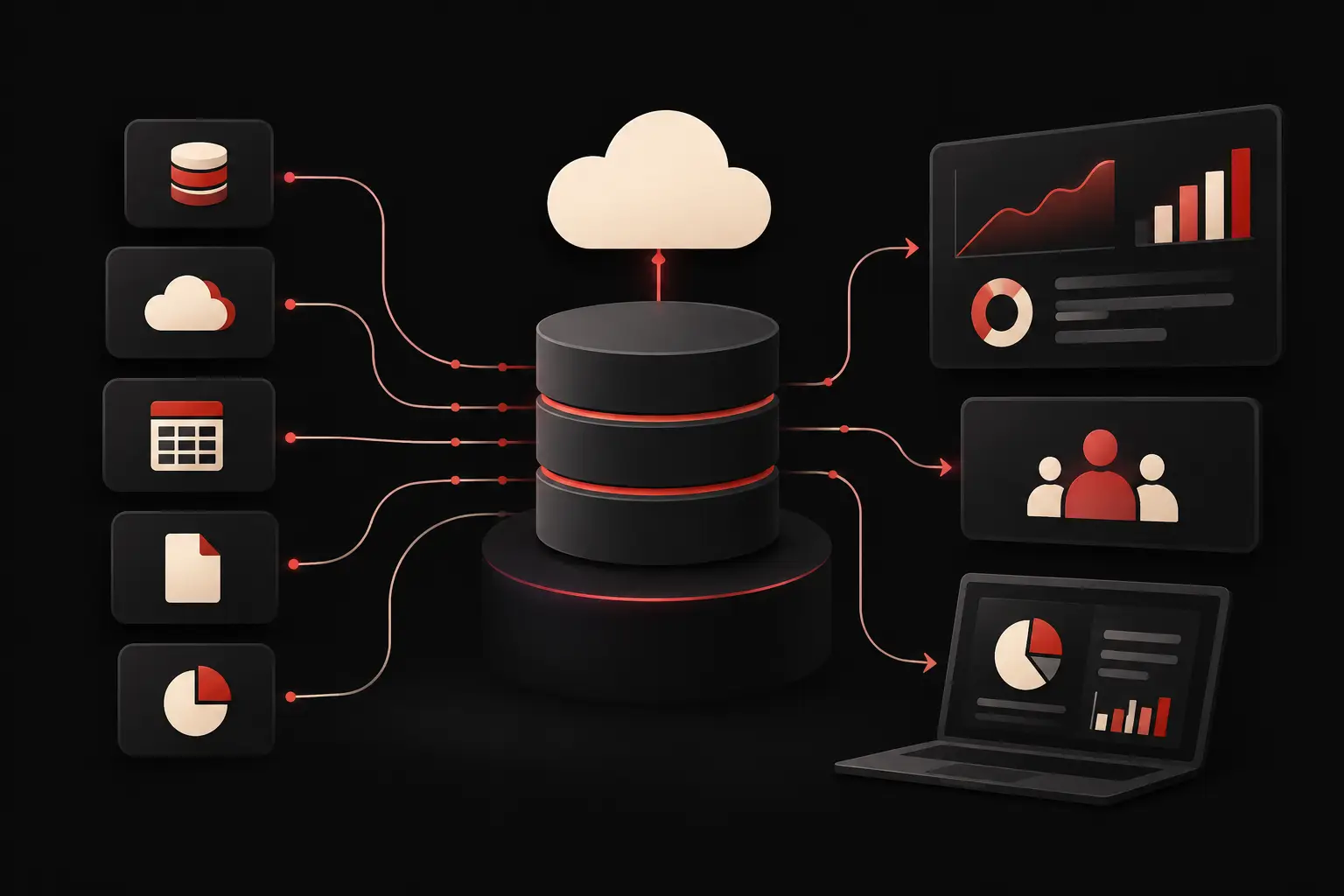
Consider a company that manages orders across multiple channels. If the problem is duplicated information between sales, the warehouse, and administration, a more attractive screen is not enough. It is necessary to define a central data source, consistent validation rules, and integrations that transfer information without repetitive manual work. Only then does it make sense to discuss modules, APIs, processing queues, or dashboards.
The same logic applies to an advanced company website. If the website needs to generate qualified leads, present product configurations, connect to the CRM, and offer restricted-access areas, its architecture is part of the sales process. Performance, interface, and user experience quality directly affect brand perception and conversion. They are not separate from the system’s engineering.
Define the core that should not change often
Every piece of software has a core: records, roles, permissions, business rules, and the statuses of a case or order. This core deserves particular attention because errors here propagate everywhere.
Features that are subject to frequent changes, such as a new acquisition channel, specialized reporting, or an integration with an external service, should instead remain as isolated as possible. This allows the company to experiment and improve without putting established operations at risk.
There is no perfect separation that works in every case. It depends on process stability, the speed at which the business changes, and the economic value of each function. The point is to make these dependencies explicit before turning them into code.
Modular monolith or separate services: the right choice is the one you can manage
When people talk about scalability, distributed architectures are often considered the automatic answer. In reality, splitting an application into many independent services adds complexity: more environments to monitor, more communications to manage, more opportunities for data inconsistency, and more expertise required for operations.
For many custom projects, a modular monolith is an effective choice. This means developing a single application, but organizing it into modules with clearly defined responsibilities: customers, orders, catalog, support, and reporting. If one day an area requires technical autonomy or has a very different workload, it can be separated in a considered way.
Separate services become appropriate when there are concrete reasons: a component needs to process large volumes independently, different teams work on genuinely separate domains, or a critical integration requires an independent release cycle. The useful question is not “which architecture is more modern?” but “which structure will let us make changes quickly and in a controlled way twelve months from now?”
APIs, integrations, and automation without fragile dependencies
SMEs rarely work with a single tool. CRMs, ERPs, payment platforms, logistics, marketing automation, and support systems need to exchange data reliably. A scalable architecture treats these connections as part of the design, not as last-minute additions.
APIs should expose clear contracts: what data comes in, what goes out, which checks are applied, and what happens when an external system does not respond. It is equally important to prevent an external service from blocking an essential internal workflow. If an update is not urgent, it can be processed asynchronously, verified, and reprocessed in case of an error.
This approach also improves AI-based automation. An agent can classify requests, prepare responses , or flag anomalies, but it must receive contextualized data, respect precise permissions, and leave a record of the actions performed. Useful automation reduces manual steps without creating a new blind spot in processes.
Data, security, and observability: what makes growth reliable
Scalability often fails at the data level, not the interface. Duplicate records, fields used with different meanings, and overly broad permissions lead to less reliable decisions and costly corrections. Before adding features, it is necessary to define data ownership, quality rules, change history, and access levels that align with business roles.
Security must be designed at the same time. Authentication, authorization, protection of sensitive information, backups, and recovery procedures are not details to postpone until release. For a supplier portal or sales management system, the damage caused by unauthorized access can be operational and reputational even before it is technical.
Observability is also essential: the ability to understand what is happening in the system through logs, metrics, and alerts. If order synchronization stops, the team needs to identify the point of failure before the problem reaches customers or administration. If a dashboard slows down, they need to know whether the cause is an inefficient query, an unexpected volume of data, or an unavailable integrated service.
There is no need to measure everything. It is worth measuring what affects your goals: the time it takes to process a case, error rate, requests completed without human intervention, availability of critical functions, and response times for pages that generate leads.
Design for incremental releases, not one big launch
A scalable platform is easier to improve when it is released in stages. You can start with the workflow that causes the most delays or errors, validate adoption with users, and use the data collected to decide on the next module. This reduces the risk of investing in underused features and makes change more manageable for the organization.
Priority should not go to the most eye-catching feature, but to the area where the impact can be measured. An order dashboard that eliminates data re-entry can free up hours every week. A well-designed customer portal can reduce repetitive support requests. A faster, clearer custom website can improve lead quality even before new campaigns are introduced.
At Graffico, architecture is viewed from this perspective: bringing together user experience, design, and software development in a tool that supports operations and growth. The quality perceived by end users and internal technical quality must go hand in hand, because both affect the outcome.
The question to bring to the project table is not how big the software should become. It is which part of the business needs to be able to change more quickly in the coming years, without losing control over data, costs, and the experience of those who use it every day.
Ready to bring your ideas to life?
Request a free, no-obligation consultation. Let's talk about your project.
Request a consultation