What APIs Are and How They Improve Processes
Understanding what APIs are helps connect software, data and services, reduce manual tasks, and create faster, more measurable business processes every day.
An order entered into the management system, an invoice issued without retyping data, a website lead immediately assigned to the right salesperson: APIs are often behind these workflows. Understanding what APIs are does not require developer skills, but it helps business owners and operations managers better assess where inefficiencies lie, which integrations make sense, and which digital investments have a tangible impact on day-to-day work.
What APIs are, in practical terms
API stands for Application Programming Interface. Simply put, it is a set of rules that allows two applications to exchange information and trigger actions in a controlled way.
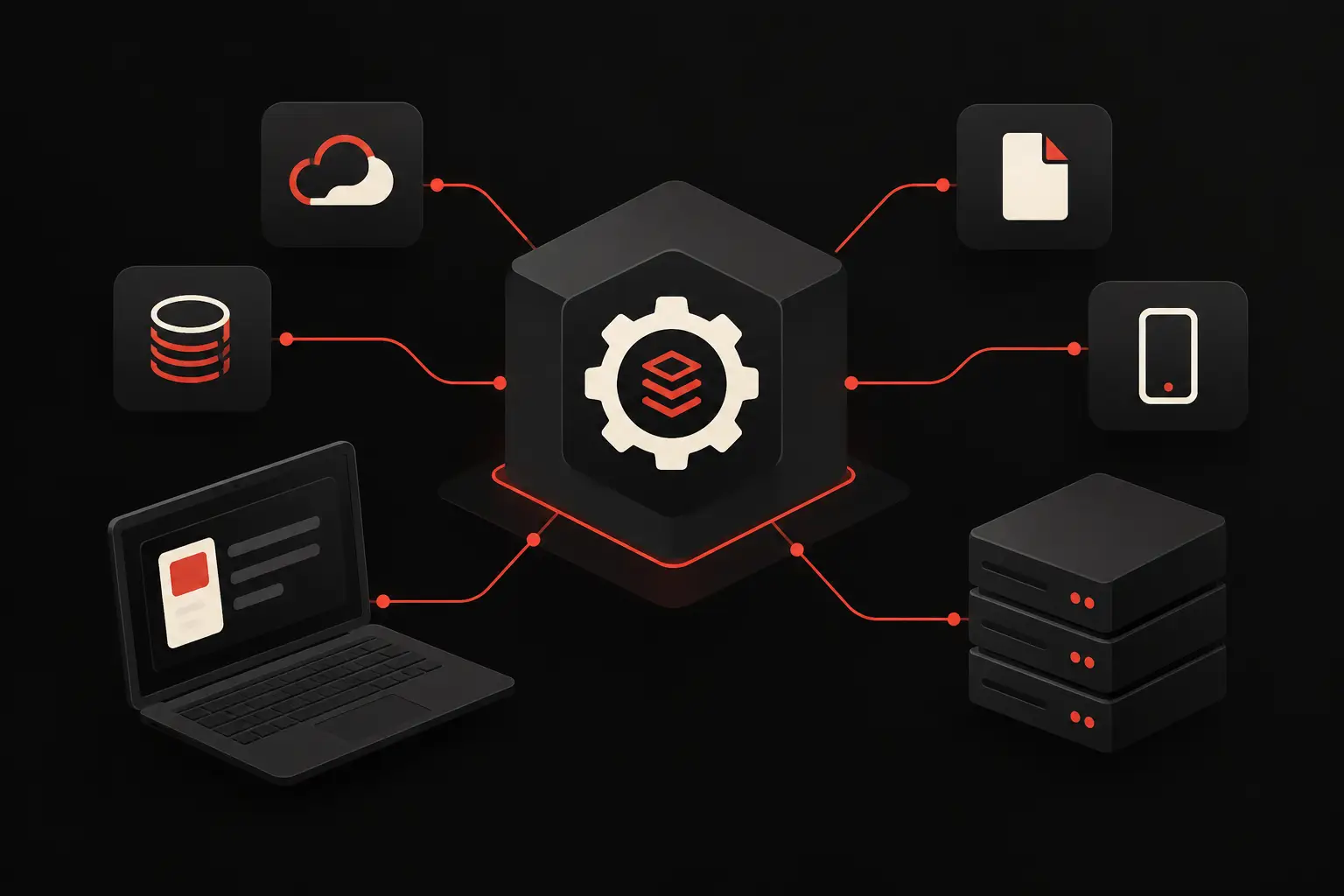
Imagine order-management software as a kitchen and an e-commerce website as a restaurant dining room. Customers do not go into the kitchen to prepare their meal: they place an order, staff relay it with precise instructions and receive a result. An API plays this role as a digital intermediary. It receives a request from one system, passes it to the system that holds the data or functions, and returns a response that the calling application can read.
The analogy is useful, but the business value is very concrete. Without connections, an employee may have to copy customer records, availability, support requests or sales data between multiple tools. With properly designed APIs, that step becomes automatic, traceable and repeatable. This does not mean eliminating every human check: it means leaving people to handle exceptions, make decisions and build customer relationships.
An API can, for example, check a product's availability, create a contact in a CRM, retrieve a shipment's status, generate a document or send a notification. To someone using the system, these actions often appear as a single click or happen in the background.
How an exchange between systems works
In a typical scenario, an application sends a request, called a client, and a service responds, called a server. The request contains a specific address, called an endpoint, the type of operation to perform and, when needed, the data to process.
If a customer portal needs to show the status of a case, it sends the case ID to the API. The API checks that the user is authorized, queries the management system and returns the necessary information: status, date of the last update, available documents or next step. The portal then displays that data in an interface designed for the customer, without exposing the internal management system.
The most common operations correspond to four needs: reading data, creating new data, updating it or deleting it. Behind this simplicity, however, are critical considerations: permissions, data formats, error handling, usage limits and response times.
A well-built integration does more than pass information along. It defines what happens if data is missing, an external service does not respond or the same order is sent twice. This is where a technical project becomes a reliable tool for operations, rather than a fragile chain of automations.
APIs, integration and automation are not synonyms
The three terms are often used as if they meant the same thing, but they describe different levels. An API is the technical channel available for communicating with a system. Integration is the connection designed between two or more tools. Automation is the business rule that determines when to trigger an action without manual intervention.
A CRM may make APIs available but not yet be connected to the website. Connecting it to the website creates an integration. Deciding that every inquiry with a budget above a threshold should be assigned to a salesperson and answered within a few minutes introduces automation. Distinguishing these levels helps avoid unclear quotes and mistaken expectations.
Where APIs create value in businesses
The first benefit is not the technology itself, but data continuity. When information is entered once and reused in the systems that need it, errors, delays and inconsistent versions of the same business reality decrease.
In sales, a website form can feed the CRM with complete data, acquisition source and consent. A manager can see which campaigns generate real opportunities, not just contacts. In customer care, tickets, email inquiries and order information can flow into a single view, reducing search times and incomplete responses.
In operations, a confirmed order can update availability, trigger a procurement request and inform the customer about its processing status. For appointment-based businesses, integrating calendars, bookings, customer records and reminders reduces no-shows and administrative tasks. In a supplier portal, APIs can make price lists, documents, request progress and up-to-date data available without constant file exchanges.
An institutional website can also benefit. A configurator, a private area or a section with up-to-date availability can turn the site from a showcase into a useful access point for customers and internal teams. Design quality remains central: a clear interface makes a complex system usable and conveys the brand's precision. APIs, in turn, connect that experience to the company's real data.
Not every integration should be automated
Automating an inefficient process does not improve it: it only makes it faster at producing confusion. Before connecting two systems, it is worth examining the current workflow. Who enters the data? At what point? Which checks are actually needed? Where do errors or delays occur? Which outcome should be measured?
APIs are especially effective when volume is recurring, rules are clear and duplicated work carries a significant cost. If a process is rare, highly variable or depends on specialist judgment, it may make more sense to retain a human step, supported by well-organized information and timely notifications.
The quality of the systems involved also matters. Software may offer limited APIs, inconsistent data or overly strict access rules. In other cases, it is preferable to build a custom integration layer that standardizes data and protects the rest of the architecture from future changes. There is no standard answer: it depends on the objectives, operational maturity and actual cost of the inefficiencies to be addressed.
Security and reliability: the requirements you cannot see
An API may handle commercial information, personal data, orders and documents. It should therefore not be treated as a simple technical connection. Access must be restricted through credentials, temporary tokens and permissions that match the role of the user or system making the call.
Careful design of exposed data is also necessary. A customer portal should receive only the information that customer needs, not the entire company archive. Secure connections, operation logs, validation checks and rules to prevent unusual or repeated requests should be in place.
Reliability also requires monitoring. If an integration stops working, the problem must surface quickly: a synchronization that has quietly stopped can create costly discrepancies. Processing queues, error notifications and recovery procedures are less visible than the interface, but directly affect operational continuity.
How to evaluate an API-based project
The first question should not be “which APIs do we use?” but “what operational outcome do we want to achieve?” An effective project starts with a clearly defined use case: reducing the time it takes to handle leads, preventing duplicate order entries, giving customers visibility into their cases, or centralizing data for a KPI dashboard.
From there, systems, data, responsibilities and exception conditions are mapped. It is useful to establish a baseline before implementation: hours spent, monthly errors, response times, conversion rate or fulfilment delays. Without an initial indicator, it is difficult to measure the return on the integration and decide where to extend it.
The most effective solution is not always the one that connects everything right away. Often, it makes sense to start where manual work is holding up sales, customer support or production, create a reliable flow and expand the architecture progressively. This approach keeps the project clear, contains risks and delivers value sooner.
For Graffico, APIs are one component of bespoke digital design: they help turn a website, business management system, CRM or dashboard into coordinated parts of the same business operating system. Technology is useful when it reduces measurable friction and gives the team more time for activities that require expertise, relationships and decision-making.
The next time a piece of data is copied from one screen to another, it is worth seeing it not as a small operational habit, but as a signal: it could be the starting point for building a faster, more controllable and scalable process.
Ready to bring your ideas to life?
Request a free, no-obligation consultation. Let's talk about your project.
Request a consultation