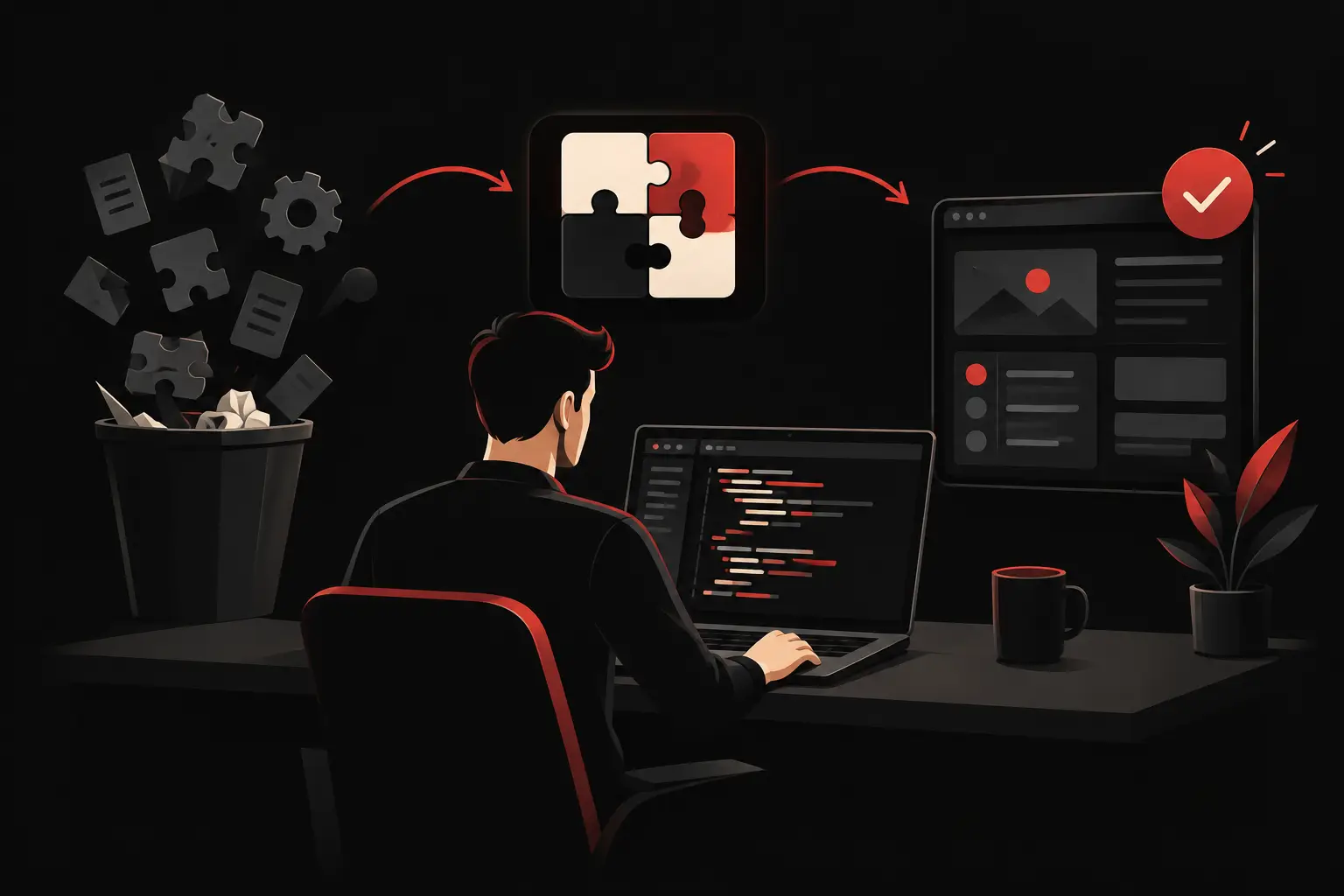
How to develop an effective B2B customer portal
Learn how to develop a tailored B2B customer portal: processes, integrations, UX and KPIs to reduce manual tasks and accelerate sales and support.
A customer who writes to ask about the status of an order, request a copy of an invoice or check a product’s availability is not just opening a ticket. They are triggering a manual process involving sales, administration, logistics or customer care. Understanding how to develop a B2B customer portal means addressing exactly this: turning recurring requests and scattered data into a controlled digital experience that is useful to the customer and sustainable for the team.
A well-designed B2B portal is not a restricted area with a few documents to download. It is an operational hub that connects customers, internal processes and business systems. When built around real workflows, it reduces handling times, limits errors, increases account autonomy and makes service more predictable.
The B2B customer portal starts with processes, not screens
The costliest mistake is to start with a list of generic features: login, dashboard, catalogue, documents. These are possible elements, but they do not define the project’s value. The first question should be different: which repetitive tasks need to disappear or become faster?
In a manufacturing company, for example, the portal can let a reseller check restricted price lists, configure products, submit orders and track their progress. In a services company, it can become a space to submit requests, approve deliverables, view reports and monitor contracts. For a distributor, the focus may be up-to-date warehouse availability, with different commercial terms for each customer.
Before development, then, you need a simple but rigorous map: who uses the portal, what information they look for, which systems it comes from, who updates it and which actions it should trigger. Not every request deserves automation. It makes sense to prioritize workflows with high frequency, high operating costs or a high risk of error.
Measure the problem before designing the solution
An effective project starts with concrete numbers. How many emails arrive each week with administrative requests? How long does a salesperson take to prepare a recurring quote? How many errors result from manually re-entering orders? How much time passes between a change in the business management system and informing the customer?
These metrics help define a useful scope and avoid an oversized portal. If the priority problem is access to documents, there is no point in immediately launching a complete B2B e-commerce platform. If, instead, the bottleneck is collecting orders, product availability and applying commercial terms, the project must focus onintegration with ERP and CRM systems.
How to develop a B2B customer portal: the features that create value
The right features depend on the company’s business model and digital maturity. However, a high-impact B2B portal tends to bring together four operational areas:
- personalized commercial information, such as price lists, catalogues, discounts, offers and technical documentation;
- day-to-day operations, for placing orders, requesting quotes, renewing services or managing cases;
- oversight and transparency, including order status, shipments, invoices, contracts, tickets and deadlines;
- collaboration, through contextual messaging, approvals, notifications and file sharing.
The point is not to add everything. It is to make the most important action for each user immediate. A buyer should be able to quickly find previously purchased products, see their own terms and reorder without unnecessary steps. An administrator looks for documents and deadlines, not a homepage full of decorative elements. A sales representative needs visibility into the history and tools that do not conflict with the data in the business management system.
That is why the user experience must be designed around roles, permissions and usage contexts. In B2B, the same company account can have multiple users with different powers: someone who views information, someone who prepares an order, someone who approves it and someone who accesses financial documents. Managing these levels correctly is not a technical detail. It is essential to making the portal usable even in complex organizations.
Integrations: where efficiency is gained or lost
An isolated portal risks creating a new silo. If staff have to update prices, availability, customer records and progress statuses manually, the initial benefit soon turns into a fixed cost.
The architecture should be designed around existing data sources. The ERP can be the source for orders, inventory and billing. The CRM can contain customer records, opportunities, sales history and segments. A ticketing system can manage support and SLAs. The portal should not duplicate what already works: it should orchestrate information and present it when it is useful, through a consistent interface.
Real-time integration is desirable, but not always necessary. It can be crucial for inventory availability or order status. For documents updated once a day, scheduled synchronization may be sufficient and more sustainable. The choice depends on the data’s criticality, access volume, the limitations of legacy systems and maintenance costs.
Exception handling must also be clearly defined. What happens if a product is unavailable? If an order exceeds the credit limit? If a price list is about to expire? If the business management system does not respond? These scenarios, more than the standard screen, determine the customer’s perception of reliability and internal efficiency.
Security and governance are not a final phase
A customer portal collects commercial data, administrative documents and sometimes sensitive information about prices, contracts or supplies. Authentication, permissions, activity tracking, backups and session management therefore need to be part of the project from the analysis stage.
Clear rules are needed on who can see what, how long to retain documents and how to manage user deactivation. In more structured environments, it is useful to provide access with multi-factor authentication, audit logs and approval workflows for significant operations. Security must not slow down operations: it should protect them without introducing unnecessary obstacles.
Data quality also deserves attention. A portal can make inconsistencies visible that previously remained hidden among Excel sheets, emails and misaligned systems. This is a benefit, not a project flaw. Addressing duplicate customer records, inconsistent classifications and unmanaged price lists makes it possible to build a more reliable foundation for sales, support and analysis.
Phased releases reduce risk and shorten time to value
A modular approach makes it possible to deliver value earlier and adjust course based on actual usage. An initial release can focus on document access, an order dashboard and support requests. A second can introduce reordering, configurators, approval workflows or sales automation. Later, you can add advanced analytics, recommendations based on purchase history or AI assistants for frequently asked questions.
Every phase must have measurable objectives. Fewer emails handled by customer care, a shorter average order-entry time, more digital orders, the number of active users and response times are more useful KPIs than page views alone. If the portal does not change a behaviour or eliminate an operational step, it probably is not yet generating enough value.
Adoption also requires a concrete plan. Customers need to understand why using the new channel benefits them too: up-to-date information, autonomy, faster turnaround and less waiting. Internally, sales and support teams must see the portal as a tool that frees up time for higher-value work, not as a system that complicates the customer relationship.
Design should make complexity simple, too
In B2B, visual quality is not a superficial concern. A clear structure, a solid information hierarchy, and predictable interactions reduce errors, search time, and the need for training. Premium design and process engineering must work together: the former builds trust and clarity, while the latter ensures that every action produces accurate data and reliable workflows.
The choice between a standard platform and custom development depends on the process. A configurable solution may be suitable when the catalog, price lists, and workflows are simple and offer little differentiation. When commercial rules, integrations, and permissions instead reflect a specific operating model, a custom portal avoids compromises that can slow growth over time.
The most effective B2B customer portal is not the one with the most features, but the one that eliminates measurable friction between a company and its customers. Designing around workflows, integrating the right data sources, and launching with clear KPIs transforms a private area into commercial and operational infrastructure that can grow alongside the business.
Ready to bring your ideas to life?
Request a free, no-obligation consultation. Let's talk about your project.
Request a consultation