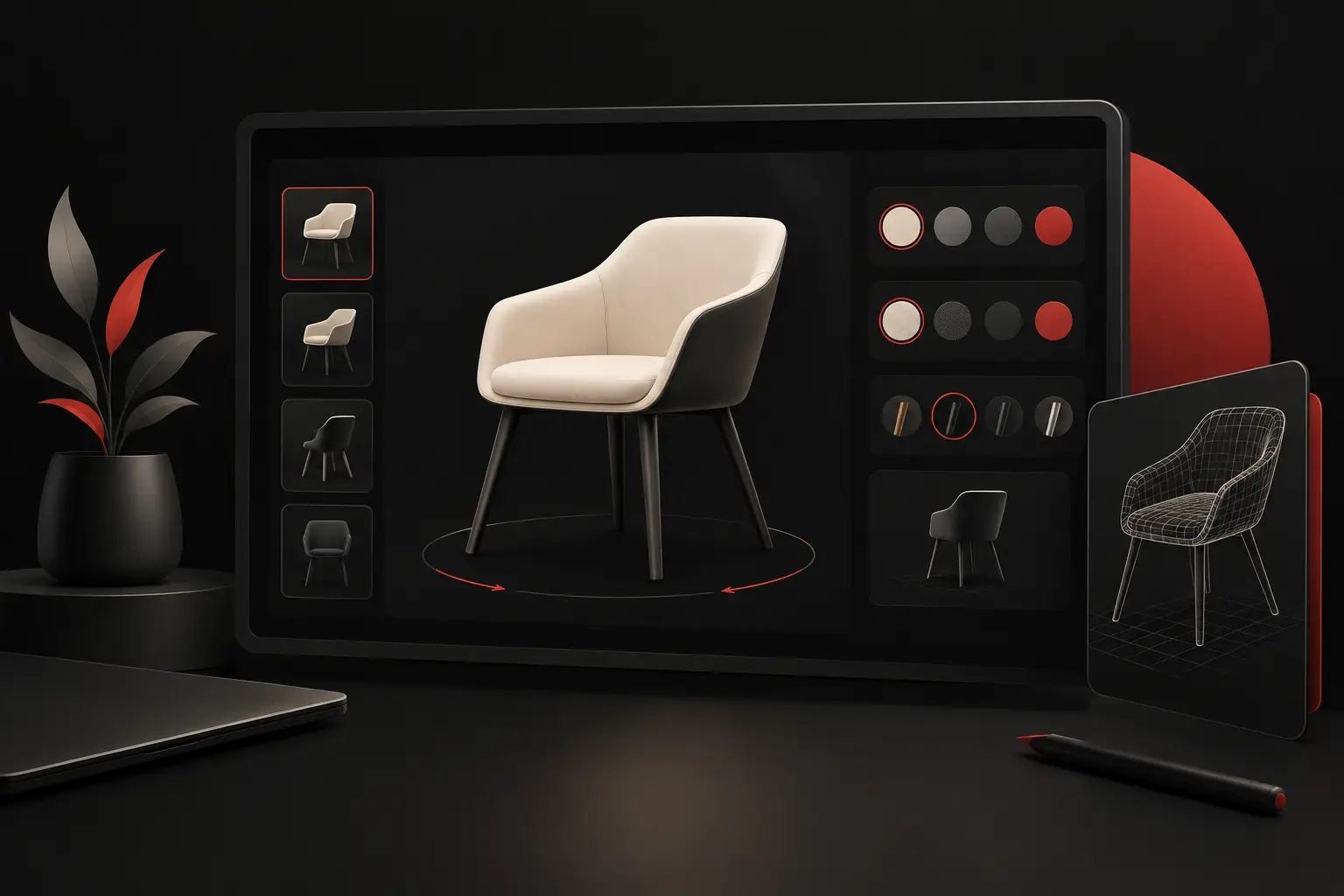
How to design a 3D product configurator
Learn how to design a 3D product configurator that reduces errors, speeds up quotes, and integrates sales, production, and data to support controlled growth.
A customer configures a variant, gets an inconsistent price, submits an incomplete request, and forces sales and production to reconstruct everything by email. This is where the real value of understanding how to design a 3D product configurator becomes clear: not in the quality of the model’s rotation, but in its ability to turn a complex choice into a correct, verifiable, and manageable order.
For companies selling customizable products—furniture, doors and windows, machinery, industrial components, finishes, packaging, or fit-outs—a configurator can reduce sales cycle times and operational errors. But only if it is designed as a sales and production system, not as an interactive showcase.
A 3D configurator is a process before it is an interface
The first question is not which technology to use, but which problem it needs to solve. If the goal is to increase engagement on the website, a visual experience with a few options may be enough. If, instead, the configurator needs to produce reliable quotes, product codes, bills of materials, or order requests, a much more structured project is needed.
An effective configurator connects four levels: commercial rules, the product’s technical logic, 3D visualization, and company data. When one of these levels is missing, the system simply transfers complexity from one department to another. Sales continues to check every choice, technical staff corrects variants that cannot be manufactured, and the customer waits for an answer they had reason to expect immediately.
Design must therefore start with real workflows. How is a quote prepared today? Who approves a non-standard configuration? Which parameters affect price, delivery times, and feasibility? Where do the most costly errors occur? The answers define priorities, scope, and expected return.
How to design a 3D product configurator starting with the data
Before creating the 3D model, you need to build the logical model. This means translating the catalog into attributes, dependencies, constraints, and operational outputs. A product is more than a set of materials and colors: it has minimum and maximum dimensions, component compatibility, mandatory options, pricing conditions, and production rules.
Take a custom-made door. The user can select dimensions, finish, handle, opening direction, and accessories. However, some finishes may not be available above a certain height; a specific handle may require a particular type of lock; a choice of opening direction may affect the hardware, price, and lead times. These relationships must be explicit in the application logic, not left to the memory of the person receiving the request.
Build a rules matrix
The most delicate phase is collecting the rules that currently live in Excel price lists, technical PDFs, emails, and the knowledge of senior employees. It is useful to organize a matrix describing, for each option, available values, incompatibilities, dimensional constraints, price impacts, management codes, and production outputs.
This work requires input from sales, the technical department, production, and administration. It may reveal inconsistent catalogs or exceptions handled informally. This is not an obstacle to the project: it is one of its most tangible benefits. Digitizing an ambiguous rule without resolving it means automating an error.
Not all rules need to be blocking. Some configurations can be allowed but submitted for technical approval, with an internal request already complete with images, parameters, and notes. The choice depends on how often the case occurs, the profit margin, and production risk.
Determine what the system needs to produce
A performance-oriented configurator does not end with a “request information” button. It must generate an output useful to the next process: a quote, a technical data sheet, a preliminary bill of materials, a configuration code, an e-commerce cart, or a qualified lead in the CRM.
Defining this result before development avoids late and costly integrations. If the configuration needs to reach a business management system, for example, you need to establish right away which fields to send, which codes to use, how to manage price list updates, and who can modify the rules. 3D makes the choice visible; integration makes it operational.
Design an experience that guides the decision
3D can increase trust and perceived quality by making the product easier to understand before purchase. But it must not slow down the decision. A configurator overloaded with controls, animations, and alternatives leads to abandonment, especially when users are looking for a quick commercial answer.
The interface should follow the order in which customers make decisions: structural features first, then dimensions, followed by materials and finally accessories. At each step, the system should show only compatible options, update the visualization, and clearly explain any constraints.
The price can be shown in real time, starting from a base configuration, or calculated on request. There is no one-size-fits-all choice. Immediate transparency speeds up conversion for standardized products; for complex offers or B2B channels with restricted price lists, it may be more effective to show a technical summary and send the quote through a sales workflow.
3D should support sales, not replace them
An extremely detailed rendering comes with modeling, optimization, and maintenance costs. If the catalog has thousands of combinations, visual quality must be balanced against performance and loading speed. A slow configurator reduces perceived value even when the model is excellent.
The best choice depends on the product and context. For a furnishing accessory intended for e-commerce, textures and lighting have a significant effect on the decision. For a B2B technical component, it may be more useful to display dimensions, connections, and compatibility. Premium design does not mean adding effects: it means making every piece of information immediate, credible, and functional.
Technical architecture and integrations to decide on right away
The platform must correctly manage the catalog, rules, 3D assets, users, and generated data. In a scalable project, configuration logic should not be scattered across the front end or duplicated across multiple systems. It should be centralized, documented, and made editable by authorized people.
The most relevant integrations depend on the company’s processes. The CRM can receive leads that are already qualified, with their configuration and estimated value. E-commerce can turn options into an order. The business management system or ERP can receive codes, components, and price lists. Production software can use the parameters to initiate checks, planning, or technical documentation.
Versioning and traceability are also essential. If a rule or price changes, the company needs to know which configuration and price list were used to create a quote. This capability protects margins, reduces disputes, and makes the customer care team’s work easier.
Measure ROI before and after launch
The value of a configurator is not the number of views. It should be measured against the initial problem: average time to prepare an offer, percentage of complete requests, configuration errors, conversion rate, average order value, and hours spent on manual checks.
Before development, it is useful to establish a baseline. If a quote currently takes three days and involves two people, the new workflow should have a concrete objective: for example, a technically complete request in a few minutes and an internal review focused only on exceptions. Without these indicators, the project risks being evaluated on aesthetics alone.
The launch should not coincide with the most extensive version possible. It often makes sense to start with a high-volume product line, validate the rules, usability, and integrations, and then expand the catalog. This approach reduces risk, produces real-world data, and makes it possible to invest in the features that truly affect results.
The mistakes that undermine the project
The first mistake is modeling everything before defining the rules: it creates high costs and a beautiful but unreliable experience. The second is treating the configurator as a project isolated from the CRM, business management system, and production. The third is replicating every existing exception without asking whether the process can be simplified.
There is also a subtler mistake: leaving catalog updates without an owner or procedures. Prices, components, and availability change. If maintenance is not planned, the configurator loses reliability and starts generating manual work again.
A well-managed project turns technical complexity into guided choices, usable data, and faster workflows. That is why Graffico approaches the 3D configurator as a custom-built platform, where digital experience, business rules, and integrations work toward the same goal: selling more effectively without increasing operational friction.
The decisive question is not how spectacular the product will look on screen. It is how much time, error, and uncertainty will be eliminated after the customer has completed their configuration.
Ready to bring your ideas to life?
Request a free, no-obligation consultation. Let's talk about your project.
Request a consultation