Guide to digitizing sales processes
Guide to digitizing sales processes: methods, priorities, and KPIs to reduce manual work, sell faster, and make data reliable.
A salesperson updates the CRM at the end of the day, retrieves prices from an Excel spreadsheet, asks the warehouse about availability by email, and prepares quotes by copying data from multiple systems. The problem is not any single task: it is the sum of slow, untracked steps that depend on people. This guide to digitizing sales processes helps you focus on where operating costs are highest and returns come fastest.
Digitizing does not mean buying a CRM and asking the team to use it. It means redesigning the flow from contact to order, ensuring reliable data moves between marketing, sales, administration, and operations. If the process remains confusing, technology can only move the chaos from an email inbox to a dashboard.
Guide to digitizing sales processes: where to start
The starting point is not the tool, but the real process: what happens every day, including exceptions, WhatsApp messages, shared files, and informal approvals. The theoretical sales funnel rarely matches the way a quote is managed through to signature.
It is worth analyzing the entire journey: lead acquisition, qualification, assignment to a salesperson, appointment, offer, negotiation, order, delivery, invoicing, and post-sales activities. For each stage, identify who is involved, what data they use, where they enter it, and what blocks progress.
You do not need a bureaucratic document. A few precise questions are enough: how long does it take to respond to the first contact? How many quotes are produced each month? How much data is re-entered manually? Why does an opportunity stall? How many revisions does an offer require?
This review highlights sources of friction that often remain invisible: leads without an owner, outdated price lists, duplicate documents, lost internal requests, and forecasts based on gut feeling rather than a verifiable pipeline.
Measure before automating
Automation creates value when it eliminates a repetitive task, reduces an error, or speeds up a decision. Automating an inefficient process, on the other hand, means making it inefficient faster.
Before designing any changes, define a baseline with a few clear KPIs. For a B2B company, these could include the average lead response time, conversion rate at each stage, sales cycle length, average offer value, margin per job, and the percentage of opportunities with no planned activities.
Not all indicators carry the same weight. If the main issue is response speed, the focus will be on lead routing and notifications. If the problem is profitability, you will need quote configurators, discount rules, and integration with costs, availability, and commercial terms. The choice depends on the bottleneck, not on the most-requested feature in a software catalog.
Priorities that make a commercial impact
For many SMEs, effective digitization proceeds through connected modules. Start where data is getting lost or manual work is slowing revenue, then build a broader system without interrupting operations.
Centralize leads, customers, and opportunities
A well-designed CRM is not an advanced address book. It is the operational source that makes relationships, deals, activities, quotes, and interaction history visible. Every contact should enter the system with an identifiable source, an owner, and a next step.
Customization matters. A company selling consulting, equipment, spare parts, or recurring services follows different sales processes. Fields, pipelines, permissions, and views should reflect the company's sales model, rather than forcing the team to work around the system with external notes and parallel files.
The goal is not to collect every possible piece of information. It is to give salespeople usable data: purchase history, customer potential, open offers, recent communications, and priority actions. If updating a deal requires ten mandatory fields, adoption drops. If just a few steps are enough and the data provides value in return, the CRM becomes part of the work.
Reduce the time between request and quote
How quickly a company responds to a request directly affects its likelihood of closing the deal. Yet preparing an offer is often a fragmented sequence: the salesperson retrieves data, checks stock, requests approvals, edits an old PDF, and sends a version that no one can find again.
A quote configurator or a bespoke sales management system can apply price lists, discounts, margin rules, bundles, and payment terms. It can generate documents consistent with the brand and trigger approval workflows when a price falls outside the defined thresholds. The result is not just a faster quote: it is a more controlled offer, less prone to calculation errors.
Integration with an ERP, warehouse, or production software becomes crucial when availability, delivery times, and costs change frequently. In these cases, a quote created with outdated data can become a problem for margins and reputation. Existing systems do not always need to be replaced: often, they need to be connected reliably.
Automate follow-ups and operational handoffs
Many opportunities are not lost because of an explicit rejection, but because no one follows up with the prospect at the right time. Automatic reminders, email sequences based on deal status, and tasks assigned to the salesperson ensure that follow-up does not depend on individual memory.
Automation should remain proportionate to the relationship. For high-value leads or complex sales, overly standardized messages can undermine trust. In these contexts, it is more useful to automate preparation: deal summaries, alerts for expiring offers, document collection, and suggestions for the next contact. The conversation remains human, while the machine eliminates waiting and forgetfulness.
The same principle applies after the sale. Opening a job, handing it over to customer care, sending instructions, or requesting feedback can be triggered automatically when an event occurs. This way, the sales department does not have to chase information, and the customer experiences continuity.
Integrated data, not simply available data
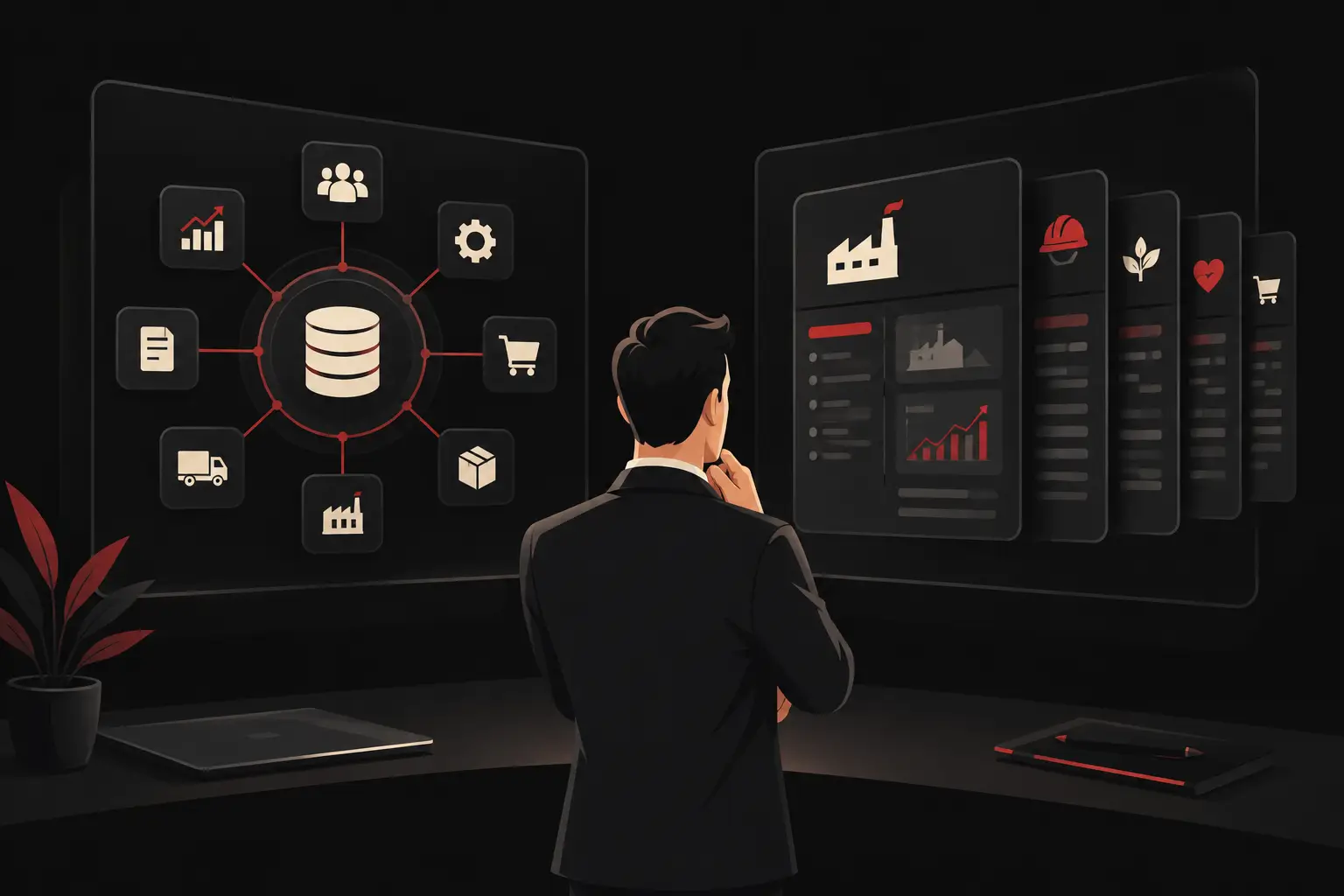
Having many digital tools is not the same as having a digital process. If the CRM, e-commerce platform, management system, email marketing, support, and dashboards operate in silos, people become the manual connection between systems. This is where duplication, errors, and delays increase.
The architecture should be designed by determining which system is responsible for each data point. For example, the CRM can be the source for leads and opportunities, the ERP for administrative records and invoices, and the warehouse management system for availability and deliveries. Without this rule, the same customer ends up with different addresses, commercial terms, or statuses depending on which screen is consulted.
Integrations should take priority when they eliminate redundant data entry and speed up a concrete action. Connecting a web form to the CRM, syncing orders with the management system, or showing delivery status to the salesperson are changes that affect day-to-day work. A sophisticated dashboard, on the other hand, is of little use if the underlying data is incomplete.
How to manage the project without stopping sales
Sales digitization involves roles with different needs. Management wants more reliable forecasts and measurable growth. The sales team wants fewer administrative tasks. Operations and administration need accurate data and clear handoffs. A successful project must meet everyone's needs without turning into an overloaded system.
That is why it is useful to begin with a focused initial release. You can start with lead and opportunity management, or with quoting if that is where the greatest inefficiencies lie. After validating adoption, data quality, and results, workflows, integrations, and automations can be expanded.
Training should not be treated as a final handoff. It should be tied to real-world scenarios: how to record a deal, approve a discount, manage an inactive customer, and hand an order over to operations. The team needs to understand not only what to click, but why that data protects margins, timelines, and service quality.
A technology partner such as Graffico can turn this analysis into tailored tools when standard software does not accommodate the workflows, sales rules, or integrations the business needs. The guiding principle remains the same: the solution should reduce complexity for the people doing the work, not add to it.
Mistakes that slow the return on investment
The first mistake is starting with the platform instead of the objectives. The second is trying to digitize everything at once, risking longer timelines, higher budgets, and internal resistance. The third is measuring success by the number of active features instead of by reductions in time, errors, and manual steps.
Data quality also requires discipline. Duplicate fields, incomplete records, and inconsistently used pipelines undermine forecasting and automations. What is needed are simple rules, clear responsibilities, and regular checks—not procedures that are impossible to follow.
The useful question is not which technology to adopt first. It is which sales friction costs the most each month in hours, lost opportunities, errors, and delays. Starting with that answer makes it possible to build a digital system that supports growth with reliable data and processes that continue to work even as volume increases.
Ready to bring your ideas to life?
Request a free, no-obligation consultation. Let's talk about your project.
Request a consultation