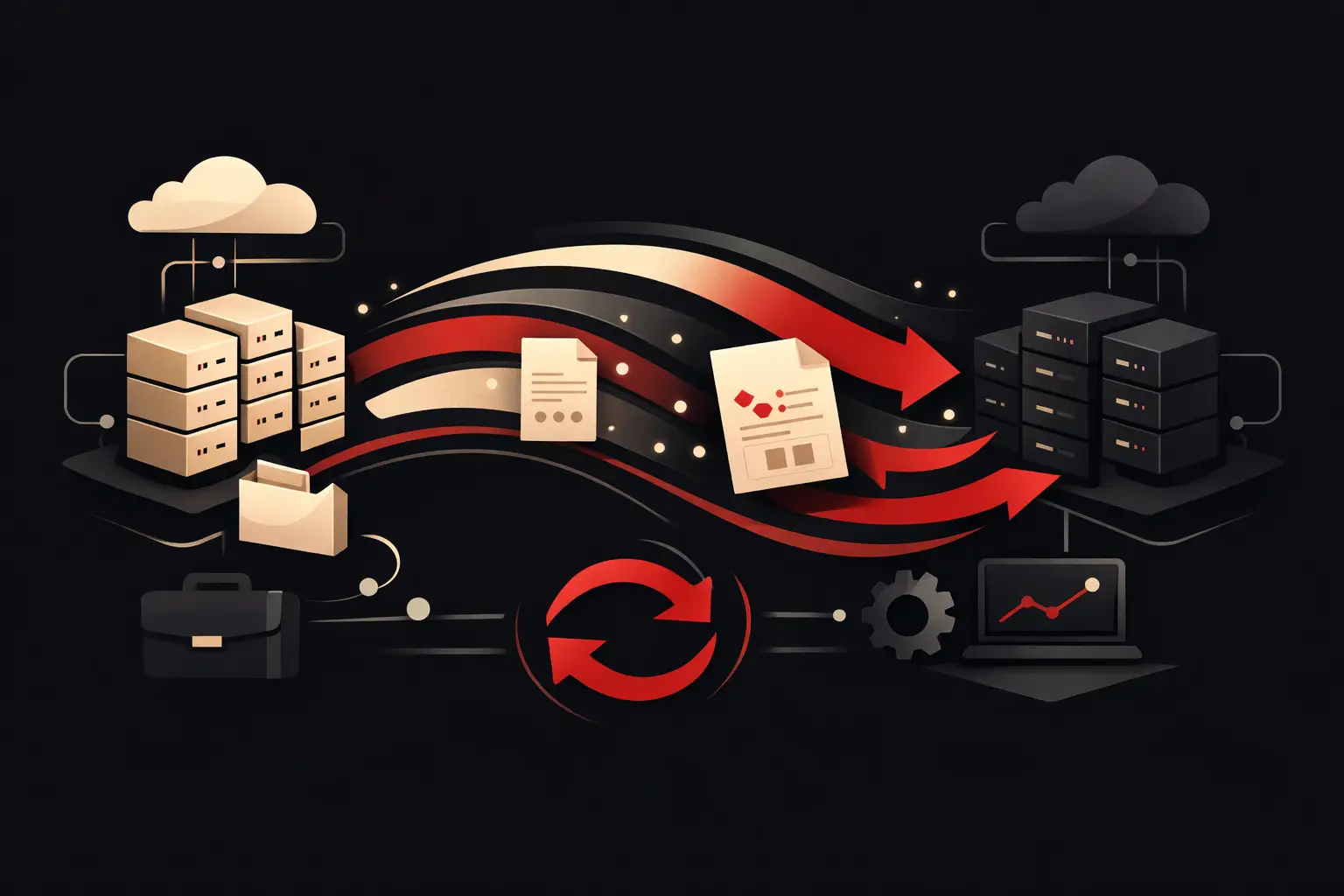
Ecommerce integration with business management software
Integrating ecommerce with business management software reduces errors, automates orders and stock, and turns sales data into fast, accurate decisions.
An order comes in through the ecommerce store at 10:02. At 10:05, someone re-enters it in the business management system, checks availability in an Excel file, and alerts the warehouse. If another channel has sold the same item in the meantime, phone calls, corrections, and customers to contact again quickly follow. This is exactly where ecommerce integration with business management software comes in: it eliminates manual steps between online sales, administration, logistics, and customer care.
This isn’t a technical connection to switch on at the end of a project. It’s operational infrastructure that determines how quickly a company can sell, fulfil orders, analyse performance, and grow without multiplying its internal workload. When designed around real workflows, it turns fragmented data into processes that can be controlled and measured.
What changes when ecommerce and business management software really work together
An ecommerce store that isn’t connected to the business management system can work while volumes are low. As orders, catalogues, differentiated price lists, or sales channels grow, every manual task becomes a point of risk. An outdated price, an incorrect stock level, or a late invoice aren’t minor inaccuracies: they affect margins, reputation, and the ability to plan.
Integration makes it possible to synchronise relevant information between the two systems. Depending on the business model, the management system can become the central source for customer and product records, availability, prices, and tax documents, while ecommerce handles the shopping experience and conversion. In other cases, especially with complex catalogues or specific commercial rules, control can be distributed across multiple systems.
The point isn’t to decide which platform is in charge of everything. It’s to assign clear ownership of each data item. If two tools can change the same stock level without priority rules, integration creates confusion instead of reducing it.
The workflows that create operational value
Good ecommerce integration with business management software does more than transfer orders. It designs the entire cycle, from publishing a product to after-sales service, taking exceptions, statuses, and internal responsibilities into account.
Orders, payments, and documents
When a customer completes a purchase, the order can be automatically recorded in the management system with customer details, product lines, payment terms, discounts, shipping costs, and notes. Preparation, invoicing, and accounting activities can then proceed according to the company’s existing procedures.
The most obvious benefit is less duplication. But an even more important advantage is that staff work from the same order status. They don’t have to ask whether payment has been received, whether the document has been generated, or whether the shipment is ready. Information is available when it’s needed.
However, non-standard cases must be handled carefully: failed payments, bank transfers that need checking, partially fulfilled orders, returns, credit notes, and B2B orders requiring commercial approval. Automation doesn’t mean ignoring exceptions. It means identifying them promptly and routing them to the right person or department.
Warehouse and actual availability
Stock synchronisation is often the first stated goal, but it requires more analysis than it might seem. Sellable availability doesn’t always match the quantity physically on hand: some stock may be committed, minimum stock levels may apply, goods may be on the way, and there may be variants, kits, or items sold across multiple channels.
That’s why the logic must reflect warehouse rules, not just the “quantity” field in a platform. A company with a single warehouse and few SKUs can update stock in near real time. A distributor with several locations, marketplaces, and B2B orders needs more sophisticated allocation rules, safety thresholds, and reconciliation processes.
The expected result is tangible: fewer sales of unavailable products, fewer cancellations, and more reliable purchasing forecasts. This isn’t just about protecting the customer experience; it’s about safeguarding margins.
Catalogue, price lists, and commercial terms
Manually updated catalogues are difficult to maintain, especially when the offering includes many variants, technical attributes, images, documents, bundles, and customer-specific price lists. Integration can publish or update this data according to a defined structure, preventing the sales team from changing terms in the management system while ecommerce continues to show outdated information.
This calls for a precise design decision. Not all data should come from the management system, and not all data should be editable in ecommerce. Sales-oriented content, such as descriptions, editorial images, and SEO blocks, often needs to remain under the digital team’s control. Product codes, VAT, logistics attributes, prices, and availability, on the other hand, can be supplied by the management system or a dedicated PIM.
Before the connector: map the process
The most common risk is starting with the technology: choosing a plugin, a preconfigured connector, or middleware and hoping it will fit the company’s procedures. This can be an effective approach for simple, standardised workflows. It becomes limiting when the business has restricted price lists, customised fulfilment rules, historical data to manage, or a heavily customised management system.
The mapping phase determines the project’s quality. It’s important to observe how an order is created today, who checks it, where stock is updated, how a document is generated, and what happens in the event of a return. Only then do the invisible tasks that often keep operations running come to light: checks on blocked customers, product substitutions, manual approvals, or tax exceptions.
A well-structured project defines at least four things:
- which data is exchanged and in which direction;
- which system is responsible for each record or status;
- how frequently updates must take place;
- how errors, duplicates, and operations requiring review are handled.
The synchronisation frequency deserves specific consideration. Real time is useful for critical stock or high-speed processes, but it isn’t always necessary. For some updates, queues, scheduled synchronisations, or controlled events are more efficient. The right choice depends on volumes, the cost of errors, and the technical limitations of the systems involved.
Standard integration or custom development?
There’s no answer that works for every company. A standard solution can reduce timelines and initial investment when ecommerce, the management system, and business processes follow established conventions. It’s often enough to synchronise a simple catalogue, import orders, and update stock at a single warehouse.
Custom development becomes more strategic when integration needs to adapt to the business, not the other way around. Consider a company selling to both consumers and resellers with different price lists, catalogues, and payment terms; a manufacturer working with product configurations; or a distributor that needs to integrate sales agents, warehouses, and marketplace channels. In these scenarios, forcing the process into a standard connector can lead to permanent workarounds.
A custom solution doesn’t mean building everything from scratch. It means designing an appropriately scaled architecture: APIs, middleware, processing queues, monitoring dashboards and error logs, using what already exists wherever it makes sense. Its value lies in the ability to manage the company’s specific rules and keep the system adaptable.
How to measure the return on integration
ROI shouldn’t be assessed solely in terms of hours saved, although those savings are often significant. The right metrics depend on the project’s goals: fewer fulfilment errors, average order processing time, orders processed per operator, the proportion of cancellations due to unavailable stock, catalogue update speed, or reporting accuracy.
It’s useful to establish a baseline before launch. How many minutes does it take on average to enter an order? How many corrections are made each week? How much time passes between sale, preparation, and invoicing? Without this data, even a technically sound project risks being seen as an IT cost rather than an operational investment.
A KPI dashboard can make anomalies and improvements over time visible. If the number of blocked orders rises, it isn’t enough to know that they exist: you need to identify the reason, the department involved, and the step that needs fixing. Technology creates value when it helps a company make decisions faster, not merely transfer records from one system to another more quickly.
The project continues after go-live
Launch isn’t the finish line. Catalogues, tax rules, sales channels, and internal procedures change. Without monitoring, a small change can interrupt synchronisation or create inconsistent data for days.
Readable logs, anomaly alerts, recovery procedures, and clear responsibilities are essential. The goal isn’t to eliminate every human intervention, but to ensure people step in only where they can contribute judgement, expertise, and commercial value.
For a company that wants to grow without adding operational burden, connecting ecommerce and its management system means creating a system that can handle future volumes, not just this week’s orders. This is the perspective Graffico brings to turning operational complexity into measurable digital tools: starting from the real process, not a generic promise of automation.
Ready to bring your ideas to life?
Request a free, no-obligation consultation. Let's talk about your project.
Request a consultation