A Guide to Custom Management Software for SMEs
A guide to custom management software: criteria, costs and stages for turning fragmented processes into efficiency, control and measurable growth over time.
An order is copied from the CRM into an Excel spreadsheet, then sent to production by email and finally invoiced in another program. At every step, time is lost, checks multiply and the risk of error grows. This guide to custom management software starts here: not with the technology itself, but with the operating cost of processes that do not communicate with one another.
For many SMEs, the problem is not a lack of tools. It is having too many, disconnected tools built around procedures that have become more complex than necessary over time. Custom management software helps bring order to workflows, centralize information and automate repetitive tasks with a precise goal: to make the company faster, easier to control and more scalable.
When custom management software is the right choice
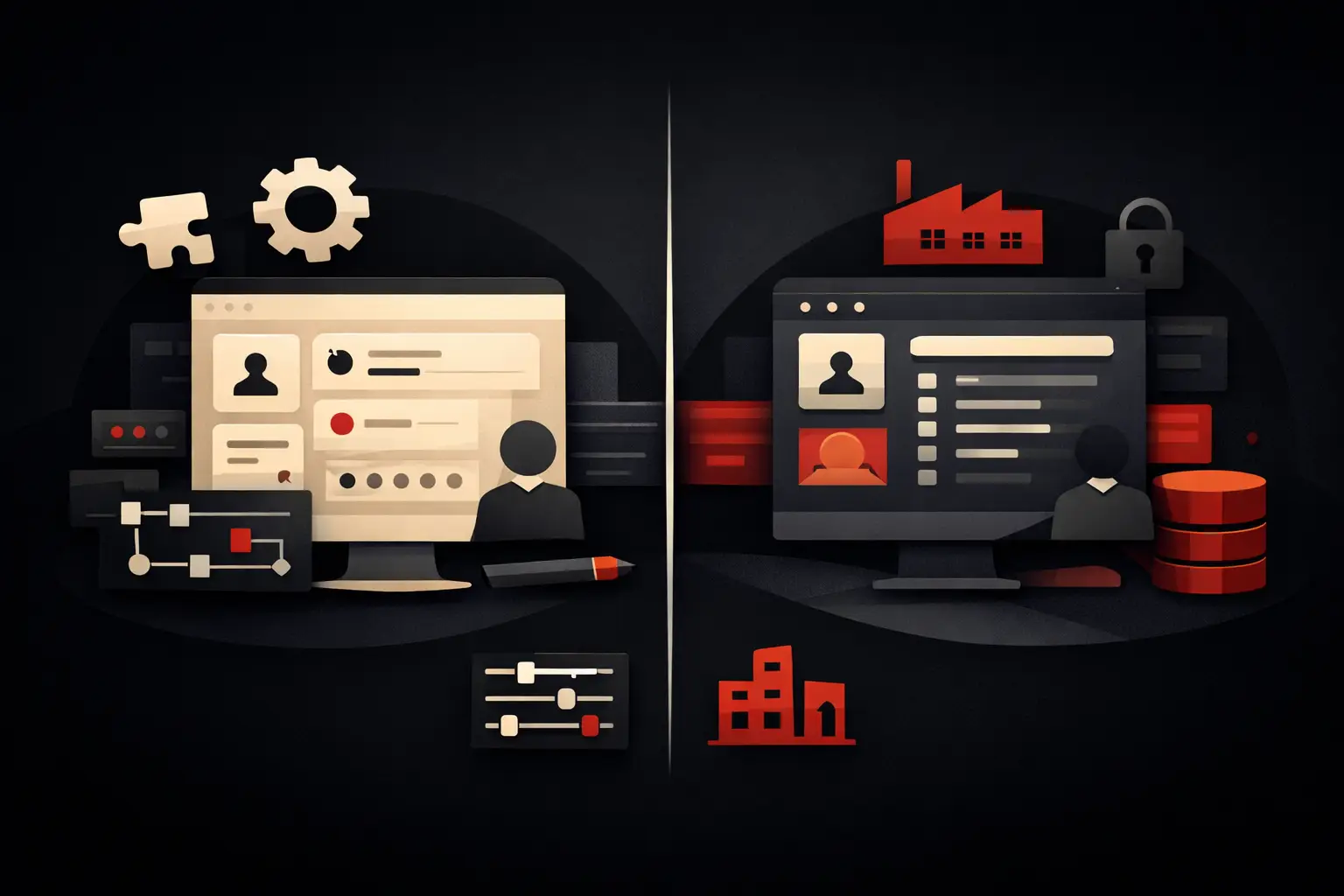
Standard software is often a good choice when processes are simple, common across the industry and not a source of differentiation. If a company needs to manage basic accounting, tax documents or straightforward inventory, an off-the-shelf platform can offer a quick start and a modest initial investment.
The limitations emerge when the business requires constant adjustments: custom fields, manual exports, additional plugins, parallel procedures in Excel or people tasked with stitching data together across platforms. At that point, the apparent cost of the standard solution no longer matches its real cost.
Custom management software makes sense when at least one of these conditions is recurring: the same information is entered multiple times; departments work with different versions of the same data; it is difficult to monitor the progress of orders, jobs or cases; managers receive slow or incomplete reports; manual tasks take hours away from sales, customer service and oversight.
This does not mean every need requires a complete custom project. In some cases, it is more effective to integrate the tools already in use, creating a central layer for data and workflows. In others, the priority is to replace a critical process with a dedicated application. The right decision depends on operational impact, not on the desire to own proprietary software.
Guide to custom management software: start with processes, not features
The most costly mistake is to start with a list of desired screens. “We need a dashboard,” “we need an orders page,” “we need a customer area” are understandable requests, but they are not enough to design an effective tool. First, you need to understand what happens before, during and after each action.
A useful analysis maps the actual workflow: who receives a request, where it is recorded, what checks it requires, who approves it, what data it feeds and what result it produces. Exceptions also need to be examined, because they are often what generate phone calls, duplicate files and delays.
Take an SME that manages made-to-order jobs. The point is not simply to record the order. You need to understand whether a quote can become an order without re-entering data, whether material availability is up to date, whether production receives consistent instructions, whether sales can check the status without asking three departments for information, and whether administration gets the data it needs to invoice. Good management software connects these stages in a single workflow, with clear responsibilities and statuses.
Define measurable priorities
A custom project does not have to digitize everything at once. It is more effective to identify the process with the highest combination of impact and urgency. This could be managing sales inquiries, the handoff from order to production, deadline tracking, coordinating the service network, or internal approval of documents and costs.
Priorities should be expressed in measurable terms. Cut order-entry time by 50%, eliminate duplicate customer records, move job updates from weekly to real time, reduce order-fulfilment errors: these are concrete project goals. “Have modern management software” is not.
Components that create operational value
Custom management software is not necessarily a monolith. It can consist of modules developed progressively, provided they share a consistent data structure. Typically, the heart of the system is a centralized database of customers, contacts, products, suppliers, jobs or assets, depending on the business model.
Workflows are built around this core: CRM for leads and opportunities, order management, activity planning, support tickets, inventory, documents, bookings, and customer or supplier portals. Value lies not in the number of modules, but in their ability to eliminate unnecessary steps.
KPI dashboards deserve particular attention. They should not be a showcase for charts, but a decision-making tool. A sales manager may need to see the pipeline, conversion rate and response times; an operations manager needs to monitor stalled jobs, workloads and deadlines; leadership may focus on margins, forecast revenue and issues. Each role should see relevant, up-to-date data, not a generic report.
Integrations are also crucial. Connecting management software to e-commerce, invoicing systems, marketing tools, couriers, digital signatures or phone systems prevents automation from stopping at the boundaries of a single platform. Integrations should be evaluated carefully: only connect what genuinely reduces manual tasks or improves data quality.
Automation and AI: where they deliver a tangible return
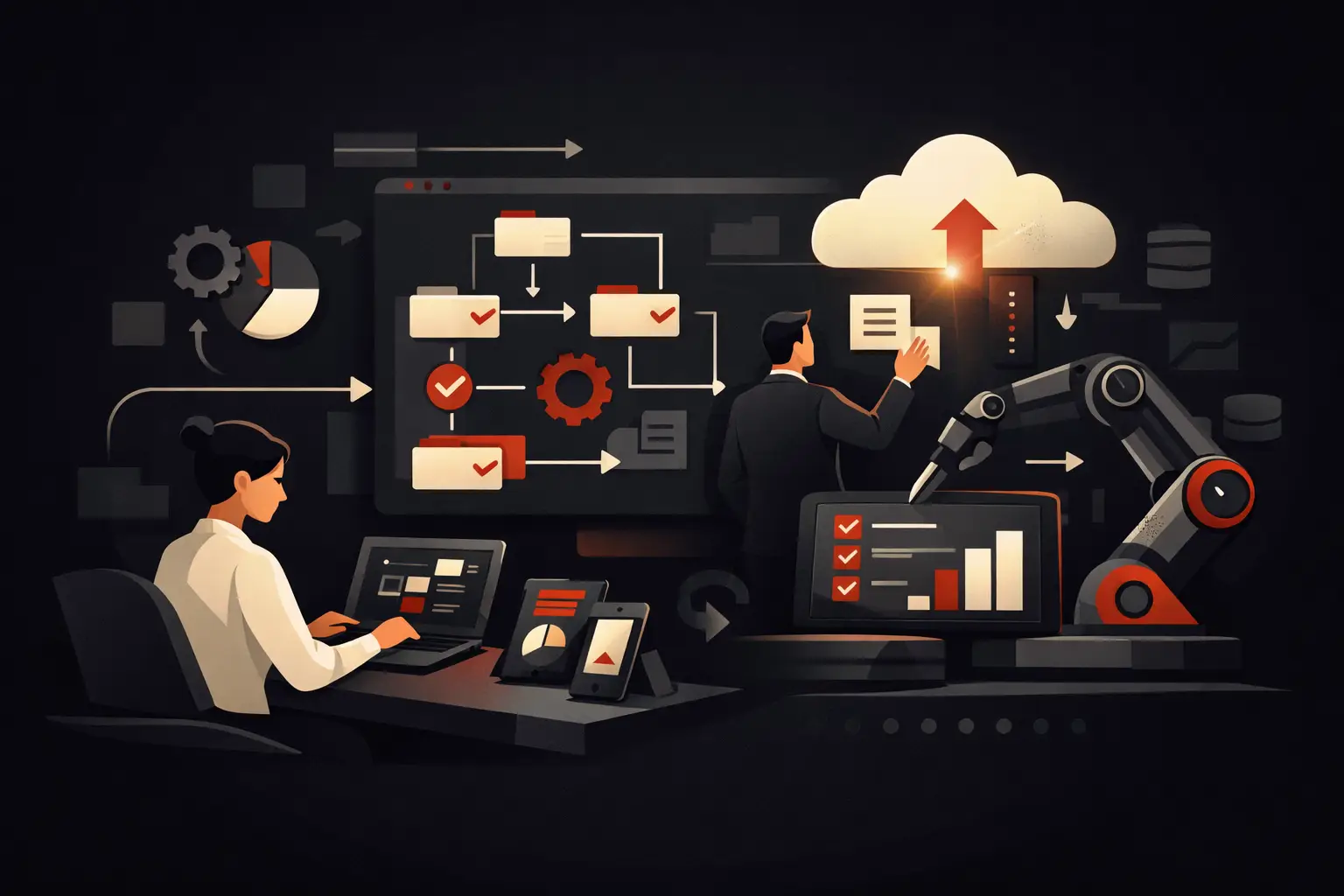
Automation does not mean taking control away from people. It means reserving human decisions for cases that require judgment, interaction or specific expertise. Management software can automatically assign a request to the right department, send deadline reminders, create tasks after a quote is accepted, flag stock anomalies or update customers on the status of a case.
Artificial intelligence can add value when it works with orderly data and well-defined processes. For example, it can classify emails and tickets, extract information from documents, suggest customer support responses, identify recurring delays or flag risk signals in a sales pipeline. If data is incomplete or operational rules are unclear, AI amplifies confusion instead of resolving it.
The sequence matters: first stabilize data, roles and workflows; then automate repetitive actions; finally, apply predictive or assistive features where there is a verifiable benefit.
Timescales, costs and risks to assess before the project
The cost of custom management software depends on process complexity, number of users, integrations, security requirements, data migration and the required quality of the user experience. A simple project focused on a single workflow is very different from a platform coordinating sales, production, logistics and customer care.
That is why asking for a price without an analysis phase often leads to quotes that are difficult to compare. The more useful question is different: what inefficiency are we eliminating, and how much does it cost to maintain today? If five people lose an hour every day to copying, checking and chasing, the calculation is not just about personnel costs. It includes delays, errors, missed sales opportunities and barriers to growth.
The main risks are not technical. They are organizational: vague requirements, slow decisions, no internal point of contact, attempts to replicate every old habit and releasing too many features at once. To reduce them, you need a clear initial scope, a prototype of the critical areas, testing with real users and a phased release.
Maintenance is part of the investment
Management software should not be considered a project that ends on launch day. Processes, roles and commercial priorities change. Monitoring, support, security updates and an evolution roadmap based on actual system usage are needed.
The metrics to monitor after launch are simple but decisive: average time to complete a process, number of errors, automated tasks, team adoption rate, data quality and customer response speed. If these measures improve, the software is creating value. If they do not, the workflow needs attention; simply adding features is not enough.
How to choose a development partner
The quality of the result depends on the ability to turn a business need into a system people can use every day. The right partner does not start with a catalogue of features, but asks questions about goals, bottlenecks, users, data, integrations and success metrics.
It is useful to assess the working method: initial analysis, scope definition, experience design, modular development, testing, training and post-launch support. The ability to combine design and engineering also matters. Powerful but difficult-to-use management software creates resistance; a polished interface disconnected from processes does not deliver results.
Graffico approaches these projects with a design-led mindset: turning operational complexity into clear, integrated and measurable tools. The point is not to add technology to the company, but to build a digital infrastructure that makes people more autonomous and decisions faster.
The first useful step is not choosing the technology. It is choosing a process that is slowing growth today and measuring what it costs. From there, custom software stops being an IT line item and becomes an operational lever with a verifiable return.
Ready to bring your ideas to life?
Request a free, no-obligation consultation. Let's talk about your project.
Request a consultation