When Do You Need Custom Software?
Understanding when custom software is needed helps reduce errors, costs, and operating time, turning complex processes into measurable results.
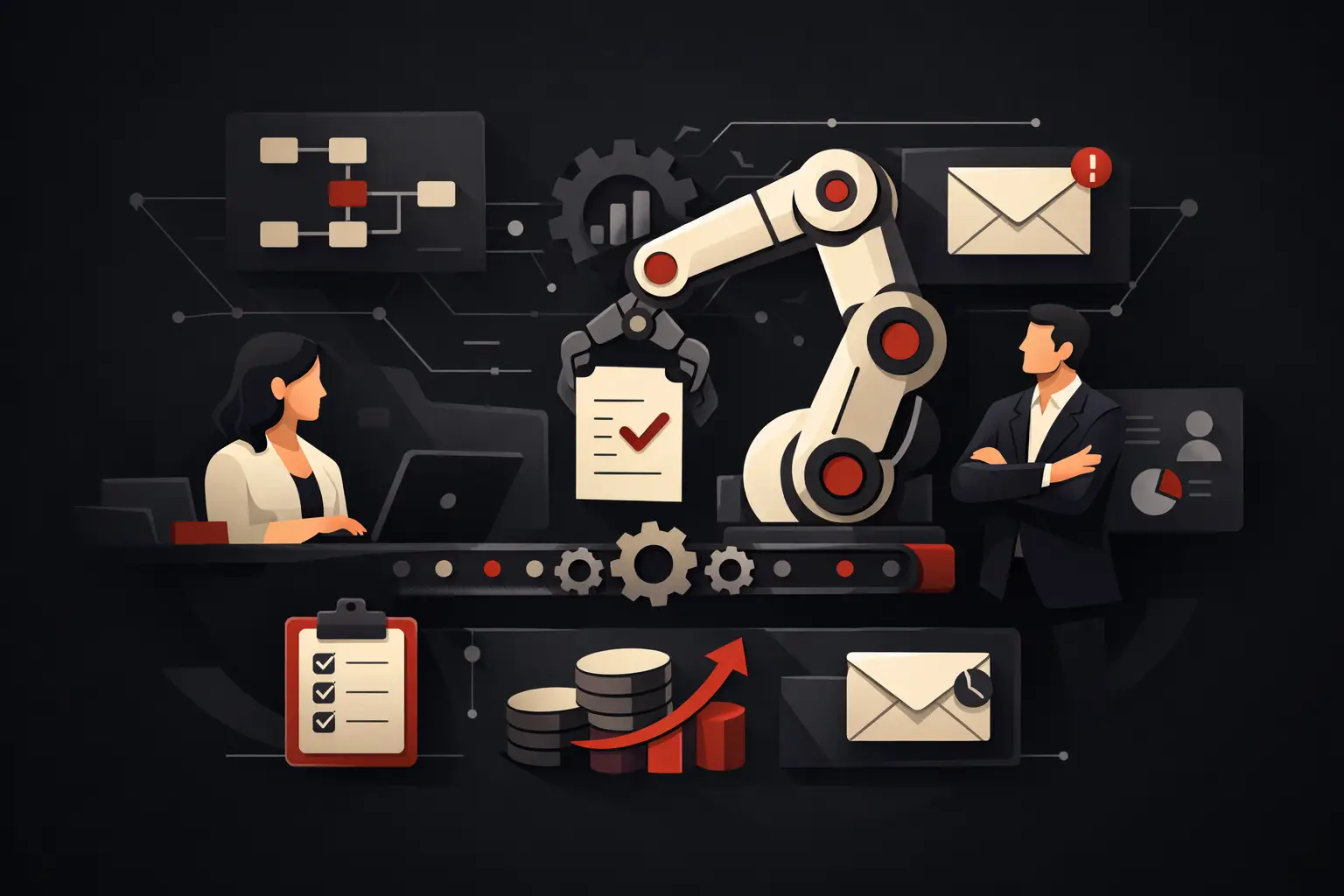
A sales representative updates the CRM, administration re-enters the same data in the management system, the warehouse works from an Excel spreadsheet, and the customer waits for an answer that someone has to piece together manually. In situations like these, understanding when custom software is needed stops being a technical assessment and becomes an operational decision.
The point is not to have an application built from scratch at all costs. It is to eliminate friction that slows down sales, support, production, or management control. Custom software makes sense when standard tools force a company to work within the platform’s limitations instead of supporting the process that creates value.
When do you really need custom software?
The short answer is: when the cost of inefficiency exceeds the cost of designing a dedicated solution. That cost is not just a line item in the IT budget. It includes hours of repetitive work, data-entry errors, lost sales opportunities, delivery delays, unreliable data, and people forced to carry out tasks that a system could perform in seconds.
Custom software does not necessarily mean a large enterprise management system. It might be a supplier portal, a CRM built around the actual sales process, a dashboard that brings together data currently scattered across different sources, a booking system with specific rules, or an automated workflow for managing orders and after-sales service. The scale of the solution depends on the problem, not on the company’s apparent size.
There are a few recurring signs that point to a real need:
- teams copy the same data between spreadsheets, emails, and different platforms;
- critical processes depend on the memory or experience of a handful of people;
- the current software requires manual procedures, exports, and constant checks;
- there is no single, up-to-date source for customers, orders, activities, or KPIs;
- growth increases the administrative workload in proportion, rather than increasing productive capacity.
Any one of these signs may not be enough to justify a custom project. Five signs together, especially in frequent processes with a high economic impact, are rarely a temporary problem.
The line between standard software and a tailor-made solution
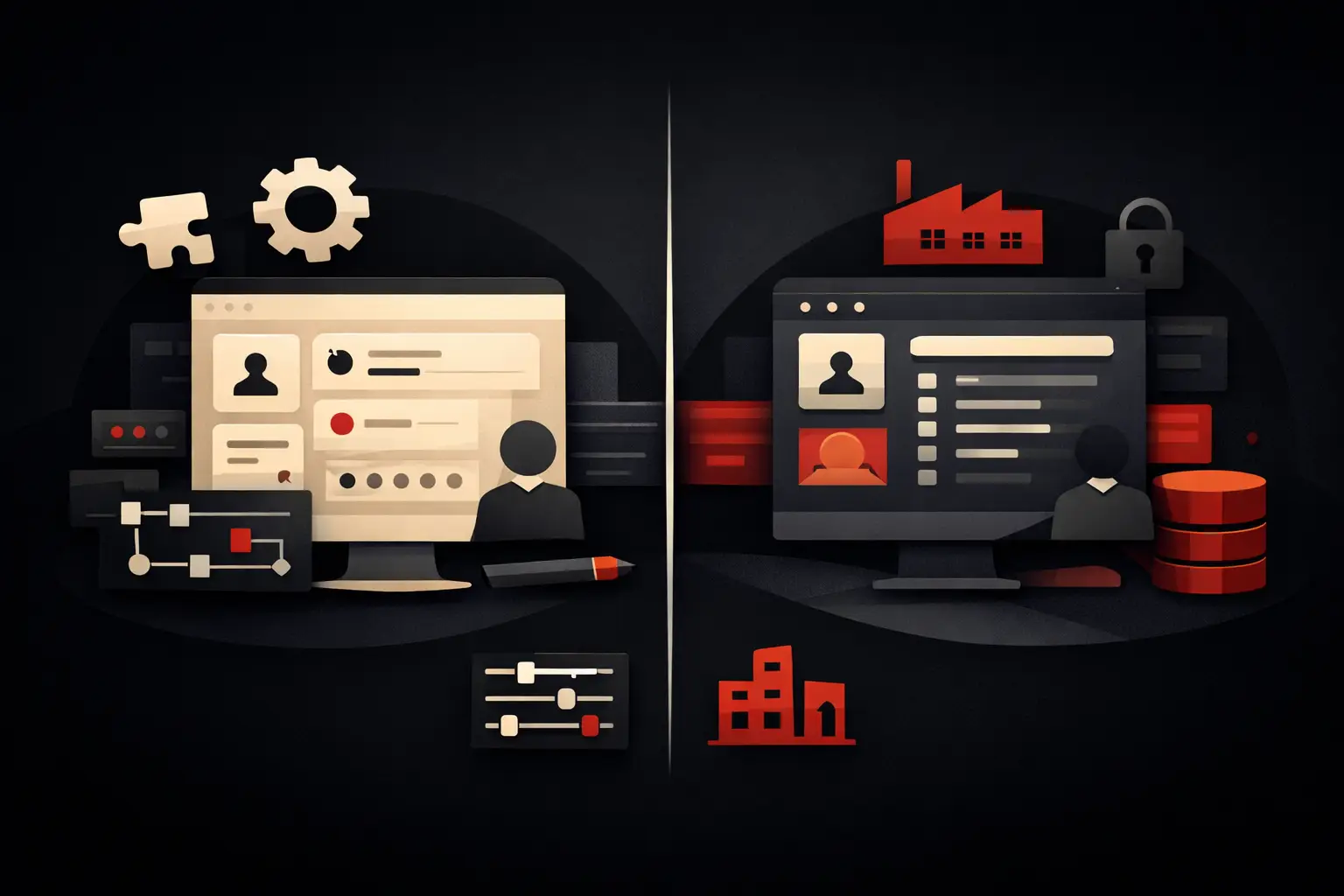
Standard software is often the right choice when a process is common, stable, and close to the workflows available on the market. Accounting, video conferencing, e-signatures, business email, and many basic functions can be handled effectively with off-the-shelf tools. Customizing something that is already well solved risks extending timelines, increasing costs, and creating unnecessary maintenance.
The limitations become apparent when a company has to adapt its way of working to the platform. Consider a distributor with differentiated price lists, reorder rules, sales approvals, and variable delivery conditions. Or a service business that needs to manage site visits, documents, assignments, deadlines, and customer communications in a single workflow. In these cases, connecting many standard tools can serve as a stopgap, but it often creates a fragmented ecosystem that is difficult to manage.
The useful question, then, is not “does software for this already exist?” The answer is almost always yes, at least in part. The decisive question is: “does this tool support our process without introducing manual work, exceptions, and a loss of control?”
Integrations are not a technical detail
Many companies accumulate platforms over time: e-commerce, management systems, CRM, ticketing software, marketing tools, and shared spreadsheets. Each solution may be perfectly good on its own, but a lack of reliable connections turns staff into the bridge between systems that do not communicate.
Custom software can centralize, orchestrate, or integrate systems; it does not necessarily have to replace everything. For example, it can receive an order from an e-commerce site, check availability and commercial terms, send the data to the management system, create tasks for the team, and automatically update the customer. The value lies in process continuity and traceability, not in the number of screens developed.
Processes that deserve priority
Not every problem merits immediate investment. Priority should go to workflows that combine frequency, criticality, and measurable impact. Automating a task performed once a month can be useful; automating one performed dozens of times a day changes the cost structure and frees up operational capacity.
Sales is often a good place to start. Leads collected from different sources, manually prepared quotes, untracked follow-ups, and confusing handoffs reduce response speed. A customized CRM can assign opportunities, standardize stages, generate quotes according to defined rules, and show where the pipeline is getting stuck.
Order management also offers significant potential. If every request requires checks on availability, price lists, contracts, documents, and progress, the process is vulnerable to delays and errors. A dedicated system can make exceptions visible, apply automatic checks, and get every piece of information to the right department without chains of emails.
In customer care, the main challenge is often fragmentation. When customer history is spread across inboxes, chats, and different tools, the quality of the response depends on the individual person. A custom portal or internal platform centralizes requests, documents, SLAs, and communications, bringing tangible benefits to response times and perceived quality.
How to assess return on investment
A custom project should be assessed as an operational investment, not simply a development expense. Before defining features and interfaces, measure the current process: how many people manage it, how many hours it takes, how many errors it generates, what delays it causes, and what revenue or margin it could put at risk.
Consider a workflow that involves four people for two hours a day. Even without factoring in errors and delays, the annual cost of manual work can become significant. If software reduces that effort by 60%, the company is doing more than saving time: it is freeing up attention for customers, analysis, sales, and higher-value activities.
However, returns should not be forced into a single formula. A job-costing system can generate value by making previously overlooked margins visible. A customer portal can reduce repetitive requests and increase trust. An integration between departments can prevent costly errors that occur only a few times but have serious consequences. That is why it is useful to define two or three concrete indicators from the outset: processing time, error rate, response time, conversion, on-time delivery, or margin per job.
The most common risk: digitizing a confusing process
Building software around an unclear process produces a faster version of the existing confusion. If responsibilities, exceptions, required data, and decision-making rules are not defined, technology will not resolve the ambiguity. It will simply make it more expensive to change later.
An initial analysis phase serves precisely this purpose: observing how work is really done, not just how procedures describe it. Informal steps, parallel checks, and undocumented decisions often emerge, explaining why a workflow gets stuck. This is where an effective project begins: essential requirements, clear priorities, mapped edge cases, and a first version focused on results.
Not everything needs to be developed right away
A modular approach reduces risk and accelerates impact. You can start with the most costly bottleneck, validate the new workflow with users, and then extend the system with additional features. This avoids spending months on hypothetical functionality and makes it possible to adjust course using real data.
For example, a company can start by centralizing orders and eliminating manual re-entry. At a later stage, it can add KPI dashboards, after-sales automations, access for agents or customers, and AI components to classify requests or support forecasts. The roadmap should follow economic priorities, not the desire to have everything at once.
Design also has an operational role. A clear interface reduces training time, errors, and internal resistance. In software used every day, user experience is not decorative: it determines how quickly the team adopts the new process and how accurately it enters the data that informs reports and decisions.
The choice of partner changes the outcome
Custom software requires technical expertise, but that is not enough. You need a partner capable of translating business goals into workflows, data, integrations, and verifiable metrics. Anyone who starts with the technology rather than the process risks proposing interesting features that do not fit the company’s reality.
Graffico approaches these projects with a consulting mindset: understanding where time is being lost, what data is needed to make decisions, and which tasks can be automated without losing control. The expected result is not software to show off, but a tool that makes operations faster, more accurate, and measurable.
The final question is not whether your company needs “software.” It is to identify the process that is currently limiting growth and calculate how much it costs to leave it as it is. Once that cost is visible, the decision to build a tailor-made solution becomes much more concrete.
Ready to bring your ideas to life?
Request a free, no-obligation consultation. Let's talk about your project.
Request a consultation