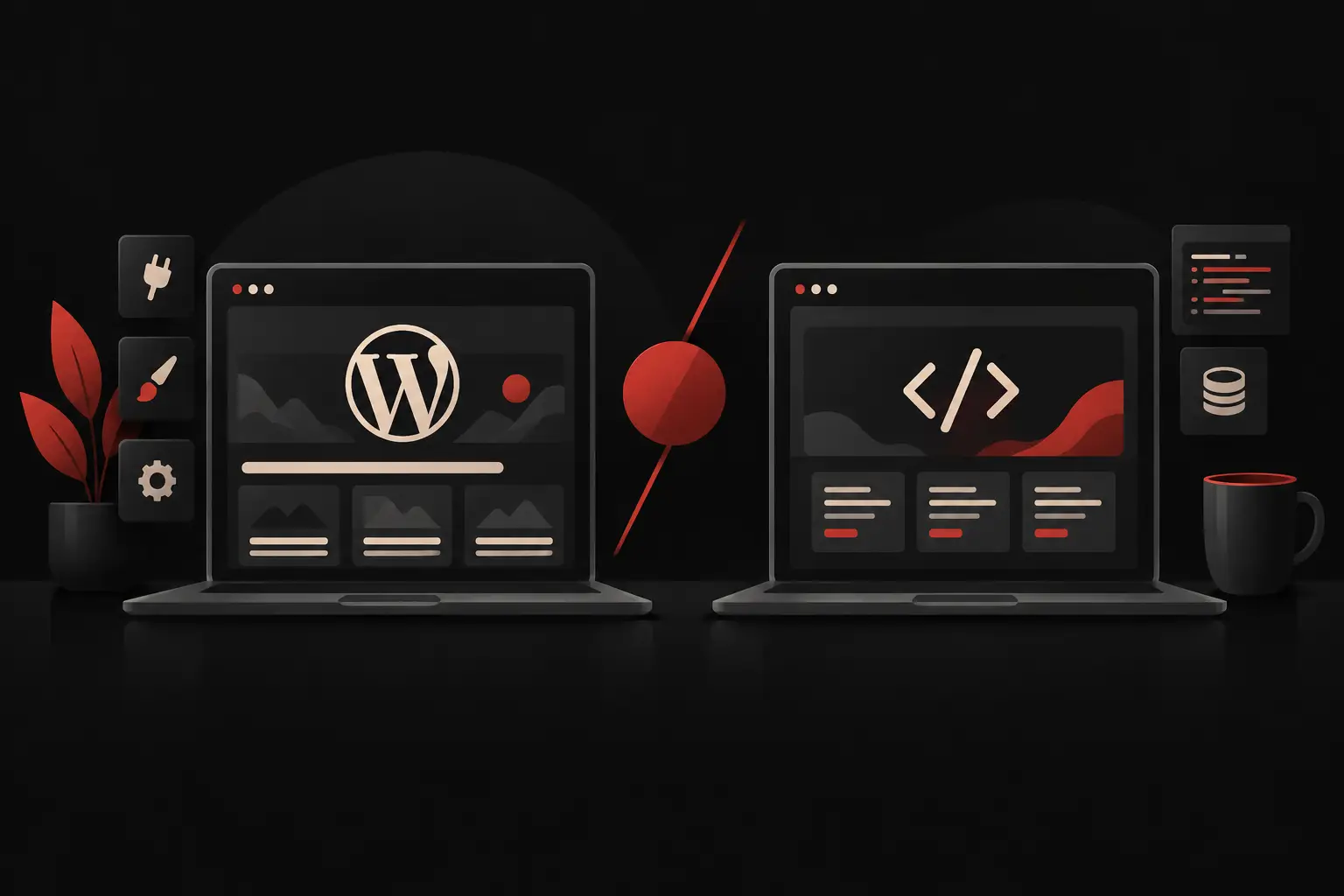
WordPress vs. a custom website for your business
WordPress vs. a custom website: compare costs, timelines, control and integrations to choose a platform that truly supports your business’s growth over time.
A website that is slow to update, disconnected from the CRM or unable to support a complex sale is more than a communications problem: it is an operational bottleneck. In the comparison between WordPress and a custom website, the useful question is not which solution is better in absolute terms. It is which architecture reduces friction, supports commercial goals and continues to work as the company grows.
WordPress can be an effective, fast and sustainable choice. A custom website can become a tangible competitive advantage. The difference is not in the technical label, but in how closely the platform fits the way your company acquires leads, manages data, sells, delivers services and makes decisions.
WordPress vs. a custom website: start with processes, not design
A common mistake is choosing the technology after discussing only pages, menus and visual style. Design matters: it influences credibility, understanding of the offering and conversion. But for many small and medium-sized businesses, the website is now also an entry point for sales inquiries, quotes, bookings, applications, private catalogs, support and data collection.
If the project is primarily meant to present the company well, explain its services, publish content and generate qualified leads, WordPress is often a solid foundation. With a custom-developed theme, a clean content architecture and a streamlined setup, it can offer fast publishing, autonomy for the marketing team and manageable upfront costs.
If, instead, the website needs to interact continuously with business management systems, CRMs, configurators, price lists, stock availability, customer portals or approval workflows, the comparison changes. In these cases, a custom website is not a styling exercise: it is an application designed around specific business rules. Its value depends on how much manual work it eliminates, how many errors it prevents and how much it speeds up a process that is currently fragmented.
WordPress does not necessarily mean a standard solution
WordPress is often associated with ready-made templates and plugins accumulated over time. That is one possible implementation, not the only one. It is possible to build a distinctive front end, customized editorial components and targeted integrations while keeping WordPress as the content management system.
The difference lies in project discipline. An installation with a few reliable plugins, controlled code, suitable hosting, backups and scheduled updates can be reliable. By contrast, a website built by adding extensions for every need risks becoming fragile: slowdowns, conflicts, a wider attack surface and maintenance costs that are difficult to predict.
WordPress works well when its strengths align with real needs: simple editorial management, a clear information structure, relatively established features and an operational workflow that does not require highly proprietary logic.
A custom website is not always the smartest choice
Custom development is sometimes presented as the answer to every limitation. It is not. Building from scratch a feature that an existing platform already handles reliably can consume budget and time without producing a noticeable benefit for the customer or the internal team.
A bespoke project makes sense when the business rules are genuinely differentiating. For example, a B2B configurator that applies price lists, margins, technical constraints and discounts based on the customer profile. Or a supplier portal that collects documents, flags anomalies, routes approvals and updates a KPI dashboard. Here, the technology must follow the process, not force the process to imitate a plugin.
Custom development also requires greater project responsibility. It calls for initial analysis, prioritization, integration documentation and an evolution roadmap. Without these elements, there is a risk of building a sophisticated platform that is rarely used by the people who should use it every day.
Costs: the initial quote tells only part of the story
WordPress’s initial cost is generally lower, especially for corporate websites, landing pages and catalogs without complex logic. The availability of ready-made components helps reduce development hours and get online faster.
However, the right cost to assess is the total cost over time. It includes updates, security, plugin compatibility, support, performance, future enhancements and internal work hours. If connecting different tools requires the team to export files, copy data or correct errors manually, that cost exists even if it does not appear on the website invoice.
A custom website requires a higher initial investment because it starts with analysis, UX, development and specific testing. It can, however, reduce operating costs by centralizing data and automating repetitive steps. Value for money is not measured by comparing two quotes, but by comparing the solution’s cost with the cost of inefficiency it eliminates.
A concrete example: if a salesperson spends hours every week checking availability, rebuilding a quote and updating the CRM after an inquiry comes through the website, an integrated platform can deliver returns faster than a simple redesign. If, instead, the need is to build authority and acquire leads through an effective content structure, investing in a complex custom application would be disproportionate.
Performance, security and operational control
Performance does not depend solely on the CMS. It depends on how the website is developed, the quality of the hosting, the weight of its resources, images, caching and external integrations. A well-built WordPress site can be very fast. A custom website designed without attention to bottlenecks can be as slow as—or slower than—a standard platform.
The same applies to security. WordPress is widely used, so it receives considerable attention from people looking for vulnerabilities. The risk increases with outdated plugins, weak credentials, incorrect permissions and neglected maintenance. A custom project offers greater control over the application’s attack surface, but does not eliminate the need for monitoring, updates and backup procedures.
The real difference is operational control. A custom solution allows you to define roles, permissions, required fields, validation logic and tracking precisely. This matters when multiple departments work with the same data and an entry error can cause delays, incorrect quotes or inconsistent information for the customer.
Integrations: where the choice becomes strategic
Many companies already have the tools they need to work better, but their data remains siloed. The website collects inquiries, the CRM stores contacts, the business management system contains orders and invoices, while the team communicates through other channels. The result is a chain of manual steps that slows down responses and makes oversight harder.
WordPress can integrate with many systems through APIs, connectors and custom development. It is a valid solution when data exchanges are straightforward: sending a lead to the CRM, syncing a newsletter, displaying products or collecting bookings.
When integrations need to handle complex logic, bidirectional data, different permissions or critical processes, a custom architecture offers greater clarity. That does not mean giving up WordPress: in some projects it can remain the editorial layer, while the private area, configuration engine or integration services are custom-developed. Often, the best choice is not either-or, but hybrid.
How to decide without buying more technology than you need
The decision should start with a concrete map of the current workflow. How does a request come in? Who handles it? Which data is entered more than once? Where is information lost? How long does it take for the customer to receive a useful response? These questions make the scope of the project visible.
WordPress is a good fit when the priority is to publish and update content independently, strengthen positioning, generate leads, or sell through standardized processes. It is particularly well suited when a fast launch matters and future needs are reasonably predictable.
A custom website is a better fit when the platform needs to support a distinctive or high-volume process: technical quoting, product configuration, document management, restricted access, multi-role workflows, sales automation, or deep integrations with software already used by the company.
Before choosing, it is worth defining four things: the platform’s business objective, the users who will use it, the systems it will need to communicate with, and the metrics that will demonstrate results. A digital project becomes manageable when, in addition to the pages to be built, response times, conversion rates, hours saved, errors reduced, or the average value of generated opportunities are clear.
The right technology is neither the most complex nor the cheapest. It is the one that makes work faster, data more reliable, and growth less dependent on manual tasks. That is the place to start: not with “what kind of website do we want?” but with “what result should it deliver every day?”
Ready to bring your ideas to life?
Request a free, no-obligation consultation. Let's talk about your project.
Request a consultation