Cloud or on-premise ERP: which is the better choice?
Cloud or on-premise ERP: compare costs, security, integrations, and scalability to choose the architecture best suited to your day-to-day business processes.
An ERP is not just an administrative software package. It is the point where orders, inventory, purchasing, production, sales, invoicing, and management control stop moving around in separate files. That is why choosing between cloud or on-premise ERP isn’t only about where the data resides: it determines recurring costs, how quickly the system can evolve, operational continuity, and the company’s ability to eliminate manual work.
For an SME, the right question is not which model is best in absolute terms. It is which architecture can manage real processes with less friction today and more room to grow tomorrow. A choice driven solely by the monthly fee or the fear of entrusting data to a provider risks producing a rigid system that is expensive to maintain or poorly adopted by the team.
Cloud or on-premise ERP: what really changes
A cloud ERP is hosted on infrastructure managed by a provider. Users access it through a browser or application, usually with recurring costs and updates included in the service. The company does not need to purchase and manage its own servers, operating systems, backups, or most infrastructure security.
An on-premise ERP, on the other hand, is installed on internal servers or dedicated infrastructure controlled by the company. The software, data, and technical configuration remain in an environment managed directly by the internal IT department or an external partner. It requires more responsibility, but can offer very precise control over configurations, access, and local integrations.
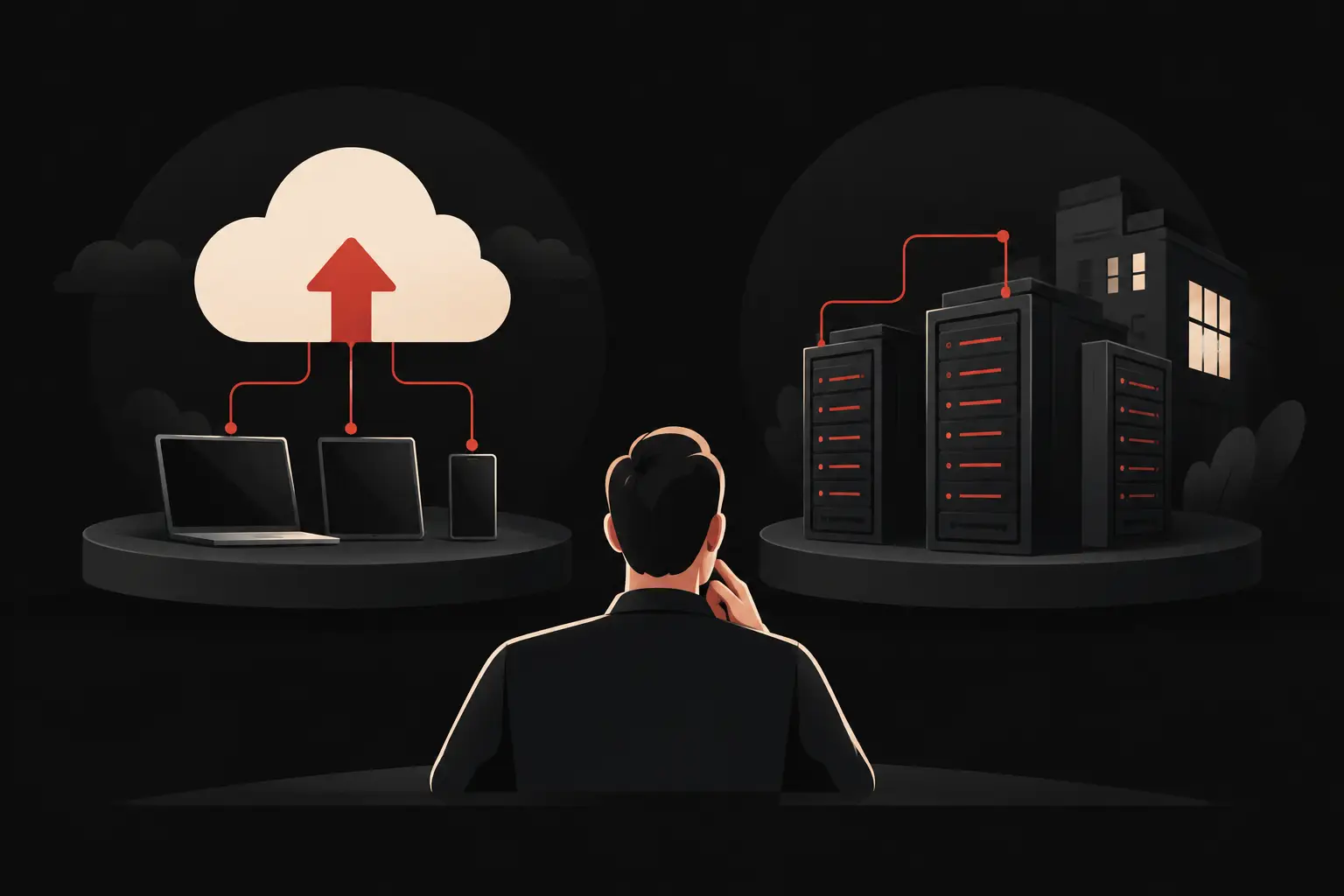
The distinction, however, is less clear-cut than it may seem. Private cloud solutions, installations on dedicated servers in external data centers, and hybrid architectures all exist. A company can keep industrial machinery or legacy systems on site while moving dashboards, CRM, supplier portals, and approval workflows to the cloud. An effective project rarely starts with a technology preference: it starts with the operational workflow to be improved.
Costs: the comparison goes beyond licenses and servers
A cloud ERP reduces the initial investment. There is no need for proprietary hardware, complex installation work, or in-house systems expertise to get the project started. This makes spending more predictable and can speed up adoption, especially for companies with distributed offices, field sales staff, or teams working remotely.
The subscription fee, however, needs to be considered over the long term. Costs can rise with the number of users, additional modules, data storage, integrations, and customization requests. A cloud ERP that is inexpensive at the outset can become limiting if it forces the company to buy add-ons for every operational need not covered by the standard product.
On-premise, by contrast, requires a higher initial outlay: licenses, infrastructure, configuration, backups, monitoring, updates, and support. For a stable organization with very specific processes and a multi-year usage horizon, the total cost of ownership may be sustainable. But only if the cost of IT staff time and the risk of postponing essential maintenance are also taken into account.
The figure to analyze, then, is not the first-year price. It is the operating cost over three to five years, including training, support, enhancements, potential downtime, data migration, and integrations with tools already in use.
Security and operational continuity: control alone is not enough
Many companies associate on-premise with greater security because the data remains physically under their control. It is an understandable perception, but an incomplete one. An internal server is secure only if it receives regular updates, has tested backups, protected access, monitoring, disaster recovery procedures, and staff able to respond quickly.
A qualified cloud provider can offer high levels of physical protection, geographic redundancy, continuous monitoring, and structured recovery. This does not remove the company’s responsibility. Excessive permissions, shared passwords, accounts that are not deactivated, and weak approval workflows remain vulnerabilities even in the best cloud environment.
The assessment should focus on concrete requirements: where the data resides, what the data-processing agreements specify, how long it takes to restore the service, how often backups are performed, and who can access commercial, financial, or production information. For some regulated organizations or those handling particularly sensitive data, a dedicated or hybrid environment may be the most appropriate answer.
Customization and integrations: where the return on investment is determined
An ERP creates value when it reflects the way people actually work without reproducing its inefficiencies. If the team continues exporting data to Excel, copying orders from email, chasing approvals on WhatsApp, and reconstructing margins at the end of the month, hosting is not the only problem. The issue is the gap between software and process.
Standard cloud platforms prioritize rapid configuration and ongoing updates. They are suitable when processes are relatively common and the company can align with proven workflows. However, they can impose limits when complex pricing logic, product configurators, multi-site workflows, project management, specific traceability, or interactions with proprietary machinery and systems are needed.
An on-premise ERP, or custom business management software, generally allows greater freedom to develop. This flexibility needs to be managed with discipline: customizing everything without a clear vision creates technical debt and makes updates more expensive. The useful rule is simple: customize what creates a measurable operational or commercial advantage, not what reproduces inefficient habits.
integrations deserve the same attention. The ERP must communicate with e-commerce, CRM, accounting software, support platforms, automated warehouses, business intelligence tools, and payment systems. A well-designed integration reduces duplicate entries, availability errors, and invoicing delays. A hastily improvised connection, on the other hand, creates inconsistent data and new bottlenecks.
Scalability: grow without changing systems every two years
The cloud offers a clear advantage when the number of users, locations, order volumes, or remote access needs change. Activating new accounts and increasing capacity is normally faster than purchasing and configuring new infrastructure. For growing companies, this flexibility can prevent premature, oversized investments.
On-premise may be preferable when workloads are predictable, connectivity is unreliable, or the system needs to communicate continuously with local equipment. This is common in manufacturing environments where machines, barcode readers, shop-floor terminals, and legacy applications require consistent response times.
In either case, scalability is not the same as the maximum number of users declared by the provider. It means being able to add a location, an e-commerce channel, a business unit, or a new sales model without rebuilding the architecture. It also means having clean data and up-to-date KPIs to make decisions before problems become structural.
How to choose the right architecture for your company
The decision should begin with a map of critical processes: order intake, planning, procurement, production or service delivery, shipping, invoicing, support, and margin control. For each stage, identify who enters data, where manual handoffs occur, which errors recur, and what information management is missing.
A cloud ERP is often an effective choice if the goal is to get up and running quickly, provide access across multiple locations, keep infrastructure complexity under control, and adopt well-defined standard processes. On-premise is better suited when there are technical constraints, very specific control requirements, or deep integrations with local systems. The hybrid model becomes appealing when a company needs to keep operational components on site but wants to make data, dashboards, and workflows accessible to distributed users.
Before signing, it is worth asking for a demonstration built around real use cases: an order with special commercial terms, a purchase request, a return, a job, or a change in warehouse stock availability. Generic screens show features. Real cases show whether the system can reduce minutes, errors, and steps for each operation.
The best technology is the kind that gives people more time to sell, serve customers, and make decisions—not one that adds another platform to maintain. A well-designed ERP project turns processes into reliable data and data into faster action: that is how measurable growth begins.
Ready to bring your ideas to life?
Request a free, no-obligation consultation. Let's talk about your project.
Request a consultation