Maintenance software examples that reduce downtime
Maintenance software examples: features, use cases, and criteria for digitizing work, reducing downtime, and improving operational control.
A breakdown costs more than the time it takes to repair it. It can halt a production line, delay a delivery, generate overtime, and make planning uncertain. The most effective maintenance software examples are therefore not about digitizing a paper logbook: they transform scattered activities, incomplete data, and reactive decisions into a controllable operational process.
For a company that manages facilities, machinery, vehicles, buildings, or technical equipment, value does not lie in the number of available features. What matters is the system’s ability to make priorities, costs, responsibilities, and the real status of assets visible. This is where software designed around business workflows can deliver measurable results.
Maintenance software examples: 5 practical applications
There is no single software solution suited to every maintenance department. A manufacturing company with interconnected facilities has different needs from a retail chain coordinating maintenance across multiple locations, just as a technical support company operates differently from a property manager. Below are five examples that help show what problems a well-designed platform can solve.
1. Managing corrective and scheduled work
This is the most common case: staff receive reports by phone, chat, email, or shared spreadsheets and must quickly decide what to do, with what priorities, and using which resources. The risk is that urgent requests consume all available time while scheduled maintenance continues to be postponed.
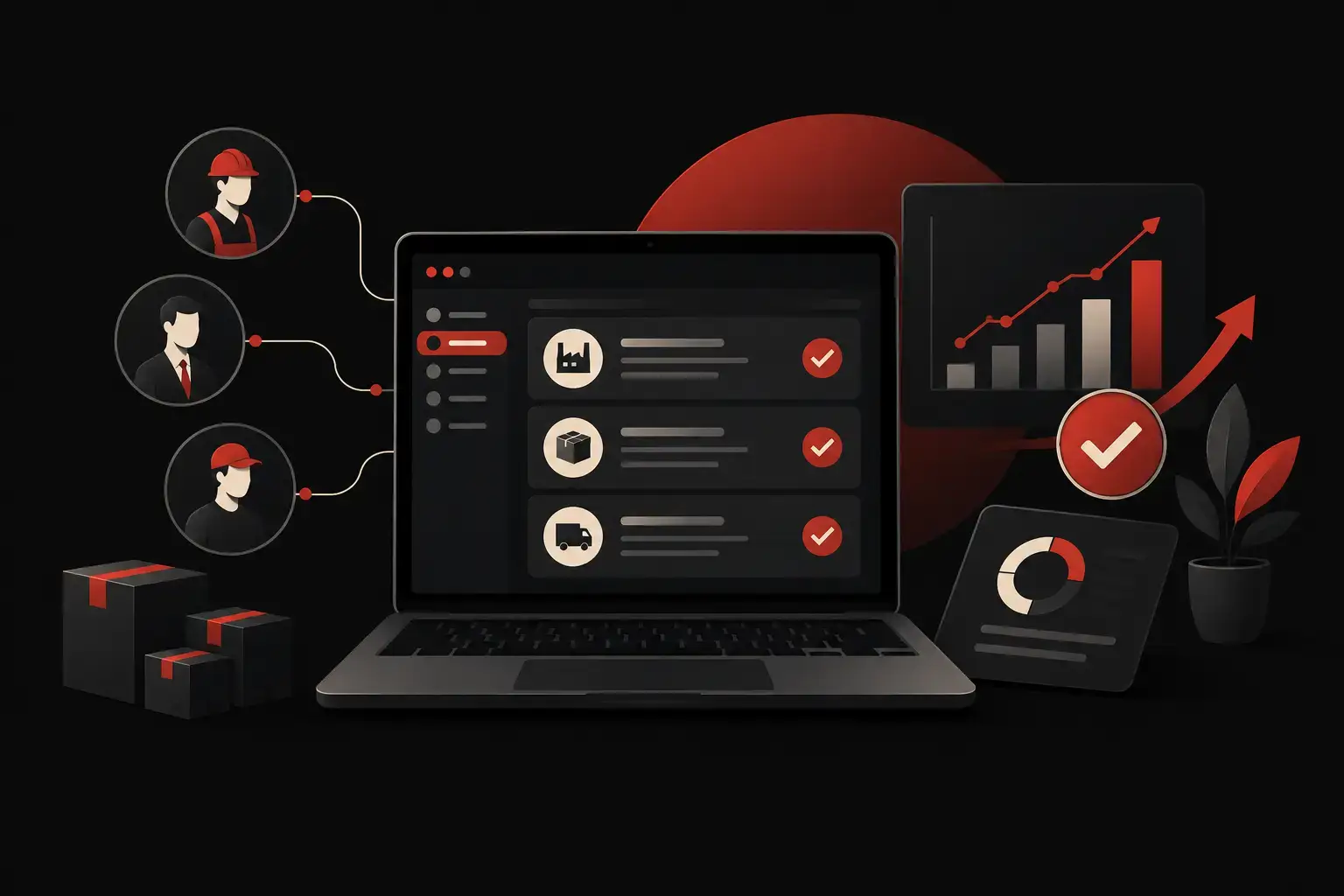
A work management system collects requests in one place, assigns the ticket to the relevant technician or team, sets a deadline, and tracks every step: acceptance, work performed, materials used, equipment downtime, closure, and final verification. Digital checklists reduce omissions and make fieldwork more consistent, even when different people carry it out.
The most tangible effect is greater predictability. The manager no longer has to reconstruct the situation from scattered messages: they can see open, overdue, and recurring work and intervene before a problem becomes a prolonged shutdown.
2. Preventive maintenance plan for machinery and facilities
Preventive maintenance works when deadlines do not depend on one person’s memory. Software can trigger tasks based on the calendar, operating hours, production cycles, or thresholds defined for each asset.
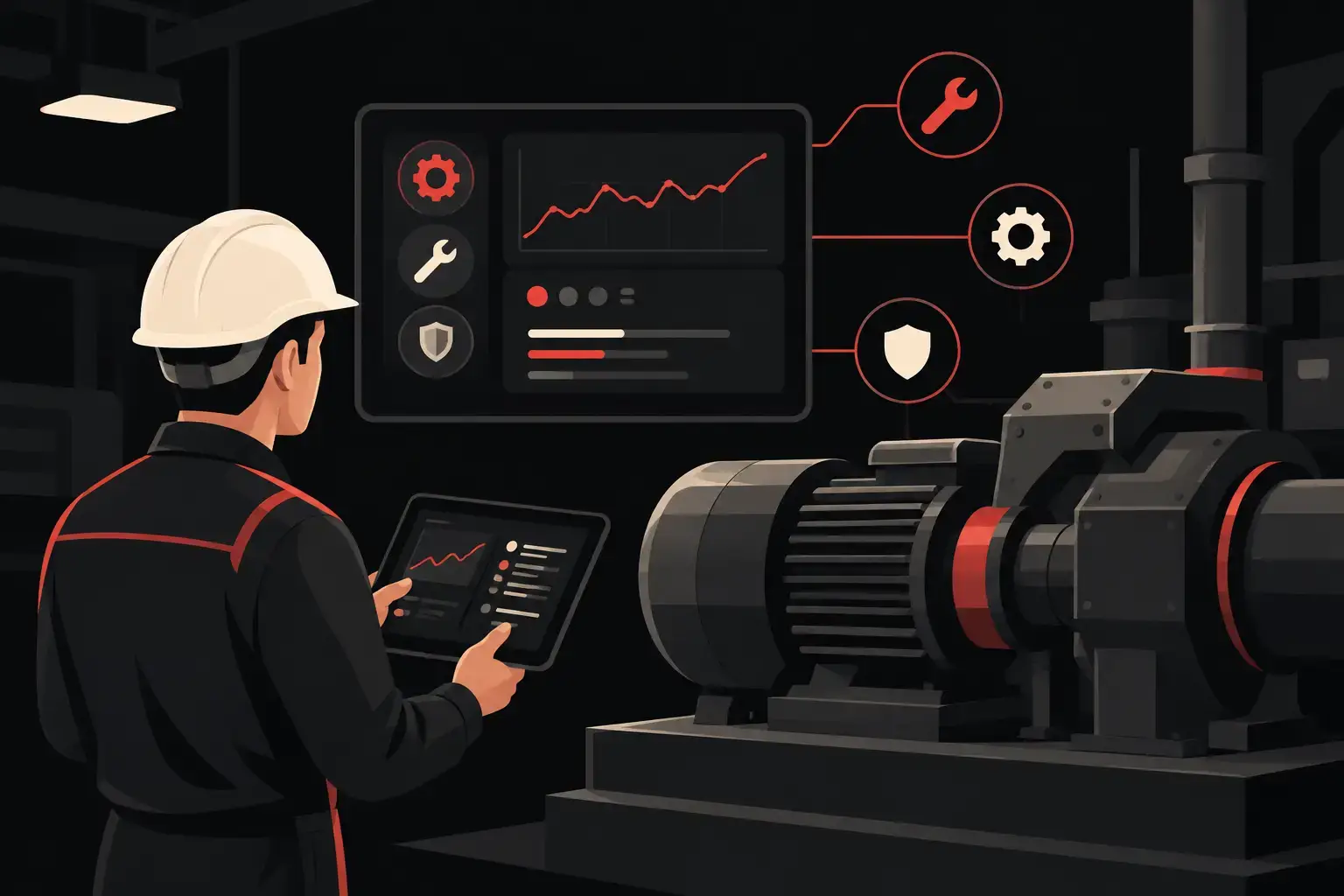
Consider a compressor that needs inspections every 500 hours, an HVAC system requiring seasonal checks, or a company vehicle that needs scheduled servicing and inspections. For each item, the system stores its technical data sheet, manuals, breakdown history, replaced components, and operating procedures. The technician receives a task with context rather than a generic request such as “check machine 4.”
The benefit is not simply doing more maintenance. It is carrying it out at the right time, avoiding both late interventions and unnecessary checks. That is why rules should be built around the company’s actual data and updated over time.
3. Apps for field technicians and on-site maintenance
When technicians work at customer sites, construction sites, branches, or distributed facilities, communication speed becomes part of service quality. A mobile app can display the schedule, priorities, job location, contacts, technical documentation, and history of work carried out on the same equipment.
At the end of the job, the technician fills out the service report, attaches photos, records spare parts and hours, obtains a signature, and updates the work status in real time. The back office no longer has to enter data later from paper forms or call staff to find out whether a request has been resolved.
This model is particularly effective for service companies, facility management, and multi-site maintenance. However, it requires an extremely clear interface: technicians in the field do not have time to navigate complex screens. Design and user experience directly affect the quality of the data collected.
4. Managing spare parts, inventory, and purchase orders
A scheduled job can be held up by a gasket, sensor, or component that is available on paper only. Integrating maintenance and inventory makes it possible to link each work order to the materials used, stock on hand, and minimum stock levels.
The software can flag a critical spare part that is running low, suggest a reorder, or highlight components that are often replaced on the same asset. Over time, this data helps determine whether a machine needs unusually frequent maintenance, whether a supplier has reliability issues, or whether stock is tying up capital without providing real operational value.
Not every company needs a complex warehouse management system. In some cases, it is enough to track a few essential stock items; in others, value comes fromintegration with an existing ERP system already in place. The choice depends on process complexity, not on the need to add more features.
5. KPI dashboards and predictive maintenance
A good system does more than record what has happened. It should help determine where to intervene. A dashboard can show average repair times, number of breakdowns per asset, downtime hours, the percentage of preventive maintenance completed, costs per site, or how often anomalies recur.
When reliable data is available from sensors, connected machinery, or production systems, it is possible to identify deviations and conditions that signal an impending problem. This does not mean every company should immediately implement advanced predictive models. Often, the first high-impact step is to standardize the information collected from work and make it readable in real time.
Predictive maintenance makes sense when the cost of downtime is high, technical signals are available, and the data is of sufficient quality. Without these conditions, effective preventive maintenance supported by KPIs may be a more sustainable and effective choice.
The features that really make a difference
In maintenance software, a long list of features can conceal a problem: the system does not reflect how the company works. Before choosing, it is worth checking whether the platform accurately manages asset records, maintenance plans, work orders, roles, attachments, checklists, notifications, and history.
Four other capabilities become crucial as the process grows: mobile access for technicians, integration with ERP or inventory, custom reports, and multi-site management. If these elements remain disconnected, the team risks duplicating data instead of reducing administrative work.
Interface quality matters as much as technical architecture. A manager needs to read issues and indicators in seconds; a technician must be able to complete a task in a few steps; and management must be able to review costs and results without requesting manual reports. Poorly adopted software remains an expensive archive, even if it is complete on paper.
When to choose a custom solution
A standard solution may be suitable if workflows are simple, the company accepts predefined procedures, and there are no important systems to connect. It becomes less suitable when maintenance is part of a broader process involving specific approvals, service contracts, variable priorities, machinery data, distributed warehouses, or particular reporting requirements.
In these scenarios, custom software does not necessarily mean building everything from scratch. It means designing the experience around the activities that cause the most delays, errors or costs: from the work order request through to completion and data analysis. It can include targeted integrations, notification automations, dedicated dashboards and an app designed for the teams’ actual work.
For example, a company may want to automatically trigger an inspection when a machine exceeds a certain usage threshold, assign the task to an available technician, check whether the replacement part is in stock and update the production center’s cost. If this workflow currently spans spreadsheets, emails and separate management systems, the return on integration can be measured in hours saved, less downtime and more reliable data.
How to assess the return before development
The useful question is not “How much does the software cost?” but “How much does it cost to keep working this way?” To answer it, measure the number of work orders handled manually, the hours spent on reporting, delays in scheduled maintenance, unplanned downtime and inventory errors.
From there, you can set concrete goals: reduce the time it takes to assign work orders, increase the completion rate for preventive tasks, reduce urgent spare-parts orders or make up-to-date reports available without manual work. These are more useful metrics than a generic promise of digitalization.
The best choice almost always starts with an initial analysis of workflows, not a search for the platform with the most features. When processes, data and people work in the same system, maintenance stops chasing urgent issues and becomes an operational lever for protecting margins, service quality and the ability to grow.
Ready to bring your ideas to life?
Request a free, no-obligation consultation. Let's talk about your project.
Request a consultation