How to Create an Automated Business Workflow
An automated business workflow reduces errors, delays, and manual steps. Learn how to analyze processes, integrate data, and measure ROI effectively.
A confirmed order that never makes it into the business management system, a customer request sitting in an email inbox, a report manually updated every Friday: this is where an automated business workflow creates tangible value. You don't need to automate everything to make an impact. You need to identify the steps where people, data, and tools chase one another without a clear set of rules, then turn them into a measurable flow.
For an SME, automation isn't a technological shortcut. It's a way to increase operational capacity without a proportional rise in manual work, errors, and dependence on individual employees. The desired outcome isn't a more sophisticated set of software: it's a business that responds faster, executes more accurately, and manages margins, sales, and activities more predictably.
What makes an automated business workflow effective
A workflow is a sequence of actions that takes an input and produces an outcome. It can start with a lead collected on a website, an e-commerce order, a support request, or a document received. In many businesses, this sequence still lives across spreadsheets, emails, messages, and informally passed-down procedures.
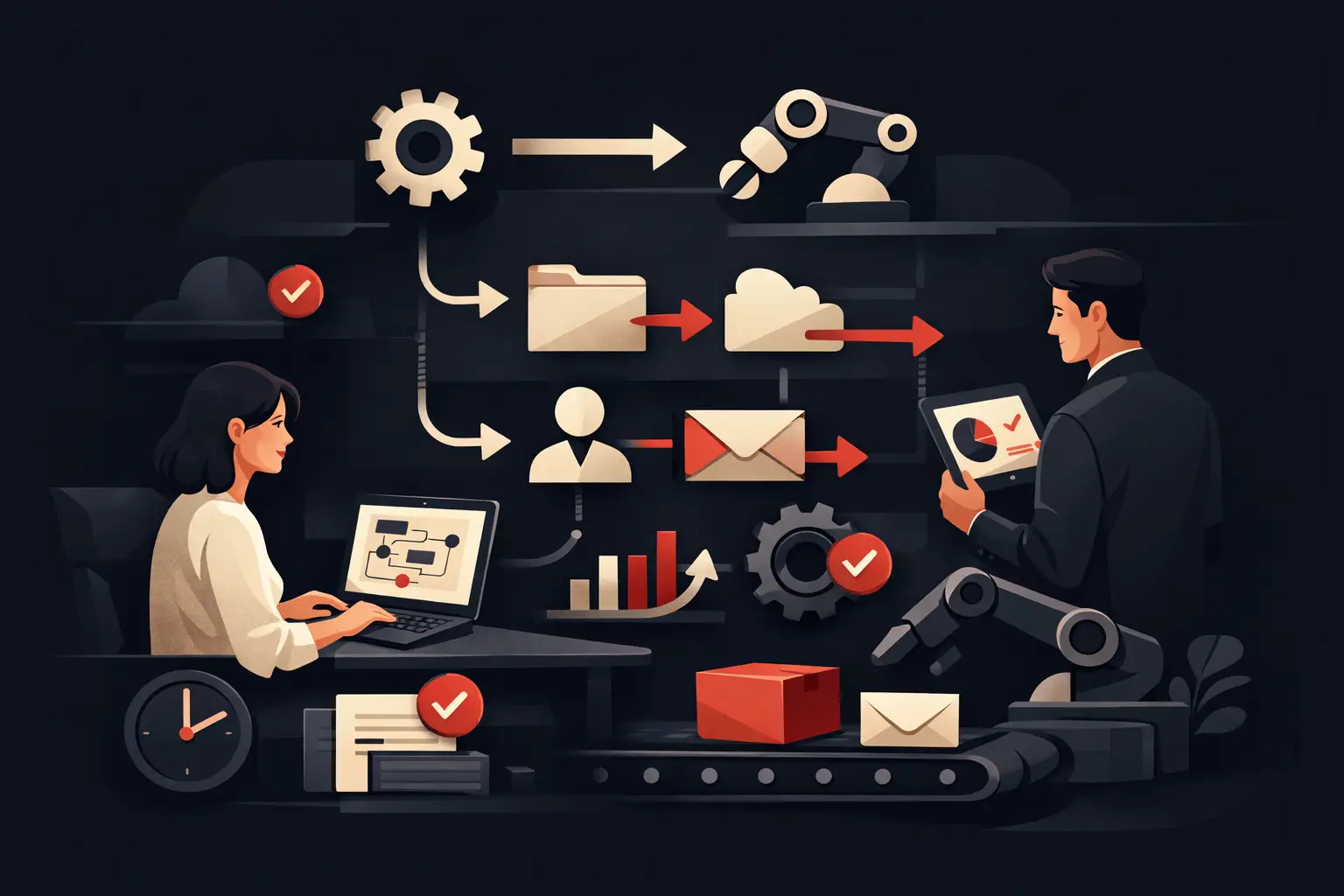
Automating it means defining precisely what happens, who steps in only when needed, which data gets updated, and which conditions move the process forward. For example, a contact requesting a demo can be recorded in the CRM, assigned to the right sales representative based on region or industry, followed by a personalized communication, and flagged to the team if they don't receive a response within a defined timeframe.
The point isn't to eliminate every human intervention. Complex sales decisions, managing a strategic customer, or approving an exception must remain under human oversight. Automation should instead take on repetitive, predictable, rule-based tasks: copying data, reminders, notifications, classifications, status updates, and document generation.
A workflow is more than a simple integration
Connecting two applications can solve one step, but it isn't the same as designing a process. An integration transfers data. A workflow defines what to do with that data, in what order, with which responsibilities, and how to handle errors.
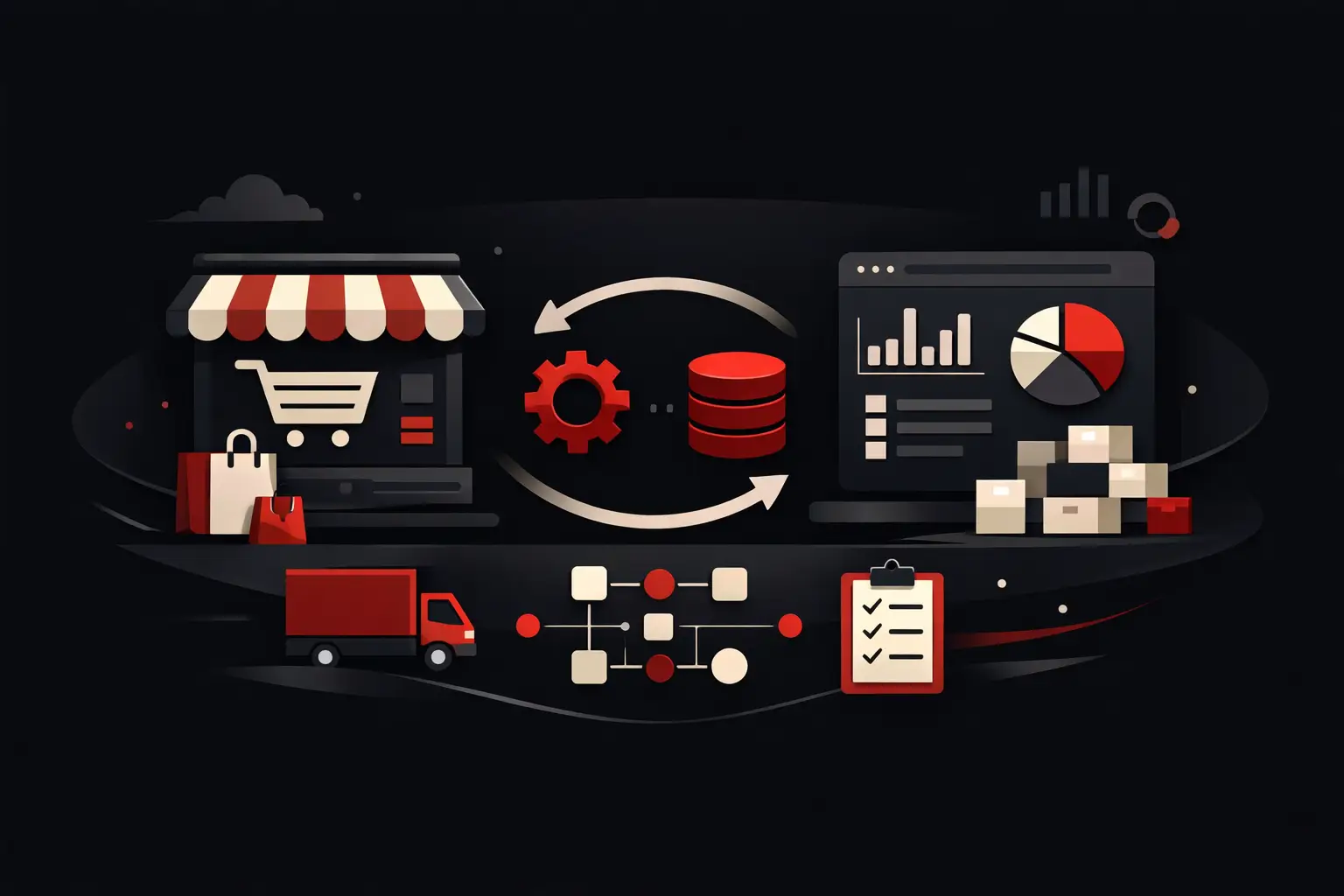
Take order management. If an e-commerce platform automatically sends an order to the business management system, the first step is taken care of. But what happens if the item is out of stock? Who gets notified? Does the customer receive a consistent message? Does the administration team see the issue right away? Without these rules, only part of the problem is automated, and the bottleneck simply moves further down the line.
Where to start: map the cost of inefficiency
The best process to automate first isn't always the most visible one. Often, it's the process repeated dozens of times a day, involving several departments and causing delays that are hard to trace. The useful question isn't “what software are we missing?” but “where are we losing time, data, or opportunities?”
To answer that, it's worth observing a real process from beginning to end. Who starts it? What information do they enter? In which tool? Who needs to receive it? How many times is it copied over? Where are approvals required? What happens when data is incomplete? This mapping reveals the differences between the theoretical procedure and day-to-day work, which are often the real source of inefficiency.
A good candidate for automation has at least one of these characteristics: high volume, fairly stable rules, data already available in digital form, frequent manual errors, or response times that affect sales and customer satisfaction. Lead management, quoting, onboarding, ticket management, payment reminders, reordering, and reporting are common areas.
Measure before you build
Without a baseline, even a technically successful project is difficult to evaluate. Before implementation, measure average processing time, the number of manual steps, error rate, response times, and volume handled. For sales processes, lead response time, follow-up rate, and conversion may also be relevant.
Not all metrics carry the same weight. A B2B company with high-value deals may prioritize speed and quality of contact. An e-commerce business processing thousands of orders may focus primarily on reducing exceptions, tickets, and administrative costs. The priority depends on the business model, not the technology available.
Designing the flow between data, rules, and exceptions
A reliable workflow is built around three elements: a trigger event, a set of rules, and a verifiable outcome. The event could be a form submission, an order being placed, or a case changing status. The rules determine the possible paths. The outcome must leave a clear trace, such as an updated CRM record, an assigned task, a document created, or a dashboard populated with data.
The design must account for normal cases, but especially exceptions. If the VAT number field is invalid, does the flow stop, request a correction, or save the request in a review queue? If a supplier doesn't respond, how long before a reminder is sent? If a customer submits an urgent request after hours, how is it classified? Exceptions aren't technical details: they determine whether the system reduces work or creates new issues.
Data quality is another decisive factor. Automating duplicate, incomplete, or inconsistent data means propagating the problem faster. Before integrating CRM and ERP systems, an e-commerce platform, and customer care tools, you need to define a unique identity for customers, orders, and products, along with rules for ownership and updating information.
Integrations that create operational continuity
A workflow becomes more valuable when it removes discontinuities between departments. Marketing, sales, administration, production, and support can work with different tools, but they shouldn't have to rebuild the same context every time.
A well-designed flow can connect lead acquisition, CRM, and the sales calendar, or e-commerce, inventory, invoicing, and post-sales communications. In a service business, it can link a request form, document collection, consultant assignment, case progress, and customer updates. The structure changes by industry, but the principle stays the same: data is entered once and continues to generate useful actions.
In some cases, connectors between existing platforms are enough. In others, highly specific processes call for custom software, a dedicated portal, or a central orchestration layer. The choice depends on volume, complexity, security requirements, and future adaptability. Forcing a distinctive process into a standard product may cost less initially, but can become limiting as the business grows.
AI: useful when there's a repeatable decision
Artificial intelligence can make a workflow more effective when it needs to read, classify, summarize, or suggest actions based on large volumes of content. For example, it can route support requests, extract data from documents, generate an initial contextual response, or flag anomalies in a process.
But it's not the solution for a confusing procedure. If data, rules, and responsibilities aren't clear, AI adds variability to a system that's already hard to manage. It delivers results when built into a structured process, with human checks at high-impact points and clear criteria for evaluating accuracy and quality.
Governing the workflow after launch
An automation isn't complete when it goes live. After launch, you need a period of observation to check timings, exceptions, internal adoption, and data quality. People who use the workflow every day must be able to report practical points of friction: an unnecessary notification, a missing field, a rule that doesn't account for a common case.
Governance requires clear process owners, consistent permissions, and dashboards that show where the flow slows down. If a case gets stuck, the system should make it visible before it becomes a problem for the customer. If a department bypasses the procedure, you need to find out whether training is missing or the workflow doesn't truly reflect operational work.
Graffico tackles these projects by starting with real processes and translating them into tailored tools, integrations, and measurable automations. This approach avoids two extremes: digitizing chaos and building solutions that are too complex to adopt.
The first project should build trust
The initial project doesn't necessarily have to be the most ambitious. It should be significant enough to produce a measurable result and focused enough to be improved quickly. When a team sees fewer reminders, data-entry errors, or response delays, automation stops being a promise and becomes a new operating standard.
Start with a process that currently forces capable people to perform tasks a system can do better. That's where technology stops adding tools and starts freeing up capacity to sell, serve customers, and grow the business.
Ready to bring your ideas to life?
Request a free, no-obligation consultation. Let's talk about your project.
Request a consultation