When Your Business Needs Custom Management Software
Custom business management software centralizes data, automates workflows, and reduces errors. Find out when it makes sense to develop it methodically.
Custom business management software becomes necessary when work grows but the tools can no longer keep up with its complexity. Duplicated Excel spreadsheets, emails used as archives, data copied from one software program to another, and tasks entrusted to people’s memory are not minor inconveniences: they slow down sales, operations, and decision-making. The cost is not just time lost. It includes errors, missed opportunities, and the difficulty of maintaining control as the company expands.
Custom software is not about adding technology. It is about making processes that directly affect margins and service quality faster, traceable, and measurable. That is where it differs from a standard platform: instead of asking the company to adapt to predefined features, it builds a tool around the way the company creates value.
The breaking point: when standard tools start to cost you
Many small and medium-sized businesses start with applications that work well in the early stages: a generic CRM, accounting software, a ticketing tool, or an e-commerce platform with a few extensions. The problem arises when each department uses a different data source and no one has an up-to-date view of the entire workflow.
A salesperson may see a deal but not the actual product availability. The operations office receives an order but has to re-enter the information manually. Administration chases documents and deadlines. Management gets the numbers at the end of the month, when it is already harder to influence results. In these cases, the limitation is not the individual tool: it is the lack of a coherent digital process.
The most obvious signs keep recurring. People perform the same operations on multiple platforms, customers have to ask for updates that the system should provide automatically, exceptions have become the norm, and producing a reliable report takes days rather than minutes. If the business depends on constant manual checks, scalability remains theoretical.
What custom business management software actually does
A custom management system centralizes the information needed to manage a process and connects the departments involved without creating unnecessary steps. It can manage orders, projects, customers, quotes, suppliers, inventory, technical service calls, documents, approvals, and KPIs. But its value is not determined by the number of modules available.
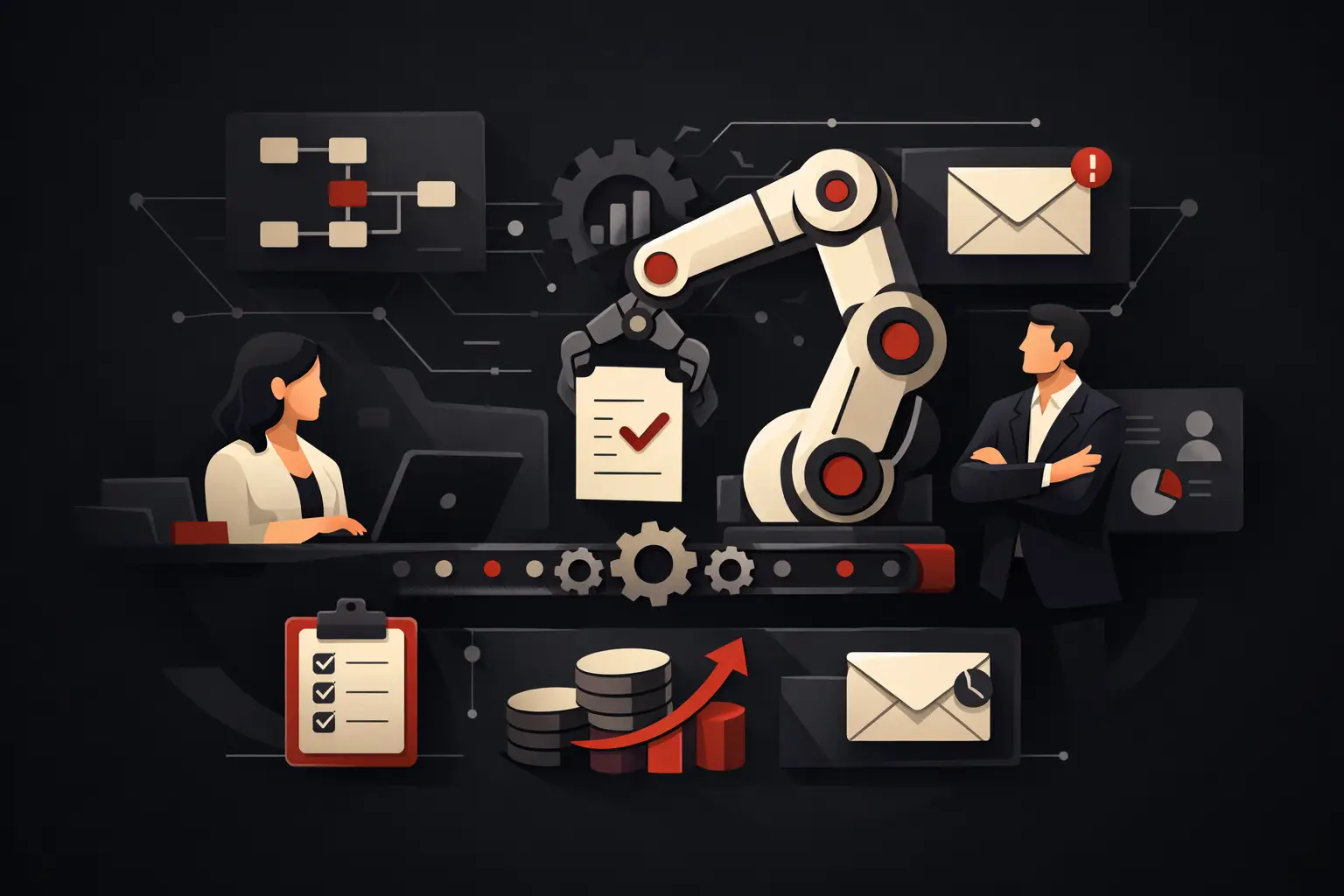
Its value lies in its operational logic. An approved quote can automatically become an order, a production task, and an invoice. A customer request can be assigned according to priority, expertise, and workload. A delivery delay can trigger an internal notification and a proactive update to the customer. Once entered, data becomes available—with the right permissions—to everyone who needs it.
This approach eliminates bottlenecks between one stage and the next. It does not mean automating everything indiscriminately: some decisions require experience, commercial judgment, or specific approvals. The software should speed up repetitive work and make the decisions that remain human clearer.
Reliable data for earlier decisions
Centralization is not an aesthetic goal. If sales, operations, and administration are looking at different data, even the most competent decisions can be wrong. Custom management software creates a shared, up-to-date source of information, with roles, permissions, and an operation history.
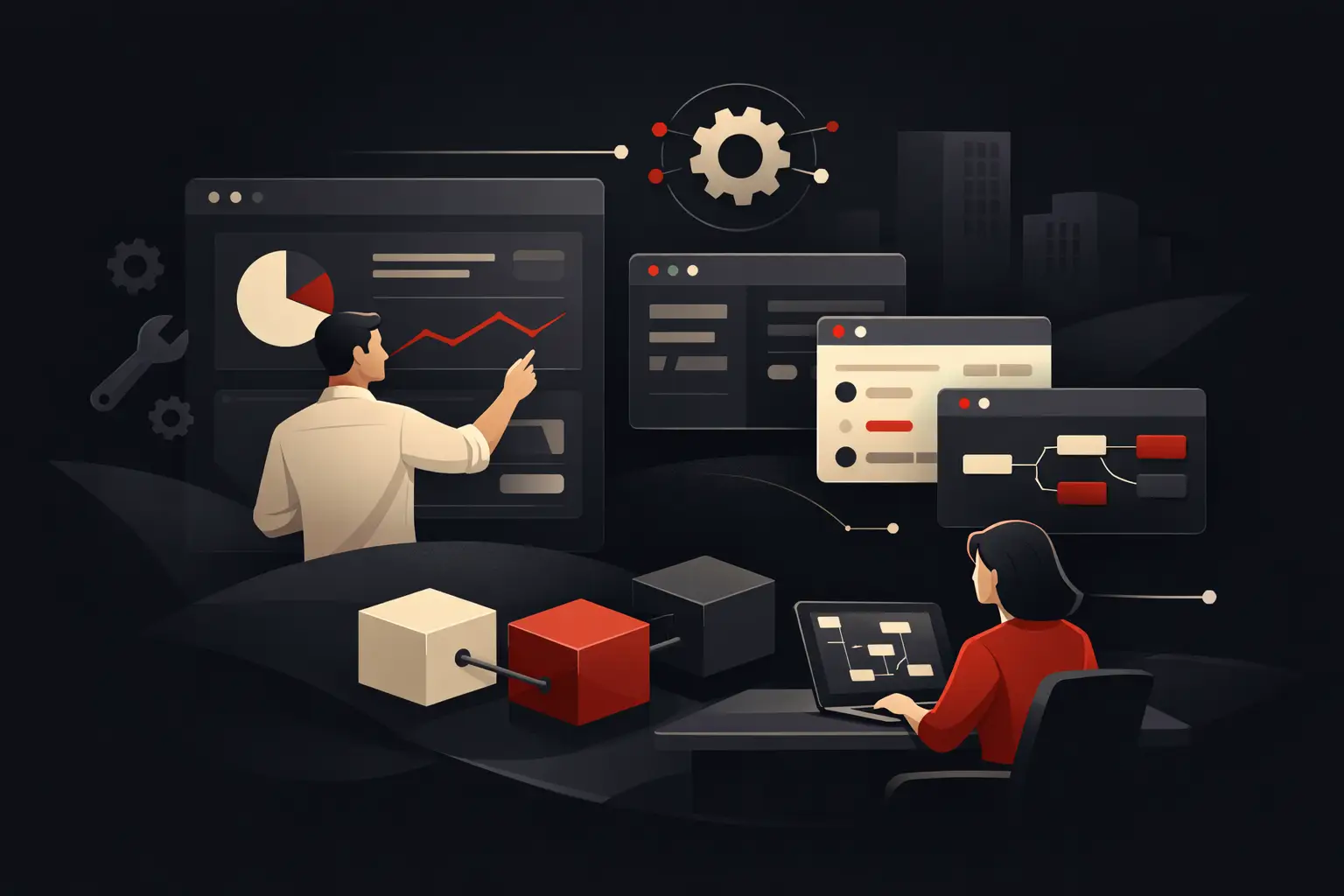
KPI dashboards then become a management tool, not a report to prepare after the fact. Project margins, order status, quote conversion, average fulfillment times, overdue tasks, and team workload can be viewed in real time. The most useful data is not the most detailed, but the data that lets you correct a decision while it can still make a difference.
Workflows that reflect operational reality
Every industry has its own rules, exceptions, and terminology. A project-based company does not manage its operational cycle like a distributor. A technical support network has different needs from a B2B services company. Replicating real processes with standard fields and statuses often leads users to work around the solution after just a few months.
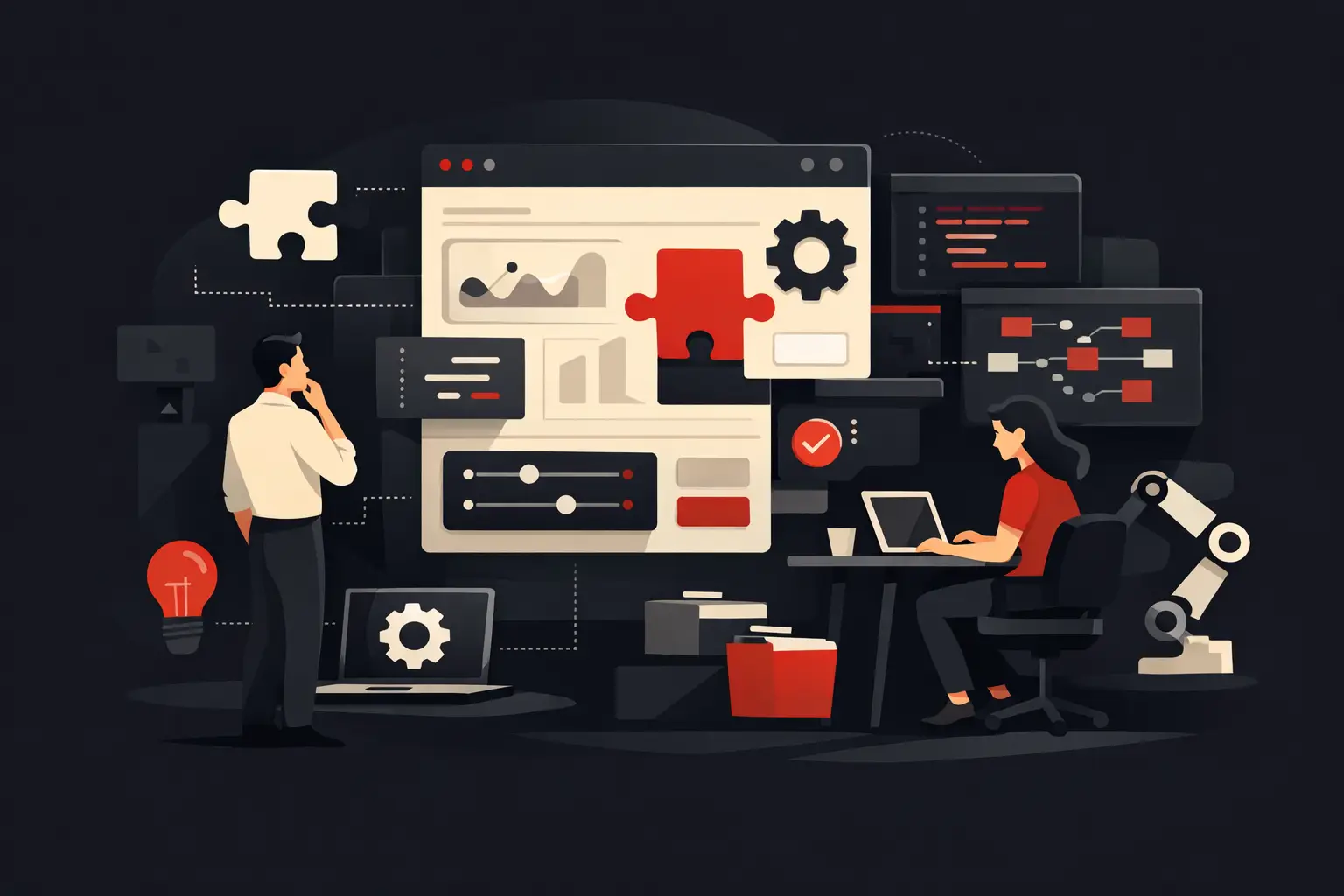
A custom project instead starts with the questions that matter: who enters the data, who validates it, what happens next, where errors originate, which tasks are repetitive and which metrics show that the process is working. From there, essential screens, automations, integrations, and business rules are defined. Design and usability are not decorative elements: they determine whether the team adopts the tool.
Standard software or custom development: a high-impact choice
Standard software is often the right choice when the process is common, the team is small, and the need can be met without workarounds. It has lower initial costs, quick setup times, and updates managed by the provider. It would be inefficient to build from scratch what already works well for your operating model.
Custom development makes sense when the requested customizations become numerous, integrations are fragile, or the cost of workarounds exceeds the benefit of the license. The point is not to own exclusive software. It is to avoid an apparently inexpensive technology creating a permanent operating cost made up of duplicate entries, checks, parallel files, and dependence on key people.
There is also a third option, often effective: keep the specialized tools that perform a specific function well and build a management layer that integrates them. For example, accounting, e-commerce, CRM, and logistics software can remain active, while custom management software oversees workflows, master data, automations, and cross-functional indicators. This protects the investment already made without sacrificing control.
How to build a project that delivers results
The most common risk is starting with a list of features. An effective project starts with a priority process and a measurable outcome. Reducing order processing time, increasing response speed to leads, reducing planning errors, or making project profitability visible: these goals guide every technical decision.
The initial phase requires workflow analysis, interviews with the people doing the work, and mapping existing data sources. This is when unnecessary steps, frequent exceptions, and hidden dependencies come to light. Skipping this phase to speed up development almost always means digitizing inefficiencies that are already there.
After the analysis, the project is translated into priorities. The first release should solve the most costly problem, not try to cover the entire company all at once. A modular architecture makes it possible to roll out features progressively, check adoption, and improve the system based on actual use. This reduces risk and makes the investment easier to manage.
Integrations also deserve attention. Connecting ERP, CRM, payment tools, e-commerce platforms, signature systems, or support services can eliminate much of the manual work, but only if data ownership is clear. You need to decide where each piece of information originates, which system owns it, and how to handle conflicts or incomplete updates.
ROI is measured in more than just hours saved
Time recovered is a tangible part of the return, but it is not the only one. Well-designed management software reduces the risk of costly errors, improves the customer experience, and makes it possible to handle more volume without immediately expanding the internal team. It can also make the organization less vulnerable, because procedures and knowledge are no longer confined to the minds of a few people.
To measure impact, it is worth defining a few indicators before launch: average time per task, error rate, number of requests handled, delays, value of unworked opportunities, and margin per project. After implementation, the comparison should focus on actual operations, not just whether the software was delivered on time.
ROI depends on the quality of the process chosen. Automating an occasional task offers limited benefits. Improving a workflow that involves sales, logistics, and administration every day instead creates a compounding effect: fewer delays, fewer rechecks, and greater execution capacity.
When development is not worthwhile
Not every need calls for a custom management system. If processes are still changing every month, the problem may be organizational before it is technological. If the team has not defined roles and responsibilities, software cannot resolve the ambiguity on management’s behalf. And if the need is to manage a standard function without particular constraints, an existing platform may be more sensible.
The right question is not “can we develop it?” but “which measurable inefficiency will we eliminate, and in what order?” When the answer is clear, software becomes an operational investment. When it remains vague, it risks turning into a costly project that few people adopt.
A partner such as Graffico approaches management software as a process lever: first identifying where the company is losing speed, control, or margin, then designing a solution that makes the improvement verifiable in everyday work. The best technology is not the one with the most features. It is the one that moves the business forward with less friction, every day.
Ready to bring your ideas to life?
Request a free, no-obligation consultation. Let's talk about your project.
Request a consultation