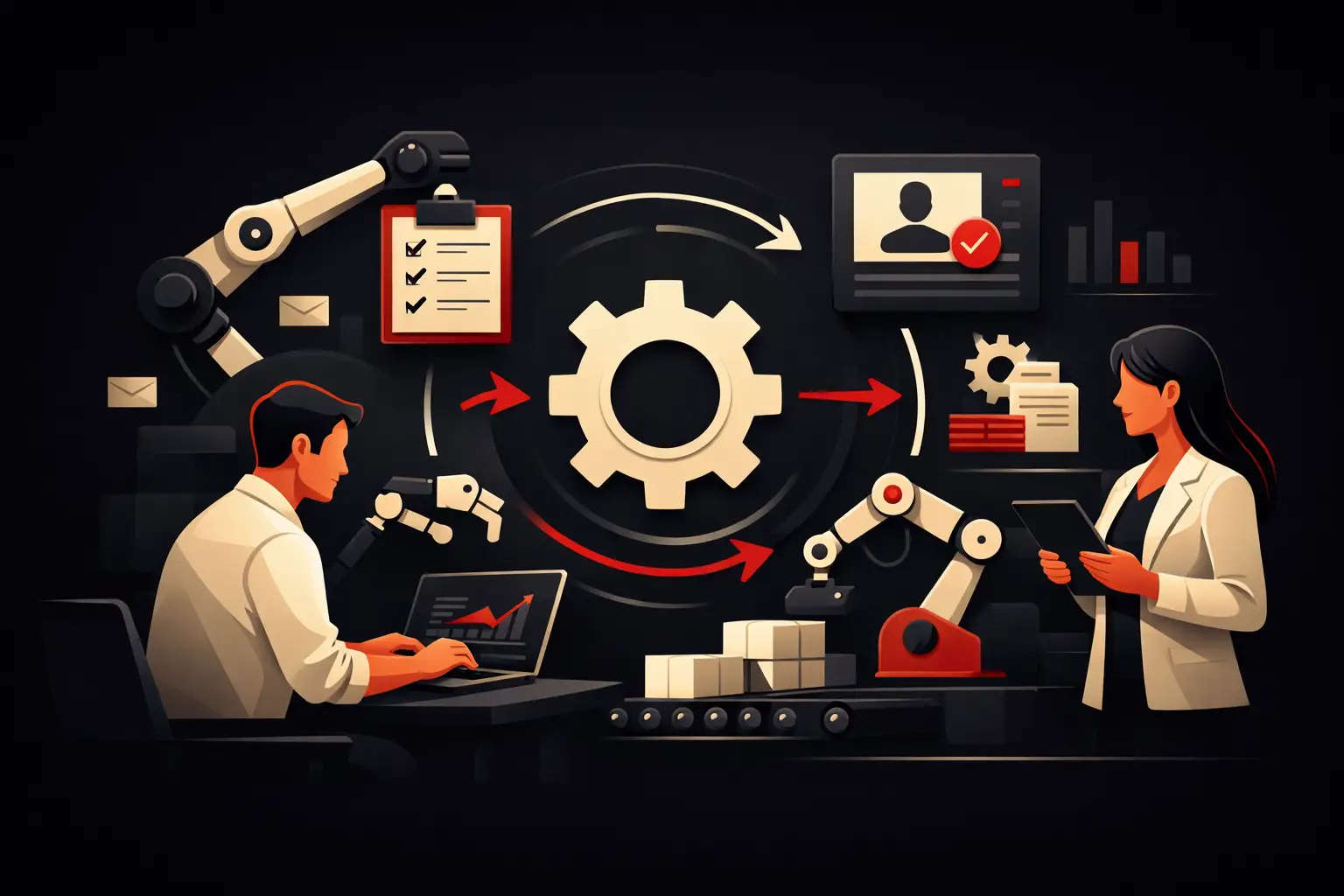
How to Really Reduce Manual Business Tasks
Discover how to reduce manual business tasks with integrated processes, targeted automation and custom software that increase control and operating margins.
A salesperson copies a lead’s details from the website form into the CRM. The administration team double-checks an order received by email and enters it into the business management system. The operations team updates an Excel spreadsheet to align availability, deliveries and invoicing. Taken individually, these are tasks that take just a few minutes. Repeated every day, they become a structural cost made up of delays, errors and incomplete information. Understanding how to reduce manual business tasks means addressing this hidden cost before it limits margins and growth capacity.
The point is not to automate everything. It is to design a system in which people no longer have to transfer data between tools, chase approvals or verify information that could already be accurate and available. Effective automation does not replace human judgment: it focuses it on activities that require communication, analysis and decision-making.
Manual work costs more than the hours spent on it
The first consequence of a manual process is easy to measure: time consumed. But this is rarely the main damage. When information passes through email, chat, spreadsheets and disconnected software, the risk of duplication, conflicting versions and forgotten steps increases.
A quote updated too late can stall a deal. Unsynchronized inventory can lead to an order that cannot be fulfilled. A contact without a history forces customer care to start every conversation from scratch. In these cases, inefficiency does not stay inside the business: it becomes a perception of unreliability for the customer.
There is also a less visible effect. If the team has to devote a significant part of the day to repetitive tasks, increasing volumes almost always requires hiring more people. The company grows, but its structure grows at the same rate. A well-designed digital process, on the other hand, makes it possible to manage more requests, orders and data without proportionally increasing operational resources.
How to reduce manual business tasks: start with workflows
Buying new software without analyzing the process it is meant to improve often creates yet another silo. To truly reduce manual work, first look at what happens between the input and output of a task: who enters a piece of data, where it is saved, who checks it, which tools are involved and what happens when information is missing.
An operational audit should not turn into a theoretical exercise. It is useful to choose specific, high-frequency processes: lead acquisition, quote management, orders, customer support, appointment scheduling, document collection, reporting or post-sale communications. For each one, estimate four factors: frequency, minutes required, likelihood of error and the financial impact of an error.
This analysis helps distinguish real problems from simple habits. If an employee exports a file every morning to send it to five people, the question is not how to make the export faster. The question is why those people cannot consult an up-to-date dashboard with appropriate roles and permissions.
Prioritize returns, not spectacle
Not all automation deserves the same investment. A rare, complex workflow may require a lot of design work, while a simple task repeated a hundred times a week can deliver an immediate return.
A sensible priority combines volume, criticality and process stability. An unstable workflow that changes every month is not the best candidate for a rigid solution. By contrast, a well-defined process with clear rules and structured data is ideal for integration or automation.
For example, automatically assigning leads based on geographic area, requested service or estimated value can reduce response times from the very first contact. Generating a quote, on the other hand, requires sales rules, price lists, options and approvals: it can be automated, but must be designed more carefully to avoid sacrificing control and margins.
Centralize data before automating actions
Automation works when it receives reliable data. If customer records, price lists, availability and order statuses live in separate environments, every workflow risks propagating incorrect data faster.
The first step may be to define a primary source for each piece of information. The CRM becomes the reference for contacts, opportunities and sales history. The business management system governs orders, invoices or inventory. A dashboard brings together KPIs and data from multiple sources without becoming yet another archive to update manually.
Integrations between these tools eliminate repetitive steps and improve traceability. When a web form automatically creates a qualified contact in the CRM, assigns an owner and triggers a contextual notification, the team starts with complete information. When a confirmed order updates availability, processing status and customer communications, it reduces the cross-checks that slow down operations.
Centralization does not mean forcing the whole company to use a single platform. It means defining an architecture in which every tool has a specific role and relevant data flows without requiring manual copies.
Where automation makes a concrete impact
The most common opportunities involve administrative and sales processes, but the potential extends across the entire organization. A booking system can check availability, collect the necessary details and send reminders. A supplier portal can standardize requests, documents and progress statuses. A customer support workflow can classify tickets, assign priorities and suggest replies based on history.
Areas that typically deliver quick results include:
- capturing and qualifying leads from the website, campaigns and sales channels;
- creating quotes, orders and documents from data already available;
- synchronized updates across CRM, business management system, e-commerce and support tools;
- automatic communications about order status, appointments, renewals and incomplete requests;
- KPI dashboards that replace manual reports put together at the end of the week or month.
Artificial intelligence expands these possibilities, especially when there are texts, unstructured requests or large amounts of information to interpret. It can extract data from documents, classify emails, suggest replies, summarize conversations and flag anomalies. However, it should not make autonomous decisions about sales exceptions, contract terms or sensitive cases without thresholds, rules and human review.
Off-the-shelf software or a custom solution?
Off-the-shelf tools are often an effective choice for common, mature processes. They make it possible to get started quickly and reduce the initial investment. Their limitations emerge when a company has to change how it works to fit the software, or when covering a specific workflow requires a combination of spreadsheets, plugins and parallel procedures.
A custom solution makes sense when the process represents a competitive advantage, involves multiple departments or tools, handles specific rules and generates enough volume to justify the investment. This does not mean building an entire ecosystem from scratch. Often, the best choice is to integrate existing platforms with a custom business management system, a dedicated portal, a dashboard or an automation layer designed around the actual workflow.
Design quality matters in internal systems too. A confusing interface leads to incorrect entries and workarounds. Operational software must be quick to use, clear about priorities and built around people’s actual roles. In this context, technology and design directly affect adoption and therefore return on investment.
Measure results after launch
An automation is not complete when it is released. It is complete when people use it, data remains consistent and the metrics show an improvement. That is why it is useful to establish a baseline before implementation: hours spent, average response time, errors, cases handled, conversions, delays or support requests.
After launch, KPIs must be monitored continuously. If a workflow reduces order entry time by 60% but generates many exceptions, it needs to be reviewed. If an automated sequence increases response speed but reduces customers’ perceived quality, the content, segmentation and escalation steps need to be improved.
A gradual implementation is often the safest approach. Automate one priority process, verify the impact, gather feedback from the team and extend the model to adjacent areas. This approach limits operational risk and builds internal confidence in the change.
Reducing manual work is not a race to add technology to every step. It is a design decision: free people and data from bottlenecks to make the company faster, more controllable and ready to grow. The right process to automate first is the one no one notices anymore, but that takes time away every day from work that creates value.
Ready to bring your ideas to life?
Request a free, no-obligation consultation. Let's talk about your project.
Request a consultation