CRM and ERP Integration: What Makes Sense
Integrating your CRM and ERP eliminates duplicate records, errors, and delays. Gain more control over processes, reliable data, and operational growth.
When a sales rep updates a contact in the CRM but the administration team continues working with outdated data in the ERP, the problem isn’t the team. It’s the operating architecture. CRM and ERP integration is designed to do exactly this: circulate the right information between sales, customer care, administration, logistics, and management, without manual steps that slow everything down.
For many SMEs, the critical issue isn’t a lack of software. It’s an excess of disconnected tools. One system manages customers and opportunities, another handles orders and invoices, and yet another takes care of support or inventory. Every department does its work, but the business loses speed, accuracy, and visibility. And that cost, even if it often doesn’t appear as a separate line item on the balance sheet, weighs on the business every day.
Why CRM and ERP integration really changes performance
When CRM and ERP systems talk to each other, the benefit isn’t just technical. It becomes economic. Manual work is reduced, transcription errors decrease, customer response times get shorter, and control over sales processes improves.
A lead that becomes a customer shouldn’t have to be entered from scratch in the ERP. A confirmed order shouldn’t require internal emails to be checked. An overdue payment shouldn’t remain invisible to the sales rep preparing a new offer. Without integration, these friction points may seem normal. In reality, they signal a machine that is leaking margin.
The most significant impact is often on data quality. If information is duplicated across multiple platforms, sooner or later it diverges. And when data doesn’t match, management loses trust in reports, teams make decisions based on incomplete information, and every analysis becomes open to question. Integration also means building a more stable, clear, and useful source of information for decision-making.
CRM and ERP: differences, roles, and where they meet
A CRM is designed to manage sales relationships, the pipeline, interaction history, quotes, follow-up activities, and the customer journey. An ERP oversees accounting, invoicing, orders, inventory, purchasing, production, or administrative support, depending on the context.
Thinking that one can replace the other is, in most cases, an oversimplification that creates new problems. The CRM sees the customer as an opportunity and a relationship. The ERP sees them as an operational, fiscal, and administrative entity. The point isn’t to choose a winner, but to define where each system’s responsibilities begin and end.
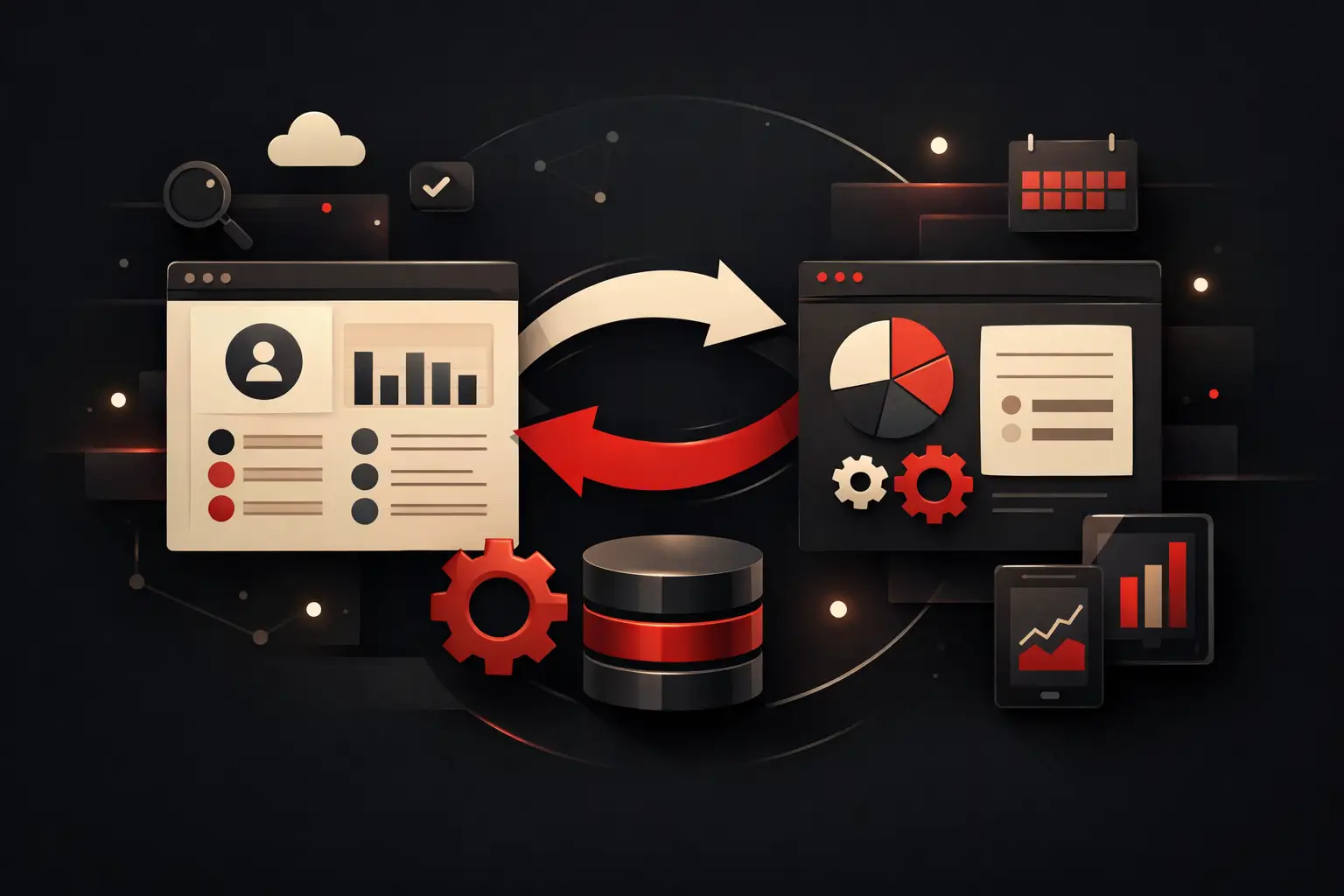
This is where a well-designed project makes the difference. It isn’t enough to “connect the two software systems.” You need to establish which data to sync, in which direction, how often, and according to what rules. Customer records, commercial terms, price lists, offers, orders, payment status, product availability, tickets, and documents don’t all have the same importance or the same lifecycle.
When integration is necessary, not optional
Some companies can manage with separate tools for a while longer. But beyond a certain level of complexity, the cost of waiting exceeds the cost of the project.
If the sales team wastes time asking administration whether a customer is active, if customer care can’t see orders and invoices during a call, if sales reports require Excel exports and manual consolidation, the problem is already structural. The same is true when the transition from quote to order is slow, or when management can’t get a consistent view of acquisition, profitability, and retention.
Another typical sign is growth. As long as volumes are modest, much of the inefficiency is absorbed by people’s work. But as customers, requests, negotiations, and operational variations increase, the margin for tolerance shrinks. What was once “manageable” becomes fragile.
The processes that benefit most from CRM and ERP integration
The sales function is almost always the first to benefit. A qualified lead can be turned into a customer record without re-entry, with a complete history and consistent data. From there, quotes, orders, and progress updates become smoother.
After-sales support also improves significantly. If the CRM receives information from the ERP about orders, deliveries, renewals, or overdue payments, whoever looks after the customer has a real, up-to-date picture. This changes the quality of conversations and reduces avoidable friction.
For administration, the benefit is just as tangible. Fewer duplicates mean fewer errors, fewer manual checks, and more reliable management of documents and commercial terms. For management, the value lies in the consolidated view: the funnel, sales, collections, tickets, and margins become parts of the same picture, rather than separate reports telling different versions of reality.
Standard integration or a custom project
It’s worth being very clear here. Not all integrations are equally comprehensive. Some platforms offer preconfigured connectors that work for simple cases, with basic synchronization and fairly straightforward processes. They can work well when the operational flow is standard and the company is willing to adapt to the tool’s limitations.
The problem arises when complex price lists, multiple locations, approval workflows, customized sales rules, agent management, production, technical support, or industry-specific requirements come into play. In these cases, standard integration often covers only part of the need. The rest continues to live in emails, shared files, and manual procedures.
A custom project requires more analysis but gives you greater control. It means shaping the flow around the company’s real processes, not the other way around. This is the most sensible approach when the goal isn’t simply to make two software systems “talk” in a generic way, but to redesign a process so it’s faster, traceable, and scalable.
The most common mistakes in integration projects
The first mistake is starting with the technology instead of the process. If it isn’t clear how a sales opportunity becomes an order, how customer records are updated, or who manages exceptions, even the best connector will just produce confusion faster.
The second is underestimating data governance. You need to define the master system for every piece of information. Which system owns the customer record? Where does the price originate? Which platform updates payment status? Without these rules, synchronization creates conflicts instead of resolving them.
The third mistake is thinking only about launch. An integration lives on over time, so it must be monitorable, documented, and ready to handle future changes. New departments, new sales channels, new automations, or software changes may arrive soon. If the system is rigid from the outset, the cost of adapting it quickly increases.
How to assess the ROI of an integration
The return isn’t measured only in hours saved, although that’s an important indicator. It should be assessed on several levels. There are direct operational savings from reducing manual tasks. There’s improved accuracy, which means fewer errors in orders, invoices, discounts, or customer data. And there’s commercial value, often greater, tied to faster response times, a more consistent customer experience, and stronger follow-up capabilities.
For an SME, the real question is something else: how many opportunities are lost because information doesn’t flow well? How many decisions are delayed because nobody fully trusts the numbers? How many qualified people are copying data instead of working on higher-impact activities?
When integration is designed with a business-first mindset, the benefit doesn’t stay confined to IT. It improves the speed of the entire organization.
Where to start with an effective project
The first step is to map the actual flows, not the theoretical ones. You need to observe how sales, administration, operations, and customer care really work. Often, the gap between the defined procedure and day-to-day practice is precisely why systems don’t align.
Next, you need to set clear priorities. Not everything has to be integrated immediately. In many cases, it’s more useful to start with customer records, offers, orders, and customer status—in other words, the points where friction creates the most cost or risk. Once you have a solid foundation, you can extend automation, dashboards, and advanced logic.
Finally, the quality of the partner matters. Effective integration requires technical expertise, but also the ability to understand the process, translate operational needs into system rules, and stay focused on a measurable outcome. This is where a consultancy-led approach makes the difference. Companies like Graffico do their best work when technology, automation, and process design need to converge in a useful tool, not a theoretical project.
Integrating CRM and ERP doesn’t mean adding complexity. It means removing friction where operational costs are hiding today. If your company is growing but data still has to travel manually between departments and software, you don’t need another tool. You need a system that brings order, restores control, and turns lost time into execution capacity.
Ready to bring your ideas to life?
Request a free, no-obligation consultation. Let's talk about your project.
Request a consultation