Automating Payment Reminders Without Friction
Automating payment reminders reduces delays, manual work, and tension with customers. Here’s how to create an effective, measurable workflow for your business.
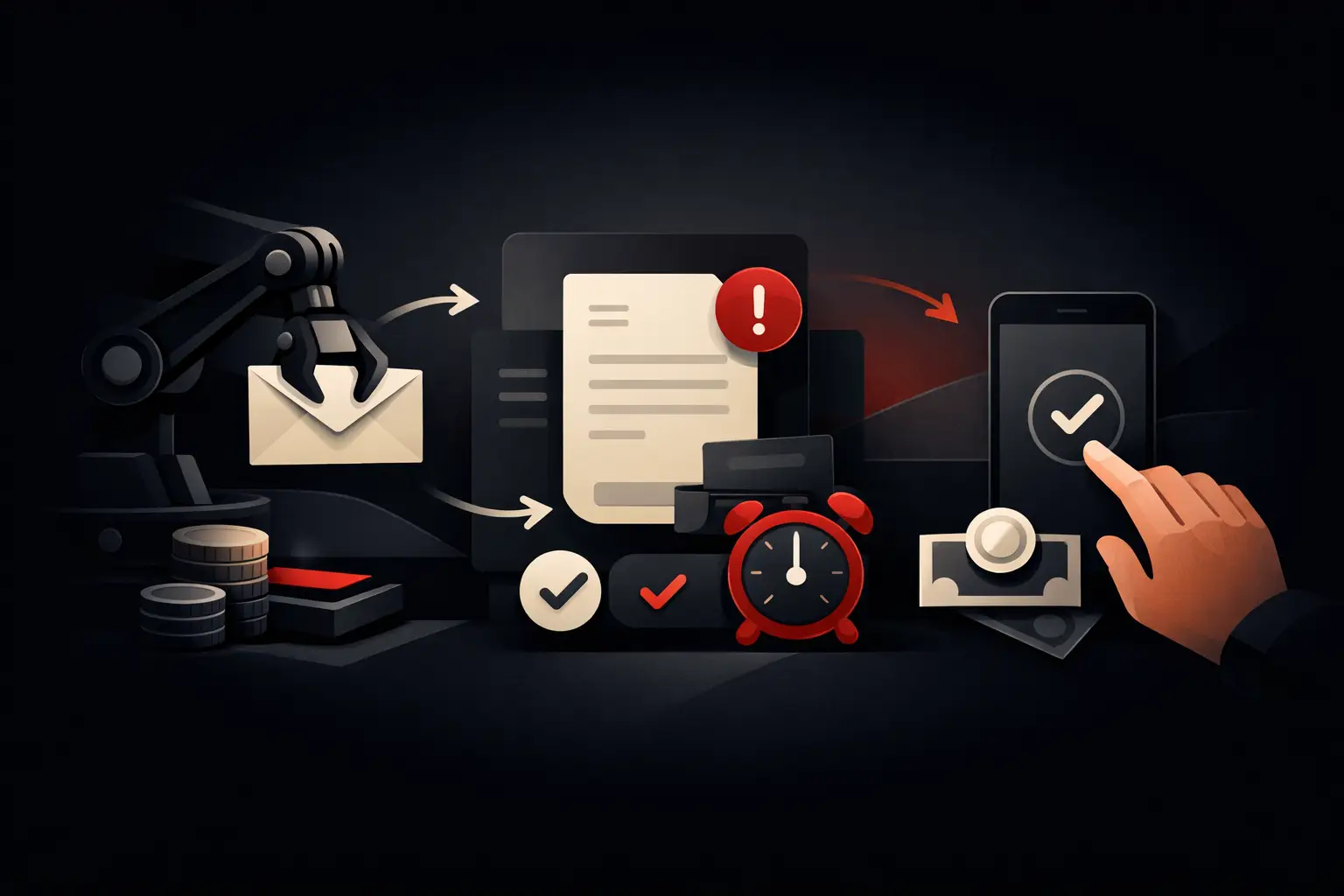
An overdue payment is more than an unpaid invoice: it is unavailable cash, less reliable financial forecasts, and time taken away from value-generating activities. Automating payment reminders makes it possible to act before a delay becomes a problem, with timely, consistent communications that are proportionate to the business relationship.
For many small and medium-sized businesses, the collections process still relies on spreadsheets, personal reminders, and manually sent emails. It works while volumes are low. But as customers, invoices, due dates, and sales channels increase, the process becomes fragile: someone forgets a reminder, a customer receives two messages, a dispute goes unnoticed, or a sales representative discovers too late that a strategic account is at risk.
Automation is not about making the relationship more impersonal. When designed well, it protects the relationship, makes collections more predictable, and gives the team real control over exceptions.
Why automate payment reminders
The cost of delays is not limited to the outstanding amount. There is the administrative time spent checking due dates, retrieving documents, preparing emails, responding to requests, and updating case statuses. There is the financial cost of less stable cash flow. And there is a commercial cost: a late or poorly worded reminder can put pressure on a relationship the company has built over time.
An automated workflow shifts repetitive tasks to the system and leaves people to handle what requires judgment: managing a dispute, arranging an extension, calling an important customer, or deciding when to suspend a supply. The expected outcome is not to send more emails. It is to reduce average collection times, limit oversights, and build a process that can be audited.
The benefits become especially clear when the order-to-cash cycle involves multiple departments. Finance, sales, and customer care can consult the same data: amount due, due date, reminder history, sales notes, promise to pay, and open holds. Without this shared view, automation risks accelerating errors too.
Automating payment reminders: process before software
Choosing a platform comes later. The first task is to map precisely the process that currently takes place, often implicitly. You need to define which documents enter the workflow, which event triggers a reminder, who can pause it, and what happens when a payment is recorded.
A basic workflow might include a reminder a few days before the due date, a first message the following day, a more direct communication after a set number of days, and an internal task for cases that exceed an amount or aging threshold. The exact sequence depends on the industry, average sales cycle, and terms agreed with the customer.
A recurring-services company, for example, might use frequent, light-touch communications, accompanied by a link or immediate payment instructions. A B2B company with high-value invoices and long-standing relationships might instead limit automated messages and involve the account’s sales representative sooner. Automation does not mean applying the same pressure to every customer.
Segment customers and commercial terms
Segmentation is what turns an automated reminder from a simple scheduled email into an intelligent process. Customers can be grouped by invoice amount, payment history, contract, geographic area, acquisition channel, or strategic importance.
A customer who usually pays on time but is late once deserves a collaborative tone. A customer with recurring overdue payments, on the other hand, calls for a progressive procedure with clear internal escalation. Likewise, a disputed invoice should not receive automated messages until the review is complete: it needs a dedicated status that pauses the workflow and assigns the case to the right person.
The rules must also account for partial payments, credit notes, renegotiated due dates, and bank transfers already initiated but not yet recorded. These exceptions—not the standard email—are what determine the quality of the system.
What data and integrations are actually needed
To work, the automation must read reliable data from the business management system, ERP, or invoicing software: customer records, authorized contacts, invoice number and date, due date, outstanding amount, payment details or methods, and collection status. If this information is copied manually between different tools, the risk of sending incorrect reminders remains high.
The most effective architecture connects the finance system to the CRM, email, and, where useful, a customer portal or online payment system. The CRM can flag an ongoing sensitive negotiation; the business management system confirms the balance; the workflow decides which communication to send or which task to create. Every event must be tracked in a single customer record.
It is not always necessary to replace existing software. Often, the value comes from integrating tools already in place, eliminating manual exports and duplicate updates. But when processes are highly specific—complex price lists, contracts with advanced status workflows, multiple companies, or internal approvals—a business management system or custom CRM can offer greater control than forcing a standard solution to fit.
The escalation logic
A good system does more than send messages at set intervals. It must be able to change its actions based on the customer’s response and the severity of the account. After an unanswered first reminder, it can send a second message with the invoice details and payment methods. If the delay exceeds the defined threshold, it creates a task for finance or notifies the sales representative.
For larger amounts, escalation may require a manager’s approval before sending. For customers with an active repayment plan, it can replace standard reminders with agreed-upon notices. For disputed invoices, it can block any automated communication. This logic reduces friction and prevents the system from acting without context.
Writing messages that encourage payment
The tone should be professional, clear, and appropriate to the length of the delay. In early communications, it is best to assume the due date may have been overlooked: including the invoice, amount, date, and payment instructions avoids unnecessary back-and-forth. The goal is to make it easy to take action, not to create tension.
As the days pass, the wording can become more explicit, without aggressive language or automatic threats. If contractual consequences, suspensions, or interest charges apply, they should be communicated only when they are actually applicable and consistent with the signed agreements. An effective template leaves little room for ambiguity while preserving the tone of the business relationship.
The channel should also be chosen carefully. Email is traceable and suitable for most B2B workflows. SMS, portal notifications, or messages through other channels can increase visibility, but should be used cautiously and with appropriate consent. Multiplying channels without a strategy can feel like pressure, not service.
Measuring the impact on operations and cash flow
An automation project should be evaluated against defined KPIs before launch. The most useful include average collection time, the percentage of invoices paid by the due date, overdue amounts by aging bracket, reminder response rate, and the administrative time devoted to collections.
It is also useful to monitor exceptions: how many invoices are paused because of disputes, how many promises to pay are not kept, how many reminders have been canceled by an operator, and why. This data shows where the commercial or administrative process is creating structural delays.
Automation does not replace a clear credit policy. If contractual terms, invoicing, and internal responsibilities are unclear, software can make the problem more visible but cannot solve it on its own. The best project combines business rules, reliable integrations, well-designed messages, and dashboards that make it possible to act on critical cases.
Graffico designs automations and custom tools based on a company’s actual workflows, not prepackaged sequences. The difference lies in the ability to connect data, responsibilities, and actions in a measurable process designed to reduce manual work without losing control.
The first practical step is not to choose yet another tool: it is to analyze the most recent overdue invoices, reconstruct what happened, and identify where the process stalled. Those points of friction are where a system can begin to protect liquidity and make growth more predictable.
Ready to bring your ideas to life?
Request a free, no-obligation consultation. Let's talk about your project.
Request a consultation