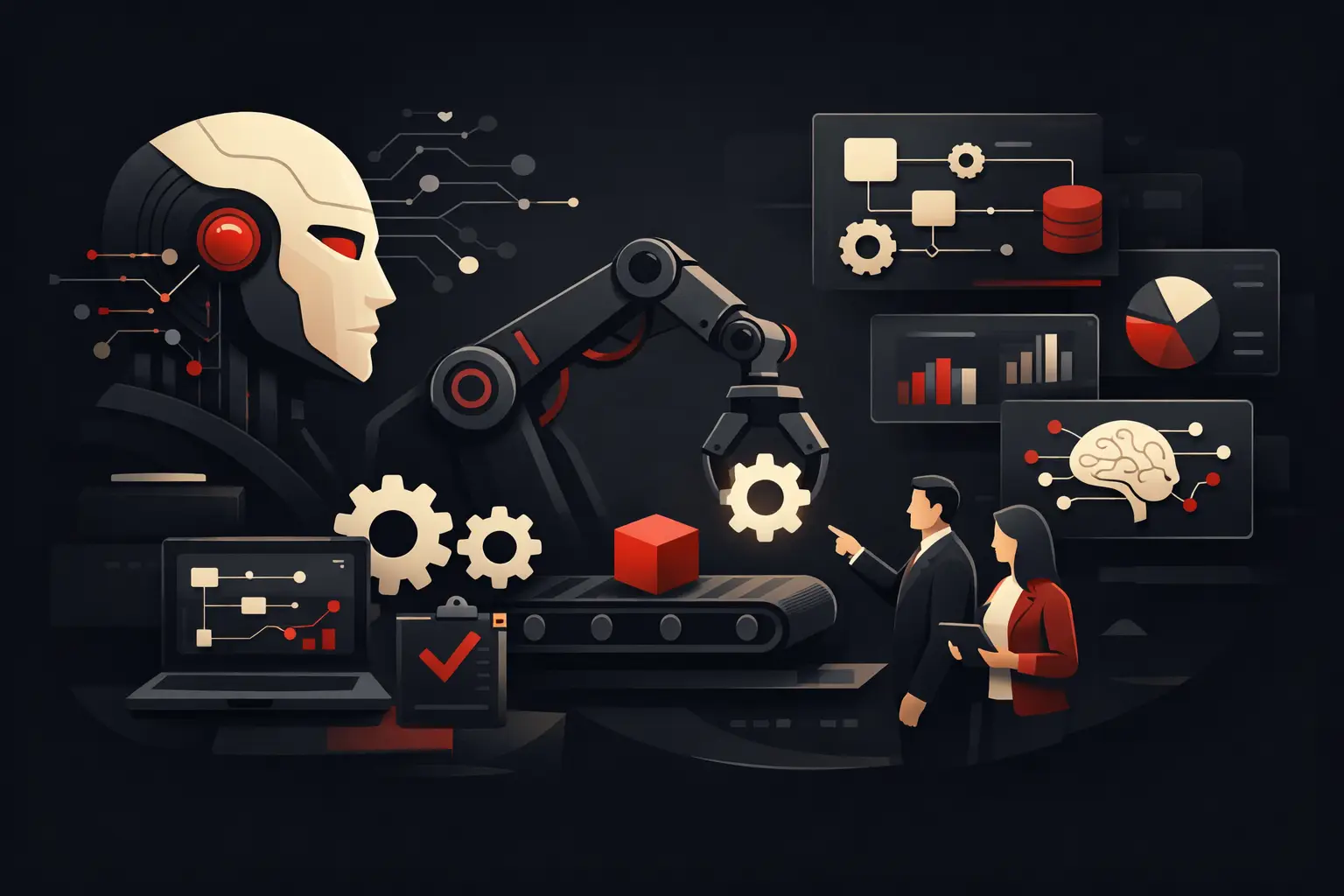
Automating Business Processes with AI
Automating business processes with AI: where it generates ROI, which workflows to optimize, mistakes to avoid, and how to implement it methodically.
If a customer request at your company still passes through email, Excel spreadsheets, internal chats, and manual re-entry, the problem isn’t the workload. It’s the process. AI-powered business process automation is designed to do exactly this: eliminate unnecessary steps, speed up decisions, and turn repetitive tasks into faster, traceable, and scalable workflows.
For many SMEs, the point isn’t to “use artificial intelligence” in a generic sense. It’s to understand where AI delivers a genuine operational advantage. Not every task should be automated, and not every automation creates value. The solutions that really work are designed around existing processes, integrated with business systems, and measured against concrete metrics such as time saved, fewer errors, faster responses, and the ability to handle more volume without immediately expanding the team.
Where AI-powered business process automation creates value
AI doesn’t replace the logic of a process. It improves it when there is data to interpret, rules to apply, and recurring decisions to make quickly. That’s when it stops being an appealing promise and becomes a measurable investment.
One area is sales back office. Incoming requests, lead qualification, quote generation, assignment to the right contacts, follow-ups, and CRM updates are often fragmented. AI can read content from emails or forms, classify the request, fill in missing data, route the contact to the right person, and trigger the next steps. The result isn’t just greater speed. Above all, it means less sales leakage.
A second area is customer support. Many companies handle a growing volume of repetitive requests that consume time without improving perceived service quality. A well-configured AI system can handle first-line support, retrieve information from internal documentation, answer questions about order status, policies, availability, or procedures, and involve the human team only when needed. This reduces waiting times and frees up resources for higher-value cases.
Then there’s operations, often the most profitable area to optimize. Order entry, document verification, status updates, reminders, and synchronization between ERP, CRM, and external tools are repetitive activities with a high risk of human error. In these cases, AI works well alongside workflow automation and software integrations. It isn’t enough on its own. But as part of a well-designed system, it can read documents, interpret variable fields, detect anomalies, and trigger workflows automatically.
AI and automation aren’t the same thing
This is one of the points that causes the most confusion. Traditional automation executes precise rules: if X happens, do Y. AI comes into play when you need to interpret text, classify information, extract data, estimate priorities, or suggest actions based on patterns.
In practice, an effective workflow combines both. A simple example: a request arrives by email. AI reads the content, determines whether it’s about support, sales, or administration, extracts the relevant data, and assesses its urgency. Automation then creates the ticket, updates the CRM, notifies the right department, and schedules the follow-up. Without this architecture, you risk using AI as a shortcut disconnected from real systems.
That’s why AI-powered business process automation shouldn’t be treated as a tool to add. It should be designed as operational infrastructure. If data is scattered, processes are undefined, or responsibilities are unclear, AI amplifies the disorder instead of reducing it.
Which processes should you automate first?
The best place to start isn’t with technology, but with the cost of inefficiency. Start with workflows that have three characteristics: they’re repetitive, involve multiple tools, and create measurable delays or errors.
Common first candidates include lead management, customer care, quoting, data retrieval from documents, customer onboarding, project progress tracking, and reporting. Not because these are the only processes that can be automated, but because they generally make ROI visible more quickly.
There is, however, a trade-off to consider. Automating a very frequent but chaotic process may deliver worse results than first optimizing a less frequent but well-defined workflow. If the upstream process is unclear, automation risks cementing existing inefficiencies. Simplify first, then automate.
How to assess ROI realistically
Many companies look for the return on AI in abstract terms. The right assessment, however, is operational. How many staff hours each week are taken up by repetitive tasks? How many errors result from copy-and-paste, duplicate entries, or untracked handoffs? How many sales opportunities are lost because nobody responds quickly enough?
Once you put all this into numbers, the investment stops being theoretical. If a team spends 30 hours a week routing requests, updating data, and chasing information across different tools, automation can significantly reduce that workload. But ROI isn’t just about cutting costs. Often the biggest benefit is the ability to handle more volume with the same team, while keeping quality and turnaround times under control.
Here too, it’s important to be realistic. Not all processes deliver immediate returns. Some projects produce strong but gradual benefits because they require integrations, data cleanup, and team adaptation. That’s normal. The most effective implementations don’t promise magic. They build a system that improves over time.
The most common implementation mistakes
The first mistake is starting with the tool instead of the objective. If the problem is slow order processing, you need to design the ideal workflow, understand where it gets stuck today, and then choose the right technology. Doing the opposite almost always leads to partial solutions.
The second mistake is ignoring integrations. An automation that doesn’t communicate with your CRM, ERP, business management system, e-commerce platform, or internal databases creates another silo. It may look impressive in a demo, but in production it complicates the work.
The third mistake is failing to define ownership and controls. Even the most automated workflows need oversight, properly handled exceptions, and clear KPIs. AI can classify, suggest, fill in information, and trigger actions, but precise governance is essential. Who checks quality? Who steps in when there are outliers? Who measures the results?
Finally, there’s the cultural aspect. If the team sees automation as a threat or a system imposed from above, adoption slows down. But when it’s presented as a way to eliminate repetitive work and improve control, the response changes. People don’t resist technology. They resist unclear processes.
The right approach to AI-powered business process automation
A serious project starts by analyzing real workflows—not how they’re supposed to work on paper, but how information, requests, and decisions actually move. You map the steps, identify bottlenecks, and quantify time, errors, and friction points.
At that point, you set priorities. Not everything at once. Start with processes that have a high impact and manageable complexity. Then design the solution: integrations, rules, AI interventions, operational interfaces, and monitoring dashboards. Development comes only after that.
This approach is what turns technology into a competitive advantage. For companies that want to grow without expanding their organization in a disorderly way, the value isn’t in having more software. It’s in reducing friction between departments, relying less on manual tasks, and increasing the ability to make data-driven decisions. In this sense, a partner like Graffico works where the difference is truly measurable: specific processes, tailored tools, and concrete operational impact.
What to really expect in the first few months
In the first few months, it’s not just speed that changes. The quality of control improves too. Data becomes more consistent, steps become easier to track, and teams become less dependent on key people who “know how to do it.” This reduces operational risk, which for many SMEs is just as valuable as financial savings.
There will also be adjustments. It’s normal to recalibrate rules, fine-tune AI classifications, handle exceptions, and improve the internal user experience. The goal isn’t to have a perfect system on day one. It’s to build a workflow that delivers results right away and improves continuously.
The companies that get the most value from these projects have one thing in common: they aren’t looking for a generic solution; they’re looking for a system that fits their operating model. Because real automation isn’t the kind that impresses in a presentation. It’s the kind that, after three months, eliminates unnecessary hours every week, reduces errors, and makes growth more manageable.
If processes are slowing down sales, customer support, or operations today, the question isn’t whether to adopt AI as a fad. The question is how much it already costs not to act. Often, the difference isn’t made by the technology itself. It’s made by the method used to apply it.
Ready to bring your ideas to life?
Request a free, no-obligation consultation. Let's talk about your project.
Request a consultation