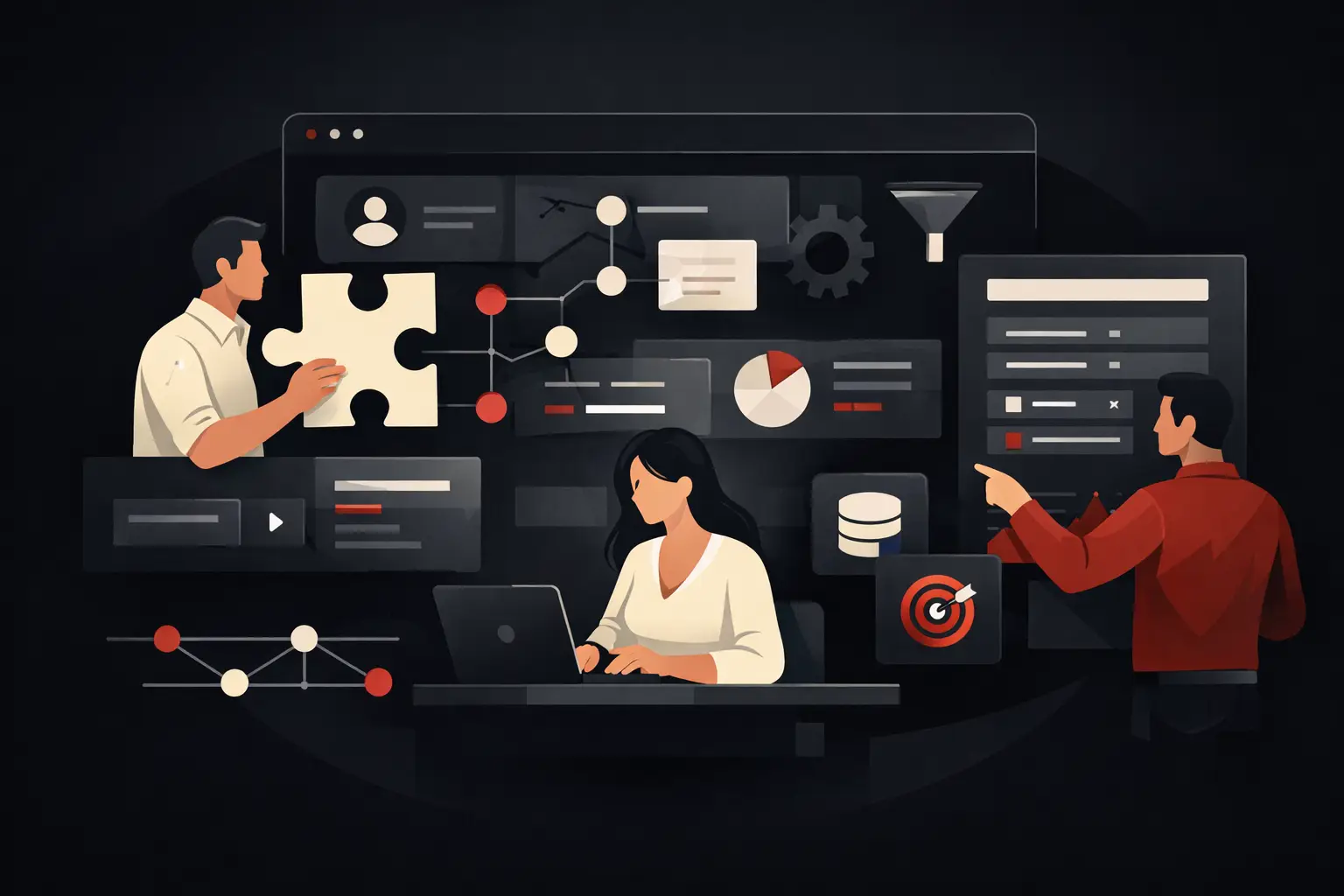
A Guide to Custom Software Development
A guide to custom software development for SMEs: how to assess costs, timelines, processes, and ROI to build useful, scalable, and measurable tools.
When a team loses hours juggling Excel, email, copy-and-paste, and tools that don’t communicate with each other, the problem isn’t just operational. It’s economic. A guide to custom software development is designed to help you understand when it makes sense to build a bespoke system, how to do it well, and which mistakes to avoid before investing time and budget.
For many SMEs, the critical issue isn’t a lack of tools but an excess of disconnected solutions. An order management system, a half-used CRM, forms filled out by hand, reports rebuilt from scratch every week. As long as volumes remain low, things keep moving. But as customers, requests, and complexity grow, this model starts slowing everything down: sales, customer support, administration, and oversight.
Custom software development isn’t about “making something personalized” in a generic sense. It’s about building an operational asset that reflects real processes, cuts unnecessary steps, and makes the business faster, more accurate, and measurable. This distinction changes how a project should be evaluated.
What custom software development really means
Custom software isn’t simply a product with the company logo on it. It’s a tool designed around a specific workflow: order management, internal approvals, quoting, customer support, resource planning, private portals, data collection, and automation between departments.
The difference from a standard solution lies in how closely it fits the process. Off-the-shelf software often forces a company to adapt to the tool. Custom software does the opposite: it starts with how work actually gets done and builds its logic, roles, permissions, dashboards, and integrations around that operation.
That doesn’t mean custom software is always the best choice. If a need is simple, common, and already well served by a mature SaaS product, forcing a dedicated build may be wasteful. Custom software makes sense when the complexity is real, the process is distinctive, or the cost of inefficiency is already visible in the numbers.
When a guide to custom software development is genuinely useful
There are some clear signs that it may be time to move from fragmented tools to a purpose-built solution.
The first is repetitive manual work. If people spend time transferring data between systems, checking for errors, sending reminders, updating shared spreadsheets, or creating reports manually, you’re not just wasting time. You’re introducing ongoing operational risk.
The second sign is a lack of visibility. If it takes three different files, two phone calls, and an export from the management system to figure out what’s happening, you lack control. And without control, it’s hard to make good decisions.
The third is disorganized growth. Many companies add tools over time to solve one-off urgent problems. It works at first. Then the hidden cost emerges: duplicate data, inconsistent processes, a fragmented customer experience, and dependence on key people who hold everything together “by hand.”
In these cases, a custom project isn’t a technology luxury. It’s an efficiency decision.
Where a successful software project begins
The starting point isn’t interface design or even a feature list. It’s process analysis.
Before writing a single line of code, you need to answer some very practical questions: where does the data originate, who changes it, who needs to approve it, what exceptions occur, which tasks recur, which KPIs matter, what tools are already in place, and which ones need to be integrated?
This is the stage that separates useful software from expensive software that few people adopt. If the analysis is superficial, you risk producing a platform that is technically sound but disconnected from the team’s day-to-day reality.
That’s why a serious approach doesn’t start with “what do you want in the software?” but with “how does your work happen today, and where does it break down?” This is where a consulting partner makes a difference. They don’t just take requests at face value. They translate them into architecture, priorities, and operational logic.
The essential stages of custom software development
A good guide to custom software development should make one point clear: there’s no single model that works for every company, but there is a sequence of work that reduces risk, waste, and misunderstandings.
The first stage is requirements gathering, which goes beyond interviews. You need to map processes, stakeholders, pain points, existing tools, and business goals. Software designed to cut order management time by 40% is a very different project from one intended to improve the quality of sales data.
Next comes functional design. This is where workflows, screens, user roles, approval logic, notifications, dashboards, and integrations are defined. It’s the point at which expectations and feasibility are brought into alignment.
Then comes development itself. At this stage, it’s better to work in progressive releases rather than monolithic mega-projects. A well-designed MVP lets you validate the foundation, measure adoption, and quickly fix any friction points.
Finally, there are testing, launch, training, and ongoing support. Software doesn’t end at publication. It starts delivering value when it becomes part of daily operations and is refined based on real-world use.
Costs, timelines, and ROI: what companies really care about
Talking about custom development without addressing costs and financial returns would be pointless. The truth is that the price of custom software depends on three main factors: process complexity, the number of integrations, and the level of customization required.
An internal portal with simple workflows doesn’t require the same effort as a custom CRM with sales logic, automation, analytics, and connections to ERP, email, and customer care tools. Timelines change accordingly.
But a proper evaluation shouldn’t stop at the upfront cost. The right question is: how much does it cost us today not to have this software?
If a team of five people loses two hours a day to repetitive tasks, the annual cost is often higher than many companies imagine. If data entry errors cause delays, complaints, or invoices that need correcting, the damage isn’t just internal. It affects revenue, reputation, and margins.
The ROI of custom software can therefore be measured across several dimensions: hours saved, fewer errors, sales velocity, data oversight, better customer service, and a greater ability to scale without immediately expanding the organization.
Trade-offs to consider before getting started
Custom software offers a strong competitive advantage, but it also requires mature decision-making. It isn’t a shortcut.
It requires time from the company, especially in the initial phase. If management doesn’t take part in defining processes and priorities, the risk of building something that misses the mark increases. It also requires clear goals. If everything is urgent or everything is strategic, the project loses direction.
There’s also the question of ongoing development and maintenance. Good custom software grows with the business. That’s an advantage, but it involves an ongoing relationship with the technical partner. It’s worth considering from the outset, without expecting a digital project to remain unchanged as processes, teams, and markets evolve.
That said, this is precisely where the value of custom software lies: not in buying a closed package, but in building a system that can genuinely adapt as the company evolves.
Common mistakes that slow down results
One of the most common mistakes is starting with features rather than problems. Asking “do we need a CRM?” or “do we need an internal management system?” can be misleading. The real question is which inefficiency needs to be eliminated and which outcome needs to be measured.
Another mistake is trying to reproduce every detail of the current process. Not everything that exists today needs to be digitized as-is. Sometimes a software project is the right opportunity to simplify, eliminate unnecessary steps, and standardize operational decisions.
Then there’s the opposite risk: trying to put everything in from the start. A first release that’s too ambitious tends to drive up timelines, costs, and complexity. It’s better to identify the high-impact core and build from there.
Finally, underestimating internal adoption is a costly mistake. Even the best software fails if the team doesn’t use it consistently or sees it as an added burden. Clear interfaces, intuitive logic, and targeted training matter just as much as the code.
The role of integrations and automation
Today, talking about custom software without considering integrations and automation means looking at only half the project. The real value often lies not in the individual tool, but in its ability to orchestrate data and actions across different systems.
Well-designed software can receive requests from the website, assign them to the right salesperson, update the CRM, generate operational tasks, send notifications, and feed real-time dashboards. Add intelligent automation or AI-based modules, and the benefits grow further: less manual work, faster decisions, and better data quality.
For growing companies, this means something very concrete: increasing operational capacity without proportionally increasing the workload on internal teams.
How to choose the right partner
The point isn’t simply to find someone who develops software. It’s to find someone who understands the business well enough to turn operational complexity into a useful tool.
A suitable partner doesn’t just provide quotes based on screens and features. They ask about processes, goals, bottlenecks, hidden costs, and the KPIs to track. They bring technical vision, but also a project methodology and an understanding of real-world adoption.
That’s why many companies choose firms like Graffico when they need not just any software, but a digital infrastructure designed to deliver efficiency, control, and measurable growth.
The best choice, almost always, is the one that reduces internal complexity and improves decision-making clarity. If custom software can do that, it isn’t an IT expense. It’s an operational multiplier that starts making itself felt much sooner than you might think.
Ready to bring your ideas to life?
Request a free, no-obligation consultation. Let's talk about your project.
Request a consultation