Custom Software vs. SaaS: Which Is the Better Choice?
Custom software vs. SaaS: differences, costs, timelines, and ROI. A practical guide to choosing the right solution to help your business grow.
If your team is wasting time today juggling Excel spreadsheets, emails, disconnected tools, and repetitive tasks, the comparison between custom software and SaaS is not theoretical. It is a decision that affects margins, operational speed, and your ability to scale without increasing internal complexity.
Many small and medium-sized businesses reach this crossroads when their processes start growing faster than the tools used to manage them. At first, SaaS seems like the simplest choice: it can be set up quickly, has a predictable cost, and covers common functions. But then concrete limitations emerge: rigid workflows, fragmented data, partial integrations, rising license costs, and departments forced to adapt to the software rather than the other way around.
Custom software vs. SaaS: the real difference
The difference is not simply that one is "customized" and the other is "standard." The real distinction is strategic.
SaaS is designed to serve many customers with similar needs. That is why it offers predefined features, reasonably flexible configurations, and an approach to use designed for a broad market. It works well when your process can adapt to a standard model without losing efficiency.
Custom software, by contrast, is built around your operational workflow. It does not ask you to change how you work to fit into a structure that has already been decided. It is designed to reflect the roles, steps, approvals, exceptions, KPIs, and integrations specific to your business. This changes the kind of impact it can have.
For a company competing on speed, control, and service quality, the right question is not "which one costs less upfront?" It is "which solution will genuinely reduce friction and manual work over the medium term?"
When SaaS is the right choice
SaaS is not the problem. In many cases, it is the most efficient choice.
If you need to get up and running quickly with a clearly defined function—for example, email marketing, project management, ticketing, or accounting—a good SaaS product may be enough. The same is true if your internal process is simple, the number of users is limited, and you do not have significant integration or advanced automation needs.
The main advantage is time to value. You activate the service, configure the environment, train the team, and start working quickly. The cost model is reassuring too: a monthly or annual subscription, little upfront spending, and maintenance included.
There is also an organizational aspect that should not be overlooked. For many businesses, SaaS is a good first step toward digital maturity. It helps replace makeshift tools and introduce more orderly processes without immediately taking on a custom project.
The critical point comes later, when the software is used to cover scenarios it was not designed to handle.
When SaaS starts slowing the business down
The limitations of SaaS almost always emerge in the same way: not through a sudden breakdown, but through an accumulation of small inefficiencies.
One department works in one tool, another exports data to Excel, sales manually updates the CRM, administration re-enters information, customer care cannot see the complete history, and management receives reports late. No single problem seems huge on its own, but the system as a whole becomes costly.
The issue here is not just functional. It is economic. Staff hours spent on low-value tasks, errors caused by duplicate data entry, decisions made using incomplete data, delays in customer service, and difficulty maintaining control. These are real operating costs, even if they do not appear as a line item on a software invoice.
What is more, many SaaS products work well as long as you use their standard features. When you need complex permissions, custom logic, conditional workflows, specific dashboards, or deep integrations, you start paying in flexibility. Sometimes through plugins, sometimes through workarounds, and sometimes through parallel processes created just to compensate for what the system cannot do.
When custom software makes sense
Custom software makes sense when the process is part of your competitive advantage or when operational inefficiency already has a clear cost.
If you manage orders with specific rules, complex quoting, sophisticated sales networks, bookings with specific variables, multilevel approvals, or workflows between sales, operations, and after-sales that currently pass through five different tools, custom software becomes a performance lever.
It is not about having "more features." It is about having the right features at the right point in the process, with the data already connected. A business management system built around the company's real workflow can shorten lead times, eliminate unnecessary steps, improve data quality, and make measurable what was previously scattered.
For many small and medium-sized businesses, the real leap happens here: when software stops being a generic container and becomes operational infrastructure. In this scenario, automation and AI also become much more effective, because they are built on properly designed processes rather than patches applied to tools made for something else.
Costs: the upfront price tells only part of the story
In the comparison between custom software and SaaS, cost is often viewed superficially. SaaS seems cheaper because it requires less upfront investment. And that is true. But the entry price is not the same as the total cost of ownership.
A SaaS product can become costly over time because of growing license fees, add-on modules, external consulting, technical limitations, and lost productivity. If people have to manually compensate for the system's limitations to keep the process running, you are already paying for part of the software in staff hours.
Custom software requires a higher upfront investment, but it can deliver a greater return when it replaces structural inefficiencies. Cutting order-processing times by 30%, reducing administrative errors, speeding up sales follow-up, or centralizing data across multiple departments creates an ongoing economic impact, not a one-off benefit.
The right comparison, then, is not capex versus subscription. It is cost versus operational results.
Development timelines: speed is not always the same as value
Another common argument is time. SaaS can be activated sooner. Custom software requires analysis, design, development, testing, and release. That is also true, but it needs to be considered in context.
Quickly implementing a tool that the team will use poorly or only partially does not mean moving faster. It means postponing the problem. By contrast, a well-defined custom project may take more weeks upfront but deliver months of competitive advantage once it is up and running.
The key is to avoid two extremes: custom software built without priorities and SaaS adopted without a serious assessment of your processes. An effective choice always starts with a clear mapping of workflows, bottlenecks, goals, and metrics.
The key question: is your process standard or distinctive?
To make the right choice, it helps to start with a very concrete question: is the process you want to digitize a commodity or a distinctive part of your operating model?
If it is a commodity, SaaS is often enough. If, on the other hand, the process has a direct impact on margins, service quality, speed of execution, or sales capabilities, standardizing it within generic software may cost you more than you think.
Think of cases such as lead management with specific assignment rules, sales configurators, customer portals with dedicated logic, decision-making dashboards built around proprietary KPIs, or integrations between ERP, CRM, e-commerce, and support. Here, the advantage does not come from having a tool, but from having a system that reflects how the company creates value.
This is exactly where many companies change gear: they stop buying software as an IT expense and start designing it as a growth lever.
A hybrid approach is often the smartest choice
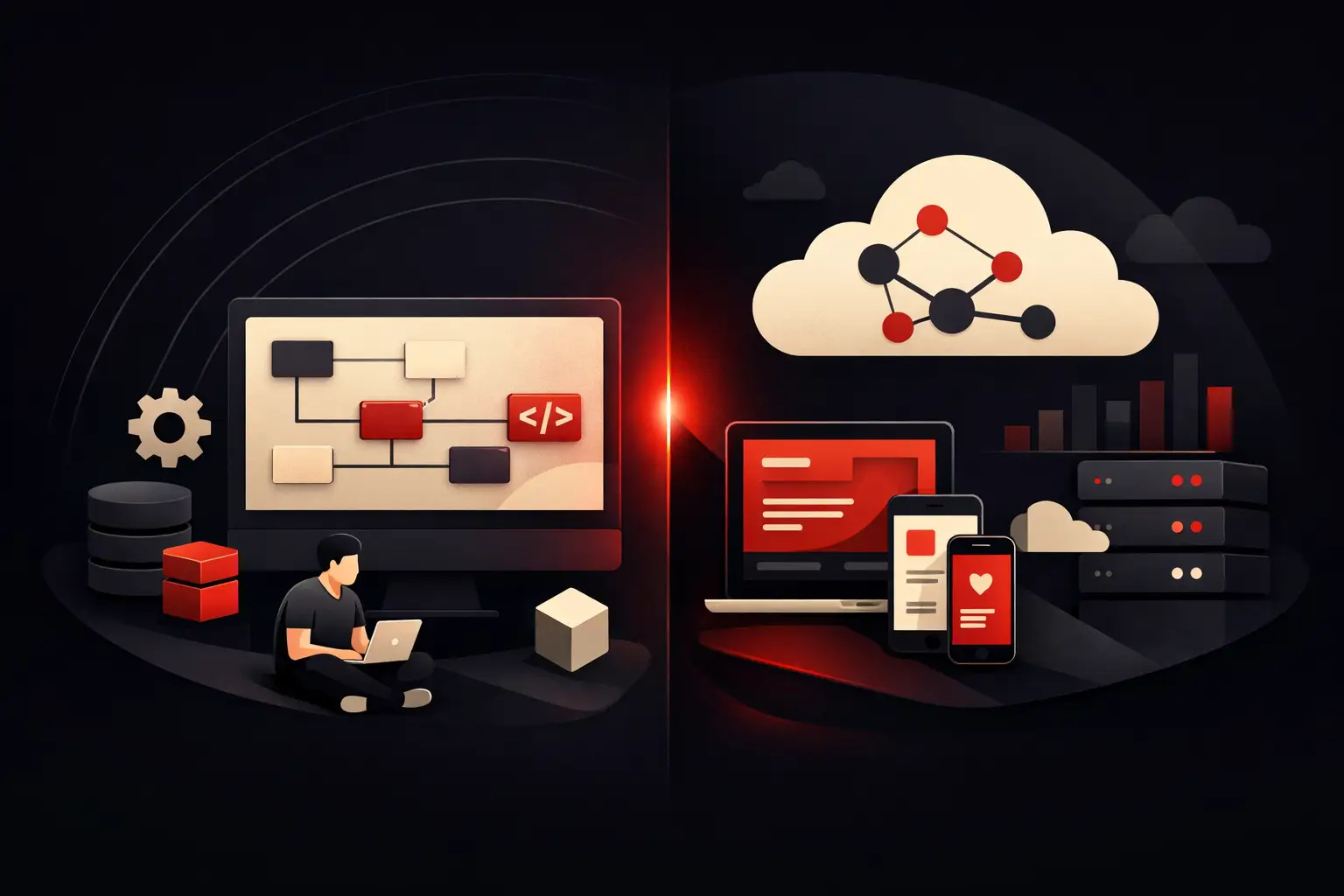
You do not always have to choose just one model. In many situations, the best solution is a hybrid architecture.
You can use excellent SaaS products for standard functions and build custom software for what truly sets you apart. For example, you can keep established tools for accounting or marketing and develop a custom layer to orchestrate internal processes, centralize data, automate steps, and create operational views that SaaS products alone do not offer.
This approach reduces waste and maximizes ROI. It does not reinvent what the market already does well, but it goes beyond its limitations when they start weighing on the business. It is a logic much closer to the real needs of sophisticated small and medium-sized businesses: pragmatic, measurable, and focused on efficiency.
How to decide what to choose today
If you are weighing custom software against SaaS, do not start with the most convincing demo or the lowest quote. Start with three things: how many manual tasks you want to eliminate, how much data fragmentation is costing you today, and which processes need to become faster over the next 12–24 months.
When you have clear answers to these questions, the right technology becomes easier to identify. Sometimes it will be a well-chosen SaaS product. Other times it will be custom software. In many cases, it will be a thoughtfully designed combination.
The point is not to have more technology. It is to have less friction, more control, and a digital structure that supports growth instead of slowing it down. If a software choice genuinely improves operations, accuracy, and scalability, then it is not a technical cost. It is a business decision.
Ready to bring your ideas to life?
Request a free, no-obligation consultation. Let's talk about your project.
Request a consultation