Business Customer Portal: When You Need a Secure Area
Business customer portal: what it’s for, when it makes sense, and which features reduce errors, turnaround times, and manual work.
If your team is still chasing documents by email, sharing updates on WhatsApp, and dealing with customer requests scattered across your CRM, business management software, and Excel spreadsheets, the problem isn’t organizational. It’s structural. A business customer portal with a secure area is designed to eliminate this operational friction and turn a fragmented relationship into a controlled, traceable, scalable workflow.
For many SMEs, the critical challenge isn’t winning new customers, but managing them well after the sale. Order status, documents, tickets, deadlines, administrative requests, restricted materials, approvals: every step handled by a person rather than a system creates wasted time, errors, and invisible costs. As these steps multiply, so does reliance on manual work. And business slows down.
What a business customer portal with a secure area really is
Reducing it to a simple login area is misleading. A business customer portal with a secure area isn’t a private page on your website with a few PDFs to download. It’s a digital environment designed to give customers controlled access to information, tools, and processes that are currently managed in a scattered way.
The difference lies in the operational design. When a portal is built well, customers can find what they need without having to contact your team for every recurring task. At the same time, the business retains control over permissions, data, workflows, and interaction history. In practice, this isn’t just about improving the customer experience. It’s about lightening the internal workload without sacrificing quality.
A portal can include a wide range of features depending on the business model: document downloads, job progress, support tickets, contract renewals, reports, KPI dashboards, a training area, user management, bookings, sales requests, and integration with billing or CRM systems. The value isn’t in the list of features, but in how well they align with real processes.
When is it really worth implementing one?
Not every business needs a custom platform right away. But there are clear signs that a secure area is no longer a nice-to-have and has become a practical driver of efficiency.
The first sign is volume. When repetitive requests increase and the team spends too much time answering the same questions, operational costs start to rise without creating new value. The second is fragmentation: customer data in one system, documents in another, activity history in email inboxes, and updates left to individual account managers. The third is a lack of traceability. If it takes internal calls to work out what was sent, approved, or requested, the process isn’t under control.
It also makes sense when the service you sell is ongoing. Professional firms, manufacturers, software companies, agencies, consulting firms, logistics operators, healthcare providers, and B2B training organizations can all benefit directly. Whenever a relationship continues over time and involves information to consult and activities to coordinate, a dedicated portal reduces friction and increases perceived reliability.
There’s also a strategic aspect that’s often underestimated. When customers access a digital space that’s organized, fast, and consistent with your brand positioning, they see structure, method, and operational maturity. This also affects retention, upselling, and the quality of the relationship.
Features that generate ROI, not just convenience
Many projects fail because they start with the design or a generic list of features. The right question isn’t what to put in the portal, but which tasks it should take off the team’s manual workload.
Documentation is one of the highest-impact areas. Contracts, invoices, reports, technical attachments, certifications, minutes, sales materials: if these are currently sent individually every time, you have a repetitive task that can easily be centralized. The same goes for work status. Letting customers track the progress of an order, case, or project reduces follow-ups and requests for updates.
Support is another high-return area. A ticketing system integrated into the secure area lets you assign priorities, track history, prevent requests from getting lost, and analyze bottlenecks. If the portal also connects with your CRM, ERP, or business management software, its value increases: customers see up-to-date data, and the team doesn’t have to enter the same information twice.
Administrative self-service also delivers quick results. Downloading invoices, checking due dates, updating personal or company details, renewing services, or approving quotes are tasks that, when automated, free up hours every month. It’s not just about speed. It means less dependence on individuals and a more predictable process.
Standard portal or custom solution
This is where realism matters. Standard platforms may be enough for simple needs, especially at the outset. If all you need is to share documents and provide authenticated access with a few permission levels, a preconfigured solution may make sense.
Problems arise when the real process is more complex than the software you’ve chosen. Approval workflows, integrations with existing tools, different user roles, specific sales processes, internal automations, and custom dashboards are all cases where a standard product forces the business to adapt to the system instead of the other way around.
That’s where many SMEs end up paying twice. First, they buy a rigid solution thinking they’ll save money. Then they spend time on workarounds, manual tasks, plugins, stopgap fixes, and extra steps to cover what the platform doesn’t handle well. The lower upfront cost becomes a higher operating cost over time.
A custom solution makes sense when the portal isn’t an add-on, but a central part of the business workflow. In these cases, its value isn’t just aesthetic customization, but the ability to precisely shape permissions, data, automations, and integrations around your process. Concrete results, not promises.
How to design a business secure area that works
Design should start with bottlenecks, not screens. First, analyze repetitive tasks, points where customers have to wait, steps prone to errors, and information that’s currently searched for in too many places. Only then define the portal’s architecture.
A common mistake is trying to publish everything. In reality, an effective secure area shows each type of user only what they need, at the right time. An administrative contact has different needs from a technical contact or a buyer. Permissions should be clear, navigation simple, and language practical.
Integration is also crucial. If the portal requires the team to manually update data that already exists elsewhere, you’ve created a new layer of work, not a simplification. The right goal is to connect the portal to existing systems—CRM, business management software, e-commerce, ERP, help desk, and proprietary software—to sync information and automate steps.
Finally, there’s adoption. A portal is useful only if people use it. That means clear onboarding, a clean interface, high performance, and simple workflows. If customers can’t immediately work out where to find what they need, they’ll go back to sending emails. And the benefit will be drastically reduced.
Security, control, and responsibility for data
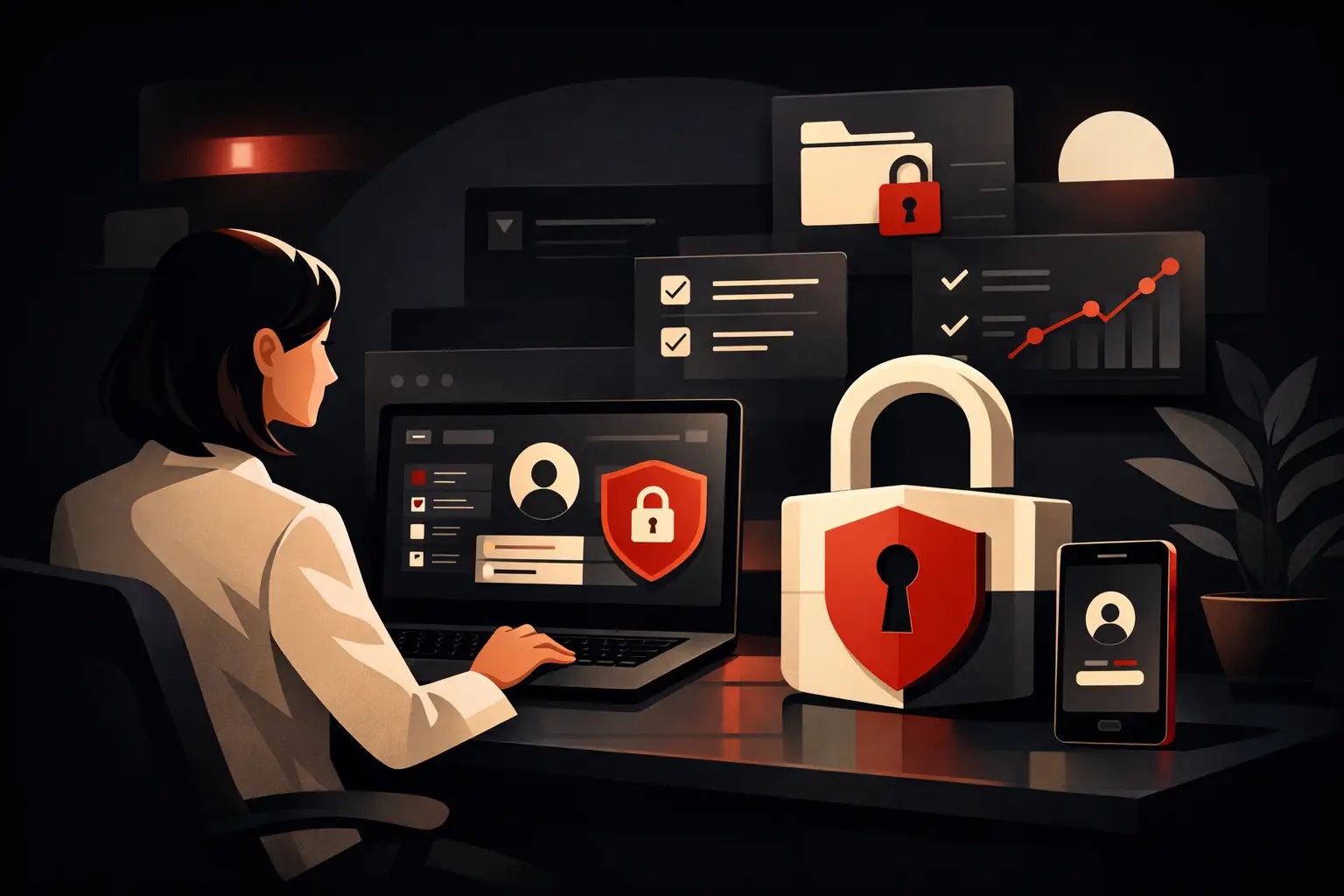
When it comes to a secure area, security can’t be an afterthought. We’re talking about sensitive data, confidential documents, role-based access, activity history, and often critical commercial or administrative information. A robust structure is essential: secure authentication, role management, activity logs, access policies, application security, and attention to compliance.
But security doesn’t have to mean complexity. A good project balances protection and usability. If the rules are too strict or confusing, users will look for shortcuts. If they’re too weak, the risk increases. The right solution depends on the industry, the type of data being handled, and the level of exposure.
The real outcome: less friction, more control
The value of a customer portal isn’t measured only in technological terms. It’s measured in hours saved, fewer errors, faster response times, a lighter back-office workload, a better customer experience, and a greater ability to handle growing volumes without immediately expanding the team.
That’s why a business customer portal with a secure area should be considered process infrastructure, not just a web project. When designed well, it becomes a single point of access between the business and its customers, reduces operational noise, and creates a system that’s easier for everyone to understand.
At Graffico, we often see the same scenario: capable businesses with solid services held back by internal processes that are still too manual. In these cases, the right portal doesn’t add complexity. It removes it.
So the useful question isn’t whether having a secure area makes your business look good. The question is how much inefficiency you’re still accepting as normal.
Ready to bring your ideas to life?
Request a free, no-obligation consultation. Let's talk about your project.
Request a consultation